Preview image. Unlock full-res
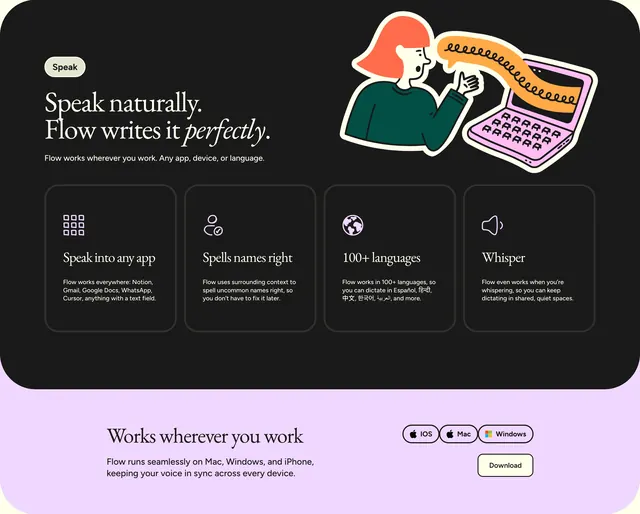
Dark feature section with serif headline, speech-to-laptop illustration, four capability cards, and a lavender platform strip with download CTA below.
Summary
A two-part voice dictation feature block pairing a dark hero row with illustration and four UI cards, then a light lavender footer strip for cross-platform availability and download.
Visual description
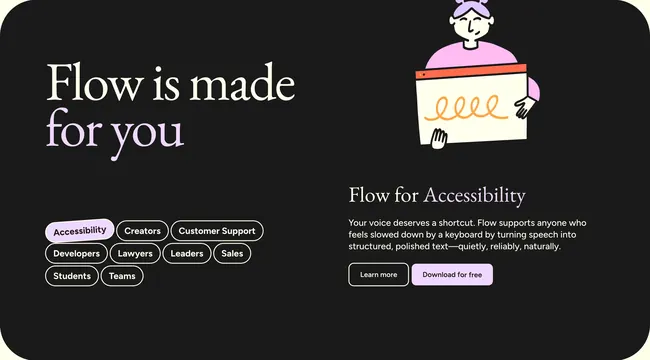
Top half sits on charcoal black. A small off-white Speak pill anchors the left. Large serif headline reads "Speak naturally. Flow writes it perfectly." with sans-serif subcopy about working in any app, device, or language. Right side shows a cartoon person in a green sweater with an orange spiral speech bubble entering a pink laptop whose keys repeat stylized A glyphs. Below the headline row, four dark grey rounded cards sit in a horizontal grid: Speak into any app with a nine-square grid icon and app name examples; Spells names right with a person-and-checkmark icon; 100+ languages with a globe icon and sample scripts; Whisper with a speaker icon for quiet environments. Bottom half switches to light lavender. Left stacks serif heading "Works wherever you work" with body copy on Mac, Windows, and iPhone sync. Right shows three pill badges for iOS, Mac, and Windows plus a prominent Download button.
Key takeaway
The speech-bubble-to-keyboard illustration makes abstract dictation tangible in one glance. Dark cards on black with white iconography keep four dense features readable. Splitting product proof from platform CTA via a color-blocked footer cleanly separates learn from install.
Reuse notes
Ideal for voice, AI writing, or input tools explaining cross-app behavior. Custom illustration and per-card icons are required; lorem cards collapse the pattern. Lavender footer pairs naturally with Flow's cream-and-charcoal system elsewhere.