Preview image. Unlock full-res
Light feature section stacking alternating two-column rows that pair short sans copy with floating, layered automation and outreach product UI mockups.
Summary
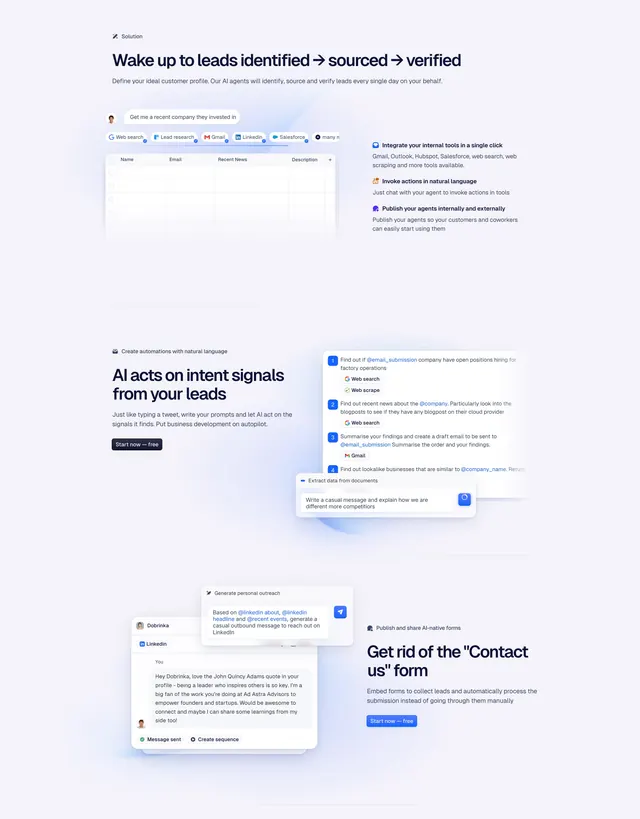
A light feature section built from three alternating two-column rows, each pairing a short sans-serif headline and paragraph with floating, layered product UI showing lead sourcing, AI automations, and personalized outreach.
Visual description
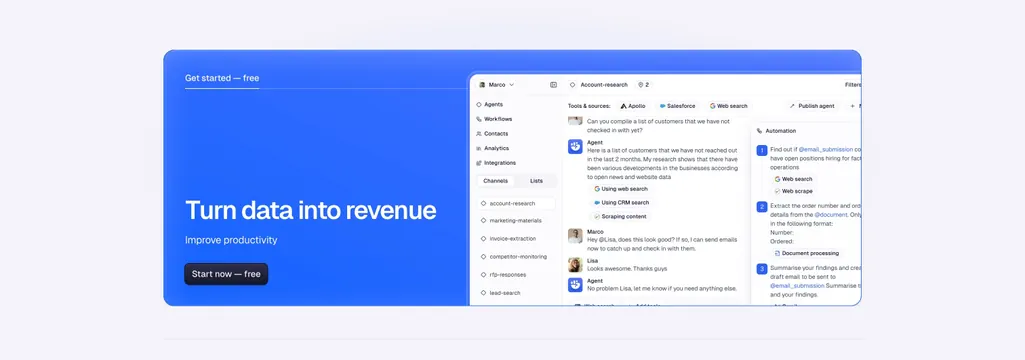
Off-white background with three stacked feature rows separated by faint hairlines. The top row leads with a "Solution" eyebrow and headline "Wake up to leads identified, sourced, verified," with three short bolded benefit lines on the right beside a faded table mockup topped by tool chips (web search, Lead research, Gmail, LinkedIn, Salesforce). The middle row flips orientation: a headline "AI acts on intent signals from your leads" and a filled blue "Start now - free" button on the left, with a floating stack of numbered automation cards and a "Document processing" prompt panel on the right. The bottom row shows a layered LinkedIn outreach mockup with a generated personal message and "Message sent" status on the left, beside a headline "Get rid of the Contact us form" and a second blue button on the right. The product fragments float as soft-shadowed overlapping cards rather than framed screenshots.
Key takeaway
The alternating copy-and-floating-UI rhythm where each row flips the image to the opposite side, keeping a long features stack visually varied. Layering the product into overlapping soft-shadowed cards and prompt chips conveys an AI workflow without a single boxed screenshot.
Reuse notes
A solid multi-row features block for an AI or sales automation tool that needs to demonstrate several distinct capabilities. Requires real, legible UI fragments to layer convincingly. Light and neutral with a single accent-blue button per row keeping the CTAs consistent; pairs with the matching Godmode CTA and FAQ sections.