Preview image. Unlock full-res
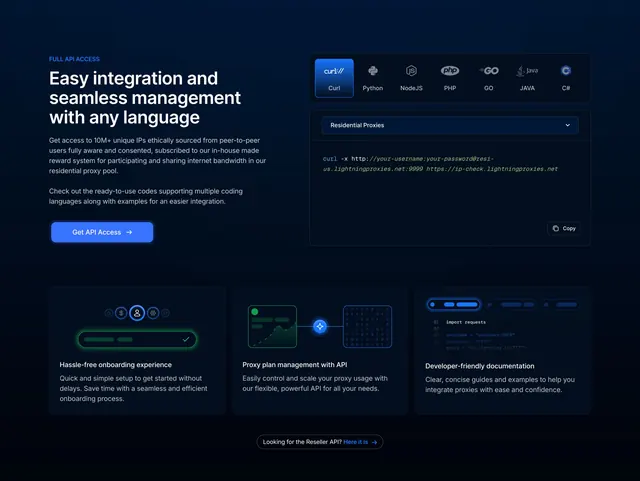
Dark features section pairing a left API pitch and a language-tabbed code snippet, over a three-column support row.
Summary
A developer-focused features section on a near-black background that puts an API pitch on the left and a live code snippet with language tabs on the right, then drops to a three-column support row beneath. The defining element is the copyable terminal-style code block.
Visual description
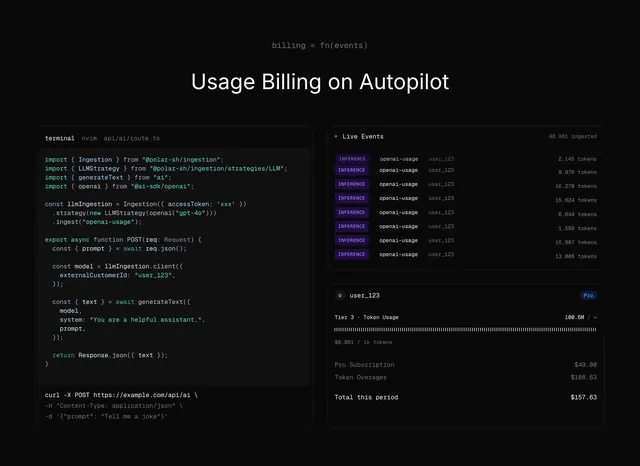
Top-left: a small blue FULL API ACCESS eyebrow, an oversized three-line white heading Easy integration and seamless management with any language, two short muted paragraphs, and a filled blue Get API Access button with arrow. Top-right: a panel with a horizontal row of language tabs each shown as an icon and label (Curl, Python, NodeJS, PHP, GO, JAVA, C#) with Curl active, a Residential Proxies dropdown selector, and a dark code area showing a monospace curl command, with a small Copy control in the lower-right. Below a gap, three equal columns each pair a small dark abstract illustration (a progress-style row, a connected-nodes graphic, a faux code window) with a bold title and short description: Hassle-free onboarding experience, Proxy plan management with API, Developer-friendly documentation. A small pill link about a Reseller API sits centered at the very bottom.
Key takeaway
Showing a real, copyable code snippet behind language tabs as the hero visual, which signals developer-readiness more convincingly than any illustration. The monospace command plus the Copy button reads as a genuine quickstart, and the three-column row below reframes the same product as benefits.
Reuse notes
Built for API-first or developer tools where the audience wants to see code immediately. Only works on dark, where the syntax panel and blue accents carry the contrast. The language-tab strip implies multi-language support, so it should reflect languages actually offered. Pairs naturally with a quickstart or docs CTA.