Preview image. Unlock full-res
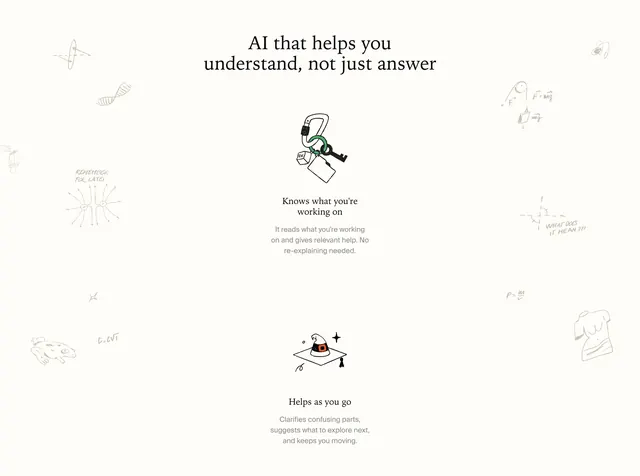
Centered light feature section with a serif headline and two stacked capability rows pairing hand-drawn icons with short copy, framed by faint academic margin doodles.
Summary
A warm off-white capabilities band where two AI benefit rows sit under a serif promise headline, surrounded by faint study-margin sketches.
Visual description
Light cream background with generous vertical padding. Faint gray hand-drawn margin doodles line the left and right edges: ellipse geometry, DNA helix, frog sketch, square-root formula, pulley diagram with F=mg, coordinate plane with "WHAT DOES IT MEAN??", density formula, and a classical torso statue. Centered serif headline in black reads "AI that helps you understand, not just answer." Below, two stacked feature blocks each pair a hand-drawn icon cluster on the left with bold sans title and gray body copy on the right. Top row shows a carabiner holding a green ring, key, Esc keycap, and folder icon beside "Knows what you're working on" and copy about reading context without re-explaining. Bottom row shows a graduation cap with wizard hat and sparkle beside "Helps as you go" and copy about clarifying confusion and suggesting next steps.
Key takeaway
Margin doodles sell the notebook brand without crowding the core message. Pairing lo-fi icon clusters with tight benefit copy keeps an AI feature section human and academic rather than generic SaaS. Two rows is enough to prove depth without a long grid.
Reuse notes
Ideal for edtech or AI study tools targeting students and researchers. Doodles need light backgrounds and wide horizontal padding. Extend with more stacked rows; keep icons hand-drawn for consistency.