Preview image. Unlock full-res
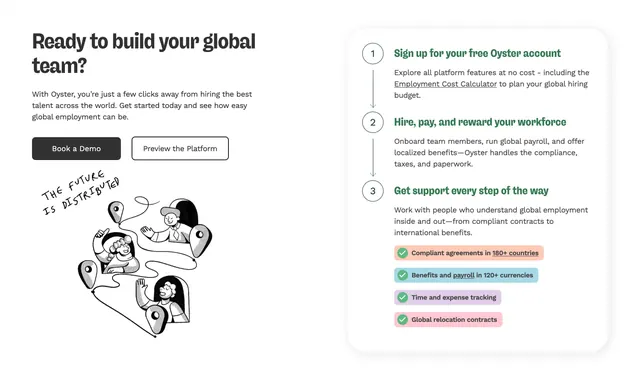
Three-step onboarding section with numbered copy, hire UI mockup on dark panel, and dual CTAs.
Summary
How to get started section with three numbered steps and a Hire a Team Member UI preview on charcoal.
Visual description
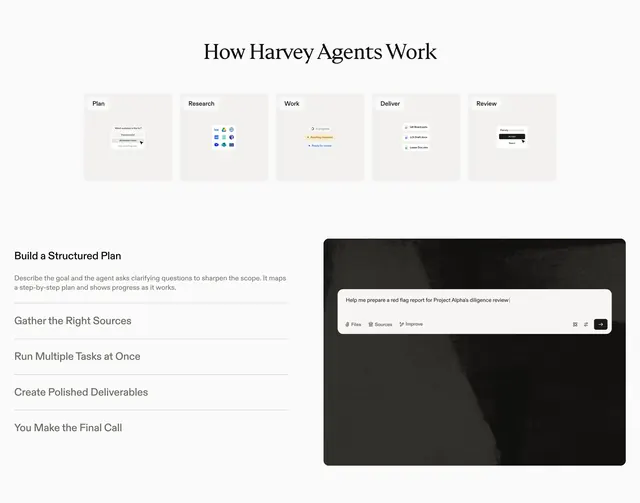
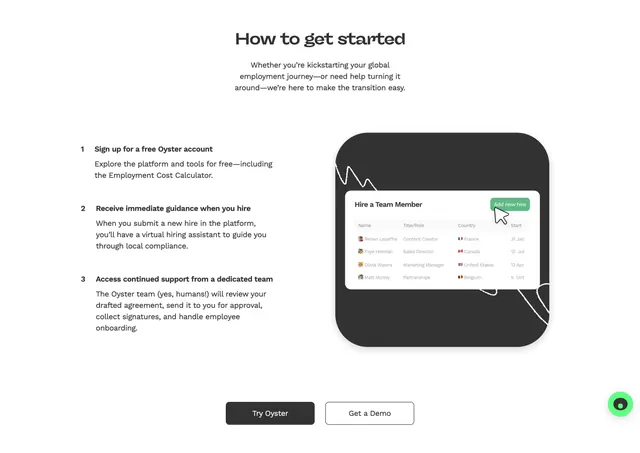
Centered headline and subcopy. Left column lists sign up, virtual hiring assistant, and dedicated support steps. Right dark rounded panel shows employee table with avatars, flags, countries, start dates, green Add new hire button, and cursor hover. Try Oyster and Get a Demo buttons centered below.
Key takeaway
Pair procedural numbered steps with a single realistic product table rather than abstract illustrations. Green accent on one action draws the eye.
Reuse notes
Global hiring or HR platforms explaining onboarding flow. Needs a credible product screenshot.