Preview image. Unlock full-res
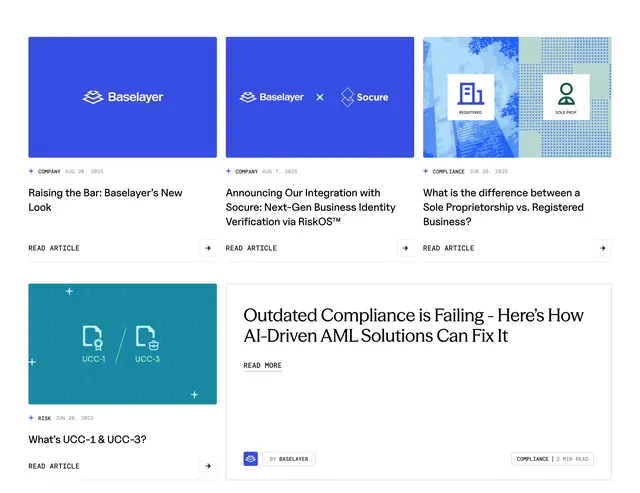
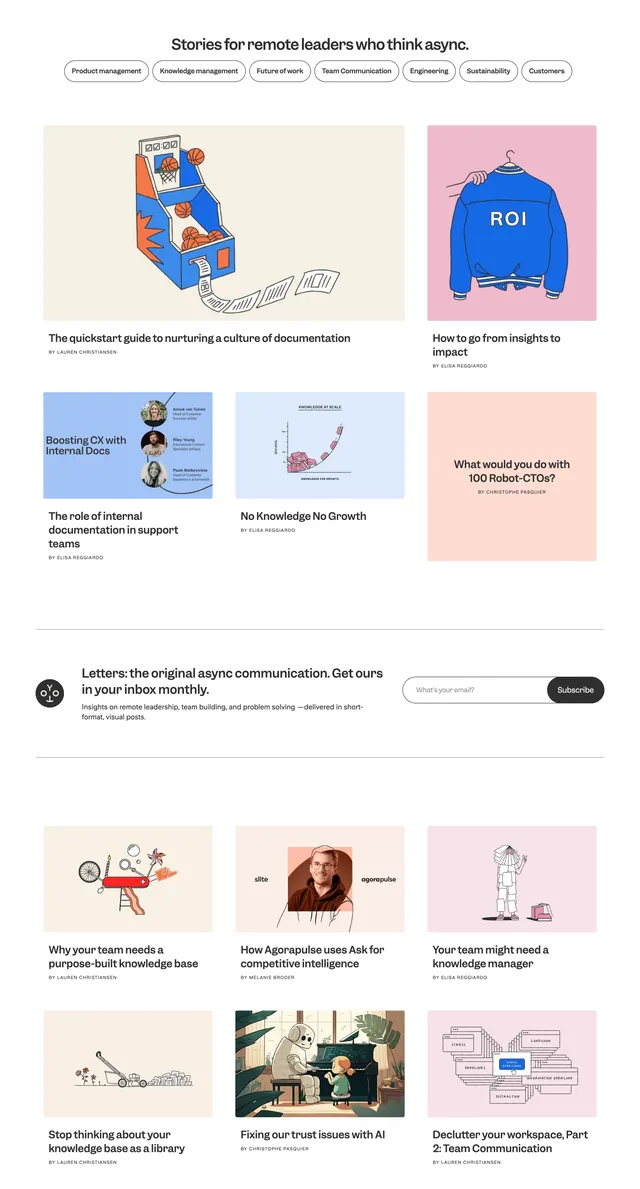
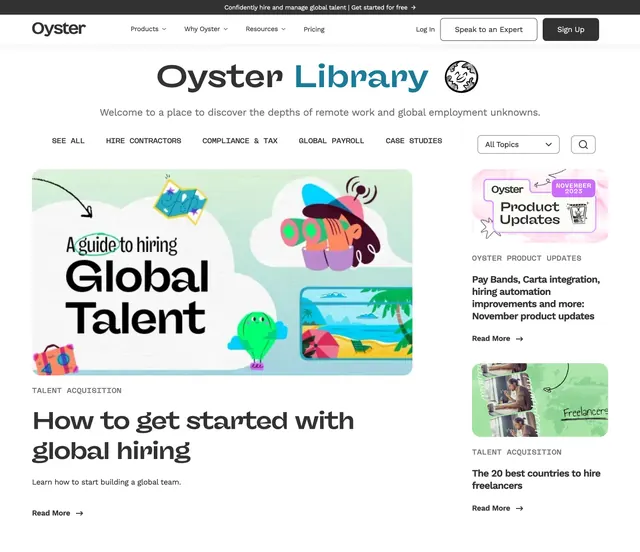
Resource hub header with split-color "Oyster Library" title, category tabs, and a featured article beside a stacked sidebar.
Summary
The Oyster Library landing capture showing promo bar, navbar, split-color hero title with globe doodle, horizontal category filters, and a two-thirds featured article beside a one-third sidebar stack.
Visual description
Dark promo strip at top with white CTA copy. White navbar with Oyster wordmark, dropdown nav links (Products, Why Oyster, Resources), Pricing, Log In, outlined "Speak to an Expert," and filled Sign Up. Centered hero reads "Oyster" in dark gray and "Library" in teal, with a small smiling globe illustration and muted welcome subcopy. Below, an all-caps category bar spans SEE ALL, HIRE CONTRACTORS, COMPLIANCE & TAX, GLOBAL PAYROLL, CASE STUDIES, plus an All Topics dropdown and search icon. Main content splits ~2/3 left featured card with colorful collage illustration, TALENT ACQUISITION label, bold headline "How to get started with global hiring," short description, and Read More link; right column stacks two smaller article cards with thumbnails, category labels, headlines, and Read More links.
Key takeaway
Split-color treatment on a two-word title plus a tiny mascot illustration to humanize a content hub. Category tabs directly under the hero create immediate wayfinding before the featured/sidebar content grid.
Reuse notes
Reference layout for B2B resource centers or blogs with topic taxonomy. Capture includes full chrome (nav, promo, filters), so reuse the hierarchy rather than cropping only the hero headline. Sidebar stack pairs well with one large flagship article.