Preview image. Unlock full-res
Light three-column feature overview with purple isometric icons flanking a central chip illustration, ending in a customer quote block.
Summary
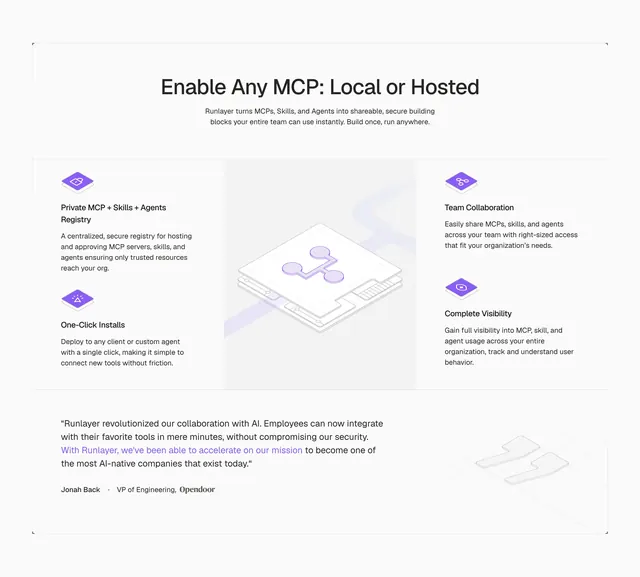
Light three-column feature overview with purple isometric icons flanking a central chip illustration, ending in a customer quote block.
Visual description
White page section headed "Enable Any MCP: Local or Hosted" with gray intro copy. Three columns below: left stack lists Private MCP + Skills + Agents Registry and One-Click Installs, each with a purple isometric cube icon and short paragraph. Center holds a large light-gray isometric processor chip with a purple network node overlay. Right stack lists Team Collaboration and Complete Visibility with matching cube icons. Bottom third is a pale gray quote band with faint oversized quotation-mark wireframe, a multi-sentence testimonial with the final sentence in purple, and attribution "Jonah Back · VP of Engineering, Opendoor" with the Opendoor logo.
Key takeaway
Pair symmetrical icon-plus-copy columns around one central product metaphor illustration so the grid feels balanced without repeating the same card four times. Let one highlighted sentence in brand color carry the testimonial scan line.
Reuse notes
Developer platforms explaining modular capabilities (registry, install, collaboration, visibility). Works when you have four distinct features and one strong customer quote to close the section.