Preview image. Unlock full-res
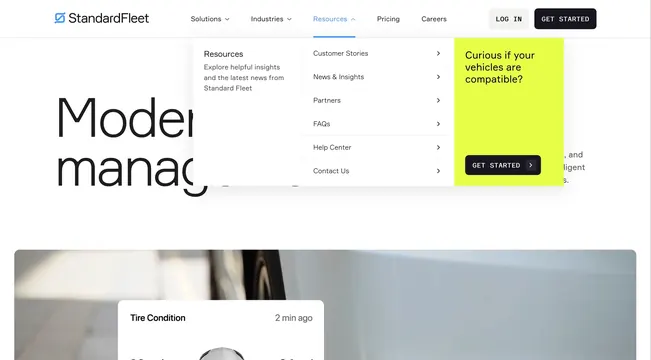
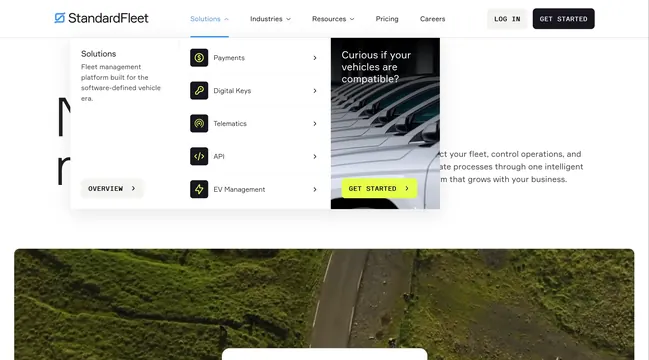
Open Resources dropdown with overview copy, a chevron link list, and a lime vehicle-compatibility CTA card over a partial hero below.
Summary
Open Resources dropdown with overview copy, a chevron link list, and a lime vehicle-compatibility CTA card over a partial hero below.
Visual description
White Resources mega menu with three columns matching the Solutions pattern: overview and OVERVIEW button left, Customer Stories and similar links with chevrons center, lime CTA card right. Below the menu edge, a partial hero shows large Modern fleet management type and a Tire Condition card.
Key takeaway
Embedding a high-contrast conversion card inside a resources menu captures intent from browsers who may not click primary nav CTAs.
Reuse notes
Reference for content-heavy nav dropdowns that still need a signup or demo prompt.
More navbar sections
See all




More like this

Keep what you find
A free account saves references to boards and can send you a weekly email of picks based on what you save.
To see every result, go Pro.