Preview image. Unlock full-res
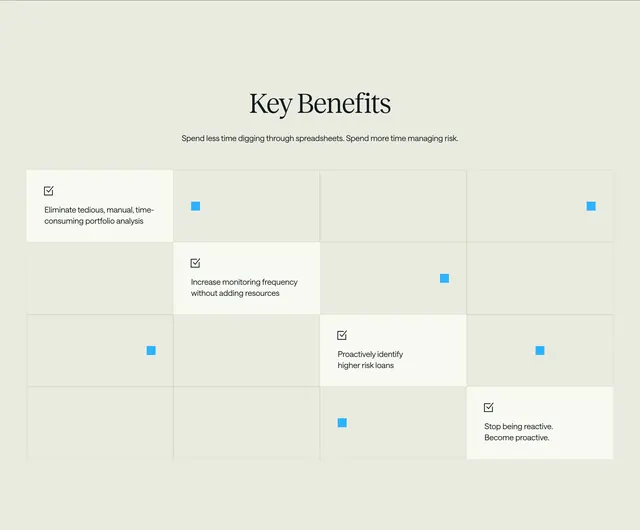
Centered Key Benefits heading above a 4x4 grid with four white benefit cells on a diagonal and scattered blue accent squares.
Summary
Key Benefits section using a 4x4 grid where four white benefit cells trace a diagonal path through empty cells dotted with small blue squares.
Visual description
Cream background. Centered serif Key Benefits title with sans-serif subtitle Spend less time digging through spreadsheets. Spend more time managing risk. Below, a 4x4 grid with thin light gray lines. Four cells on a diagonal from top-left to bottom-right are white with small checkbox icons and benefit text: eliminate manual portfolio analysis, increase monitoring frequency, proactively identify higher risk loans, and stop being reactive become proactive. Six other cells contain small solid blue squares as decorative accents; remaining cells are empty cream.
Key takeaway
Diagonal placement of active cells turns a static grid into a visual path through benefits. Sparse blue squares add color without icons on every cell.
Reuse notes
Product benefit sections for data and risk tools. Grid reads best at full width; diagonal pattern may need simplification on mobile.