Preview image. Unlock full-res
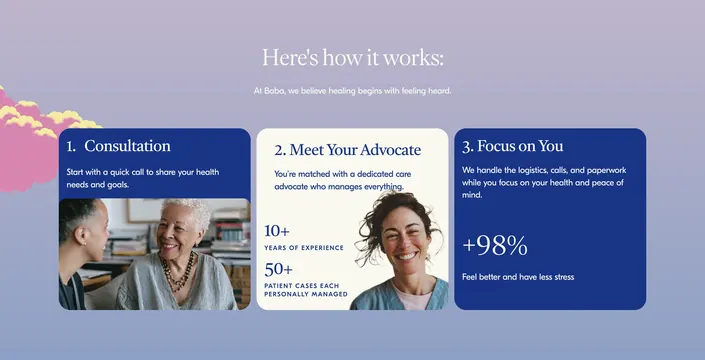
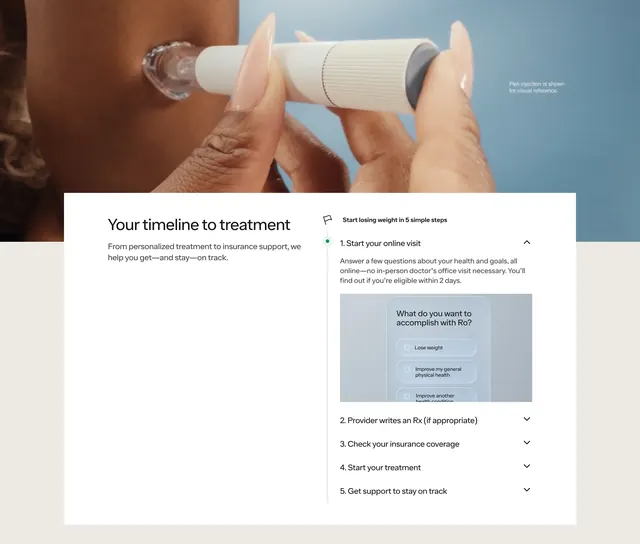
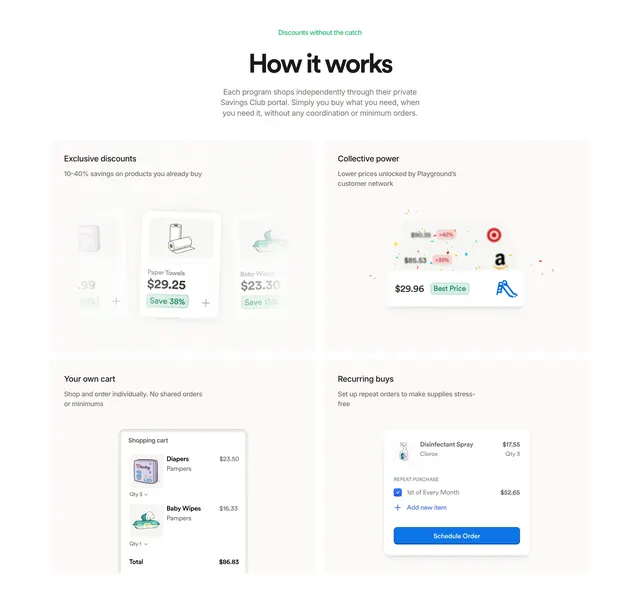
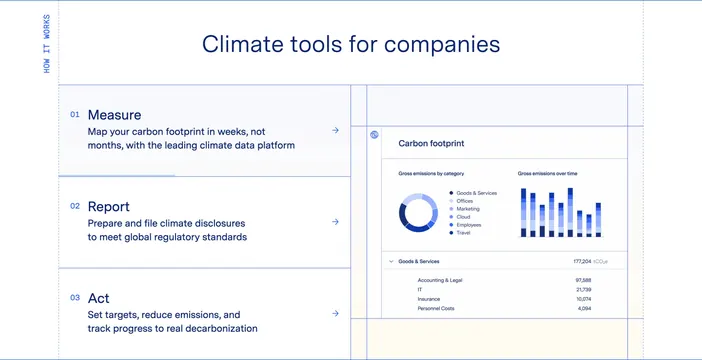
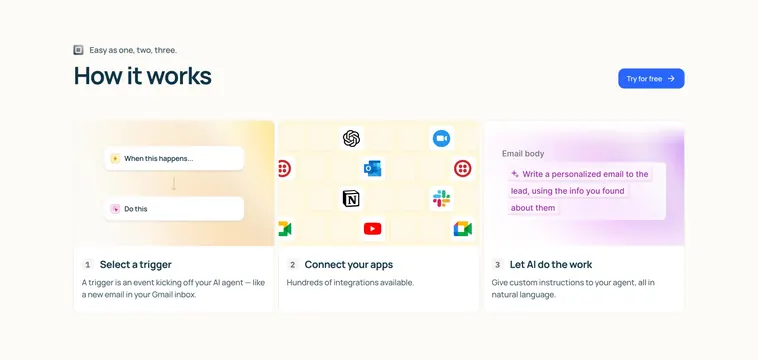
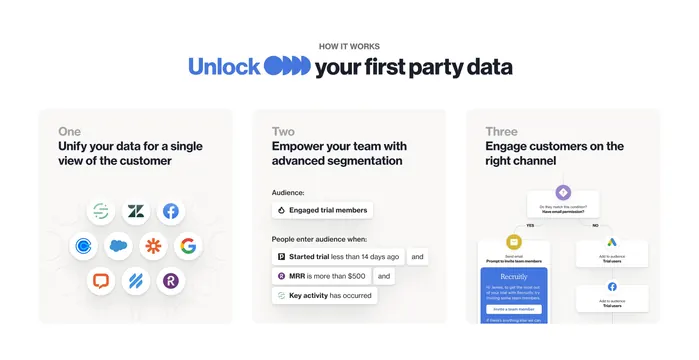
Light three-column process section explaining unify, empower, and engage with integration orbit, segment builder, and channel flow UI.
Summary
"How it works" block with a blue-accent headline and three equal cards for unify, empower, and engage, each pairing a step label with product-style UI art.
Visual description
Small gray "HOW IT WORKS" label sits above a large headline mixing blue "Unlock," a three-pill brand icon, and black "your first party data." Below, three light-gray rounded cards align in a row. Card one ("One") shows a circular cluster of colorful integration logos on a faint dot pattern. Card two ("Two") renders a segment builder with an "Engaged trial members" audience pill and stacked condition tags (trial age, MRR threshold, key activity). Card three ("Three") displays a decision diamond ("Have email permission?") branching to an email preview on YES and Google Ads plus Facebook audience actions on NO. Step numbers are muted gray; titles are bold black sans-serif.
Key takeaway
Each step sells one verb with a miniature UI vignette instead of icon-only bullets. Shared card chrome keeps three different diagrams feeling like one system story.
Reuse notes
Default for MarTech or CDP pages explaining ingest-segment-activate. Flowchart card needs simplification on small screens; consider collapsing to a vertical stack.