Preview image. Unlock full-res
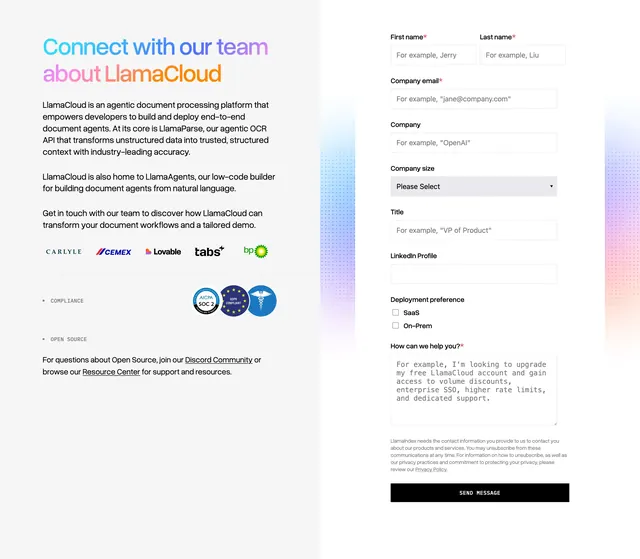
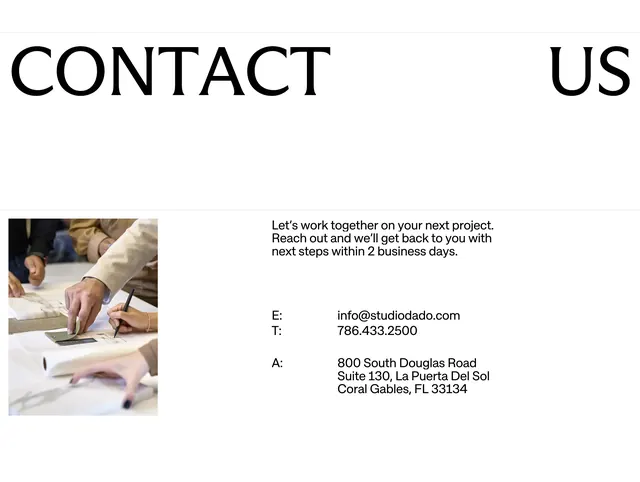
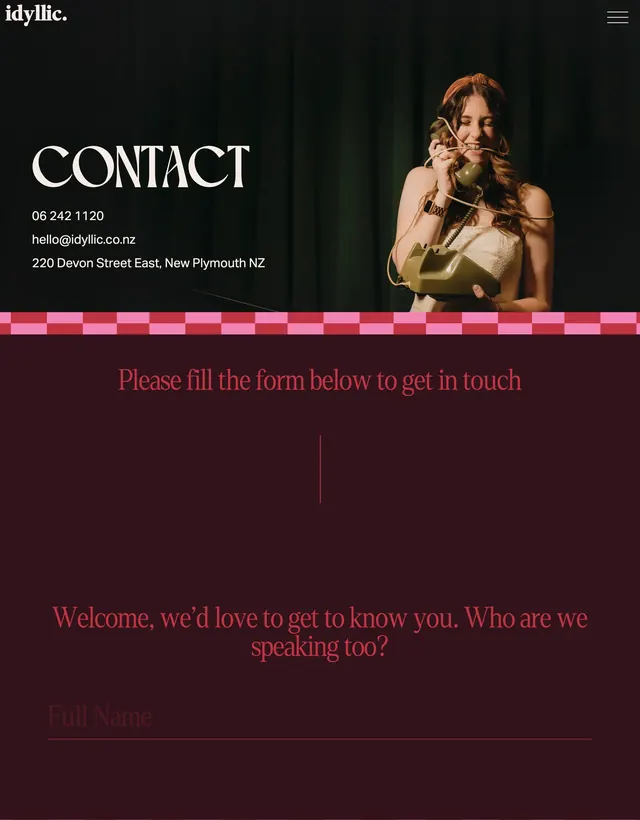
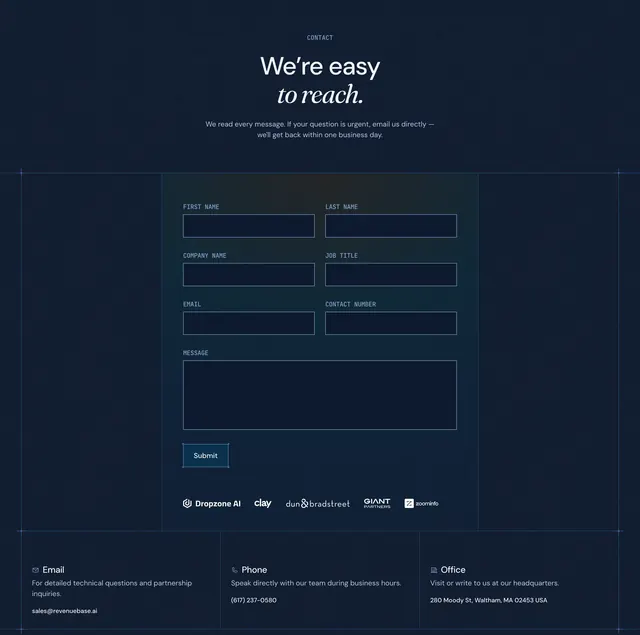
Dark contact section with a blueprint-framed inquiry form, partner logo strip, and a three-column email, phone, and office footer.
Summary
Dark contact section with a blueprint-framed inquiry form, partner logo strip, and a three-column email, phone, and office footer.
Visual description
Navy background with faint grid lines and corner registration marks. CONTACT eyebrow in cyan caps leads into a headline mixing bold sans (We're easy) with italic serif (to reach.), plus muted subcopy about response time. A bordered form area uses small monospace field labels in cyan above dark inputs with thin blue outlines arranged in two columns (name, company, email rows) and a full-width message textarea. A bordered Submit button sits bottom-left with a corner bracket detail. Below the form, five partner logos render in white monochrome. The footer splits into three equal columns separated by vertical rules, each with a small icon, white title (Email, Phone, Office), gray helper text, and cyan contact details.
Key takeaway
Monospace uppercase labels on a dark form signal precision and differentiate this from generic marketing contact pages. Pairing the form with a logo strip immediately borrows trust from known partners. The three-column direct-contact row gives alternatives without leaving the same section.
Reuse notes
Fits enterprise or data products that want a technical, blueprint-adjacent brand language. The layout needs six standard fields plus a message box; logo strip requires recognizable partners. Light backgrounds would lose the grid-and-border effect.