
Preview image. Unlock full-res
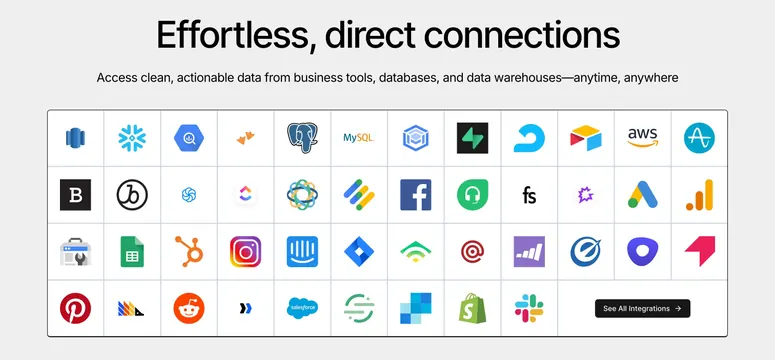
Light integrations section with two rows of colorful app logos in soft white tiles under a centered headline.
Summary
A clean, centered integrations section that presents two rows of full-color app logos, each housed in a soft rounded white tile with a subtle shadow. The simplicity and the gentle edge fade are what make it work.
Visual description
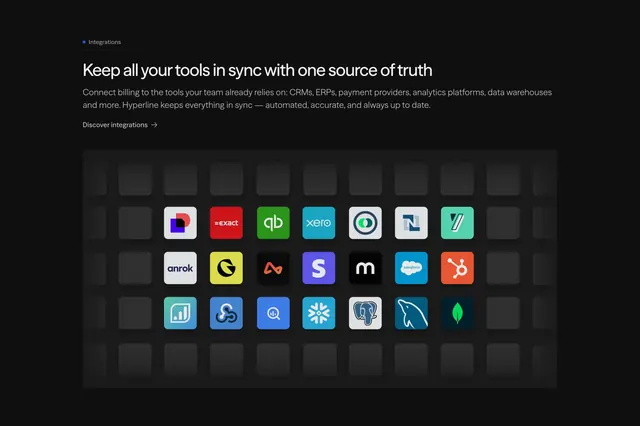
White background with a centered two-line oversized headline "Integrates with your entire stack" and a pill "Explore integrations" outline button beneath it. Two evenly spaced rows of square tiles follow, each tile rounded with a faint drop shadow and holding one app logo in full color (Slack, PostgreSQL, Snowflake, Salesforce, Tableau, Power BI, MySQL, and others). The leftmost and rightmost tiles in each row fade toward the background, implying the set continues.
Key takeaway
Resting each logo inside its own soft white tile keeps a mixed-color logo set tidy and consistent. The faint fade at both ends suggests breadth without listing every integration, and the single ghost CTA keeps focus on browsing more.
Reuse notes
A reliable default integrations block for any tool with many connectors. Lighter and friendlier than a borderless logo wall. Keep the tile size uniform so disparate logos read as one system.
More integrations sections
See all







More like this






Keep what you find
A free account saves references to boards and can send you a weekly email of picks based on what you save.
To see every result, go Pro.