Preview image. Unlock full-res
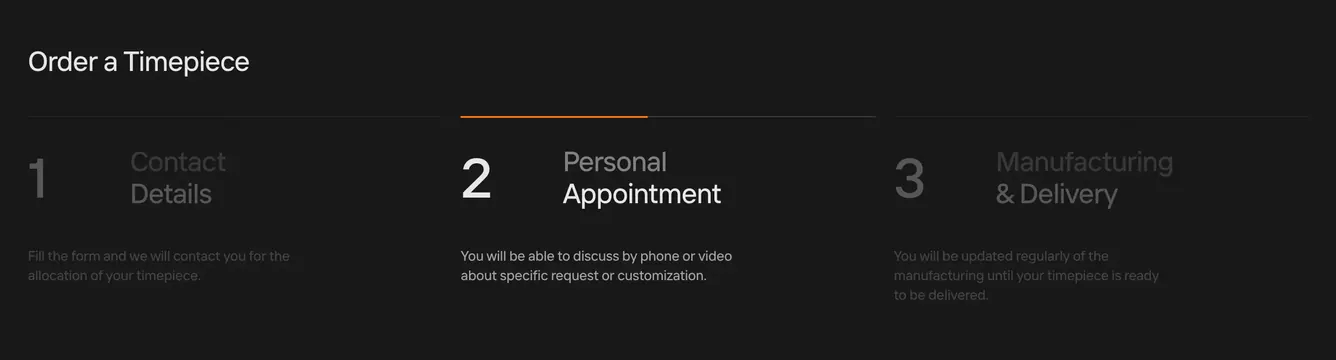
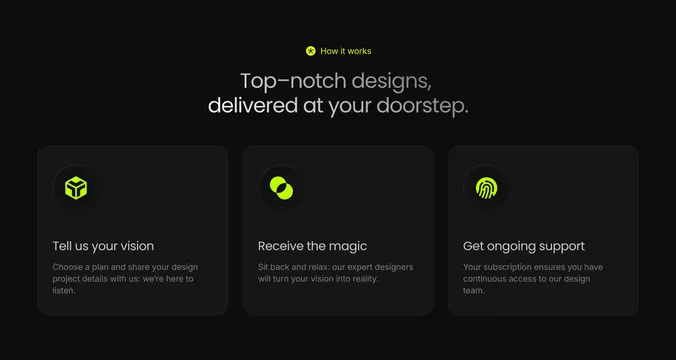
Dark three-step ordering section with oversized step numbers and an orange active-state indicator.
Summary
A charcoal three-column process explaining how to order a timepiece, with step 2 highlighted by an orange top bar.
Visual description
Dark charcoal background with thin horizontal rules. Top-left title "Order a Timepiece" in white. Three equal columns each with a large step number left of a heading and short description. Step 1 Contact Details and step 3 Manufacturing & Delivery appear dimmed in dark gray numbers and muted text. Step 2 Personal Appointment is active: orange horizontal accent line at column top, bright white number 2, white heading, and lighter body copy about phone or video consultation.
Key takeaway
Oversized step numerals with color-only active state (orange bar plus contrast shift) communicate progress without icons or circles. Dimmed inactive columns keep focus on the current stage.
Reuse notes
Works for high-touch purchase flows (allocation, bespoke, enterprise sales). Best with three to four steps; more columns will compress the large numerals.
More process sections
See all




More like this




Keep what you find
A free account saves references to boards and can send you a weekly email of picks based on what you save.
To see every result, go Pro.