Preview image. Unlock full-res
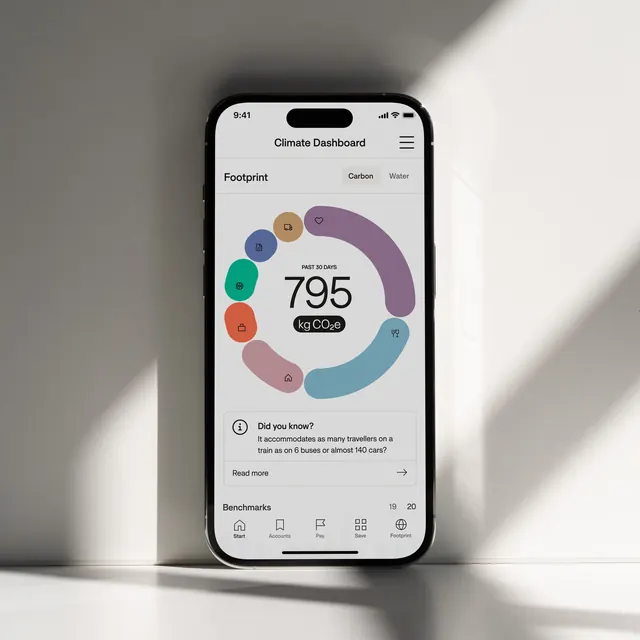
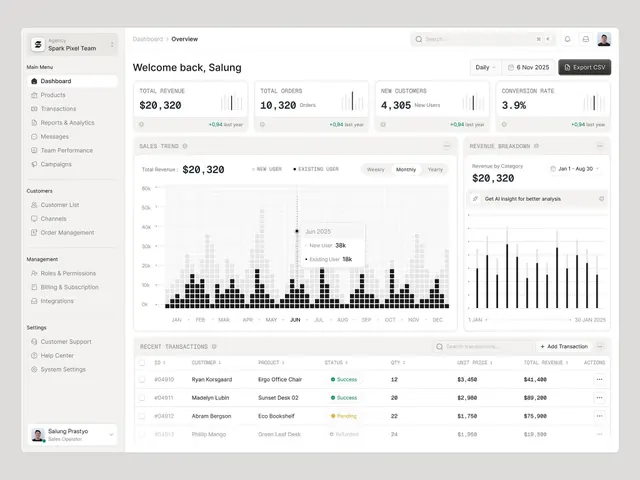
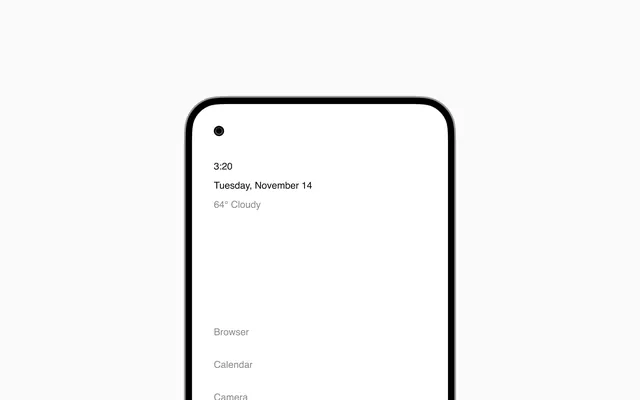
A clean, light-toned mobile lock screen interface displaying time, date, weather, and menu shortcuts in a minimal, sans-serif typography.
Summary
A minimalist mobile lock screen design displaying time, date, weather condition, and bottom navigation shortcuts in a light, breathable layout.
Visual description
A tall mobile phone frame with a light gray or off-white background (#f0f0f0). At the top, a small black dot represents the notch or camera cutout. Below, in the upper-left quadrant, black sans-serif text reads "3:20" (time) and "Tuesday, November 14" (date), followed by "64° Cloudy" (weather). The text hierarchy is subtle—time is largest, date smaller, weather in muted gray (#7a7a7a). Below, a wide white space occupies the center, followed by bottom-aligned left-aligned gray text labels: "Browser", "Calendar", "Camera". The overall effect is extremely restrained and breathing—maximum whitespace, minimal content, high legibility. The typography is modern, geometric, and friendly without personality.
Key takeaway
Negative space is the primary design asset. By removing all decorative elements and color, the interface becomes calming and focused. Time/date/weather and quick-access actions are prioritized; everything else is deemphasized.
Reuse notes
This UI pattern is ideal for wellness apps, meditation platforms, or minimalist productivity tools where calm and focus are the brand promise. The light background and sans-serif text are legible at a glance. Works as a reference for lock screen design, home screen layout, or app onboarding screens. The bottom navigation model (Browser, Calendar, Camera) is a standard iOS/Android pattern. Excellent for pitches and portfolios showcasing app design fluency and modern UI thinking.