Preview image. Unlock full-res
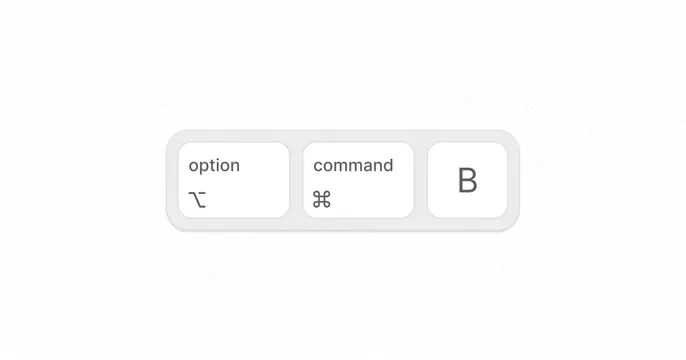
Three rounded-rectangle keyboard command keys rendered as UI elements with labels for modifier shortcuts and a letter key on a light background.
Summary
Three keyboard command keys displayed as UI buttons labeled "option", "command", and "B", rendered in monochrome with subtle depth and rounded geometry.
Visual description
Three white rounded-rectangle buttons arranged horizontally within a light gray container on a white background. Left button: labeled "option" with the Mac option symbol below the text. Center button: labeled "command" with the Mac command cloverleaf symbol below. Right button: simple letter "B" centered. Each button has a subtle shadow or border creating slight depth perception. Sans-serif typography in dark gray, monospace symbol icons. Generous inner padding, consistent button sizing, and even spacing between keys create a clean, keyboard-inspired interface element.
Key takeaway
The symbol plus text labeling approach makes shortcuts scannable for new users while remaining compact. The subtle shadow treatment suggests physicality without overdesign, making the buttons feel interactive and tactile at small scale.
Reuse notes
Perfect reference for software UI that needs to surface keyboard shortcuts, particularly Mac applications. Works well in onboarding screens, command palettes, or preference/settings panels. The monochrome treatment keeps it functional and universal; adds color only if the app's color system requires it.