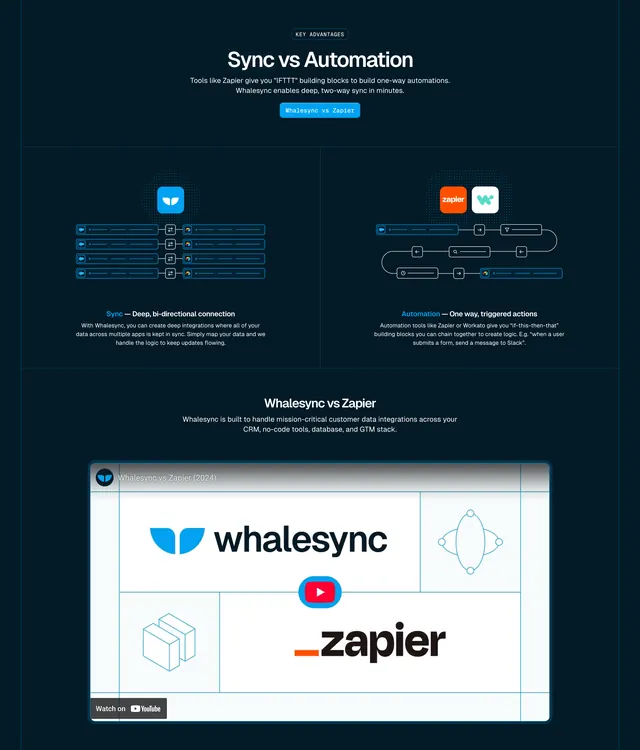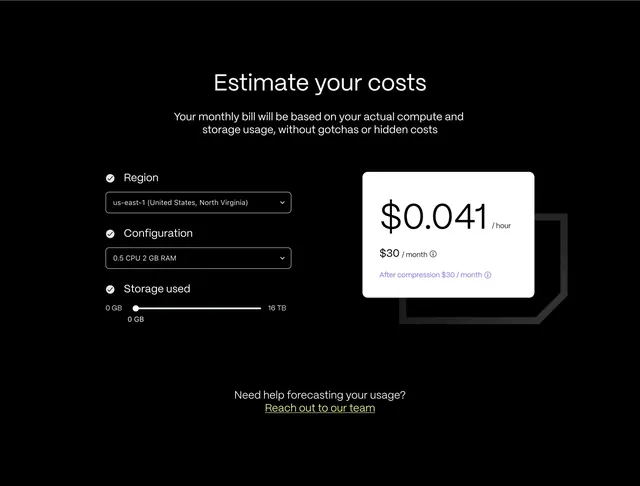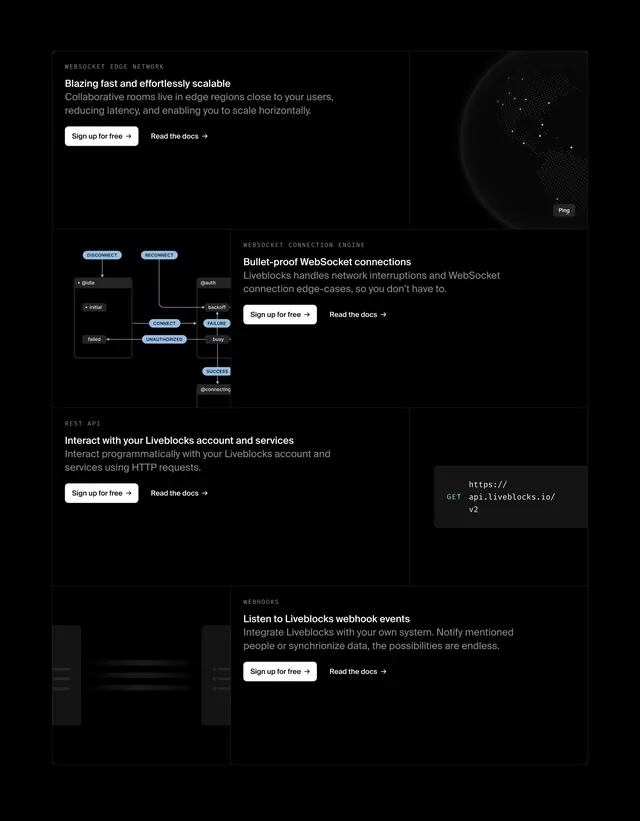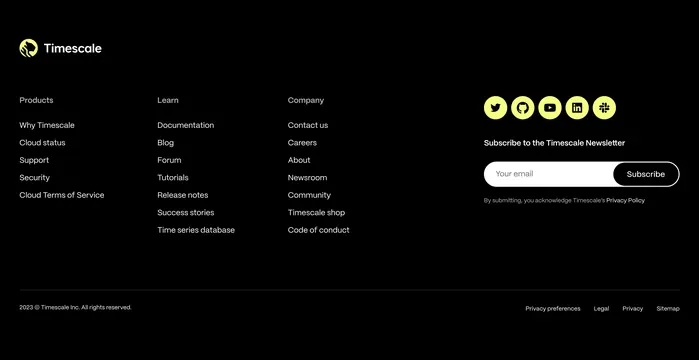
Preview image. Unlock full-res
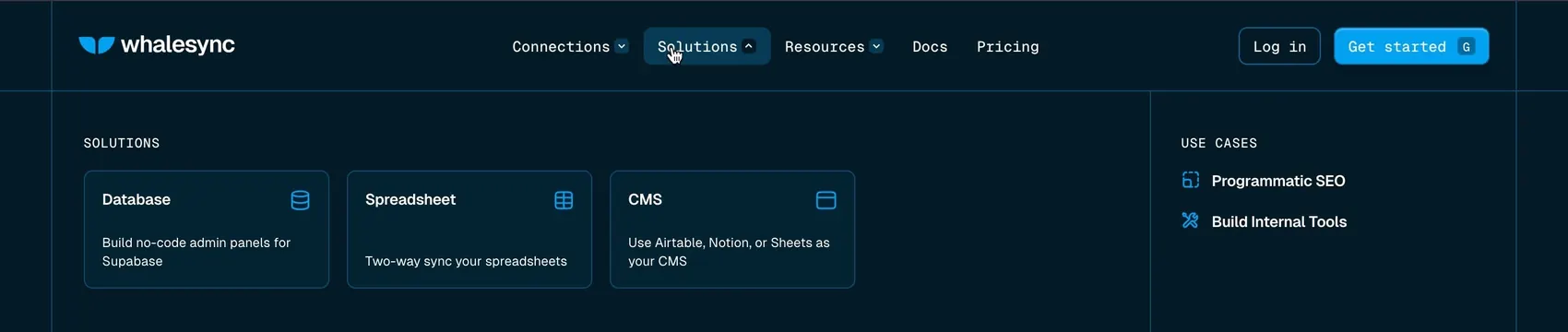
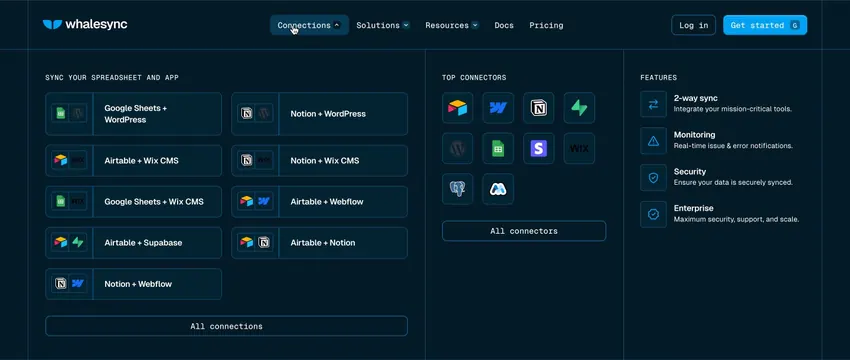
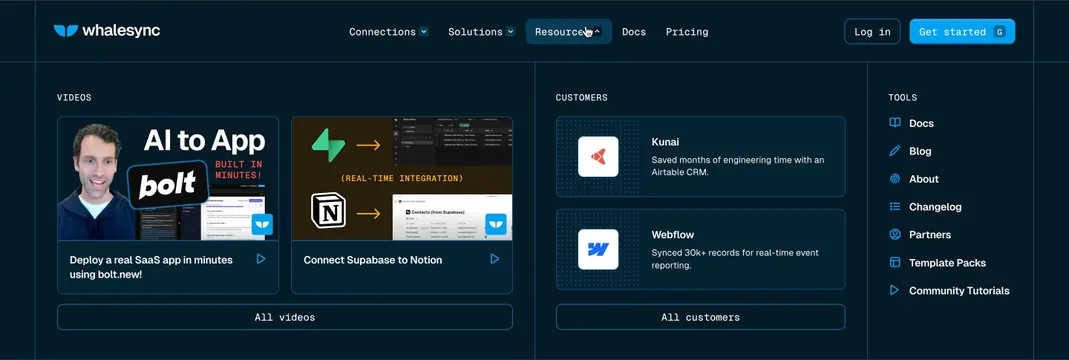
Dark navy mega-menu under Resources with three columns for videos, customer stories, and tool links.
Summary
Dark navy mega-menu under Resources with three columns for videos, customer stories, and tool links.
Visual description
Full-width dropdown below a dark navbar with Whalesync logo, center nav links, Log in outline button, and bright blue Get started CTA. Three columns separated by thin blue dividers: VIDEOS with two thumbnail cards and All videos button, CUSTOMERS with two horizontal case-study cards and All customers button, TOOLS with icon-led vertical links for Docs, Blog, About, Changelog, Partners, Template Packs, and Community Tutorials. Monospace all-caps section labels, white body text, subtle card borders on deep navy.
Key takeaway
Mixing rich media cards with a simple icon list in one mega-menu gives both inspiration and wayfinding without overwhelming. Monospace column headers signal developer credibility while keeping the layout scannable.
Reuse notes
Strong for SaaS sites with diverse resource types. Needs real thumbnails and customer logos to feel complete. Works only on dark backgrounds with enough horizontal space for three columns.