Preview image. Unlock full-res
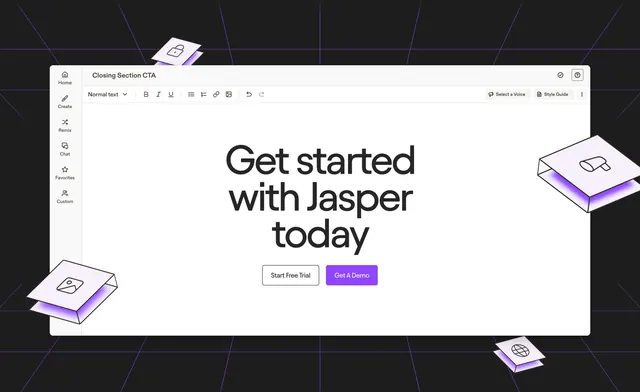
Closing CTA that frames an oversized headline and two buttons inside a mocked document-editor window on a dark grid, ringed by floating isometric paper cards.
Summary
A closing CTA built to look like a content-editor window: an oversized headline and two buttons live inside a mocked document app, surrounded by floating isometric paper cards on a dark perspective grid.
Visual description
The section sits on a near-black background overlaid with thin violet perspective grid lines. Centered is a large white rounded editor window with a left rail (Home, Create, Remix, Chat, Favorites, Custom), a title bar reading "Closing Section CTA", and a formatting toolbar with text controls plus "Select a Voice" and "Style Guide" buttons. Inside the document canvas, a three-line oversized dark headline reads "Get started with Jasper today", and beneath it two buttons sit side by side: a white outlined "Start Free Trial" and a filled violet "Get A Demo". Four small isometric paper folders with violet under-glow and line icons (lock, image, megaphone, globe) float at the window's corners, tilted in 3D.
Key takeaway
Dressing the CTA as the actual product interface makes the "get started" message feel like a live preview rather than a banner. The floating isometric cards with colored under-glow add depth and playfulness without crowding the central message.
Reuse notes
Good for an editor, writing, or design-tool product where the UI itself is the selling point. The mocked window must match the real app to avoid feeling gimmicky. The dark grid and floating props depend on space around the window, so give it a tall section.