Preview image. Unlock full-res
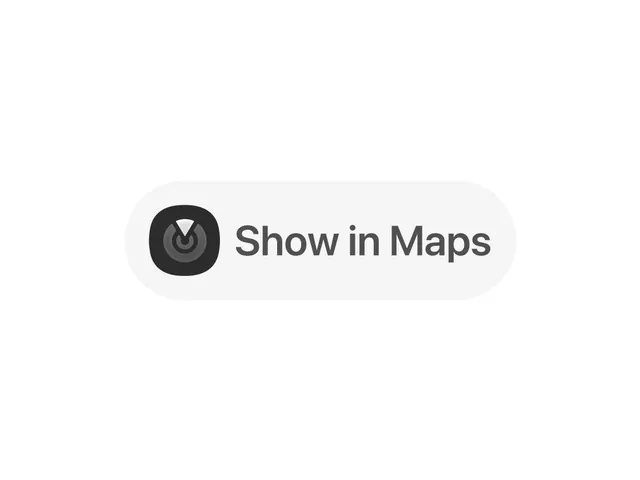
A minimal mobile UI button with a dark location icon and the text 'Show in Maps' centered in a light rounded container.
Summary
A minimal mobile button pairing a dark location icon with text, centered in a light gray rounded container on a white background.
Visual description
White background with a single, centered light gray rounded-rectangle container occupying the middle third of the frame. Inside the container, a dark circular location icon sits flush left, followed by the sans-serif text "Show in Maps" in dark gray. The icon uses concentric circles with a centered pointer symbol. Simple, even padding between icon and text. No visual depth or gradients.
Key takeaway
The paired icon-text button structure is a versatile pattern for mobile actions. The circular icon against the soft background creates clear affordance without decoration. The generous padding and breathing room make it feel accessible and finger-friendly.
Reuse notes
A textbook example for any location-based mobile app (maps, real estate, ride-sharing, delivery). Works well as a secondary or tertiary action below a primary button. The light gray container reads as subtle and native to iOS/Android design language.