Preview image. Unlock full-res
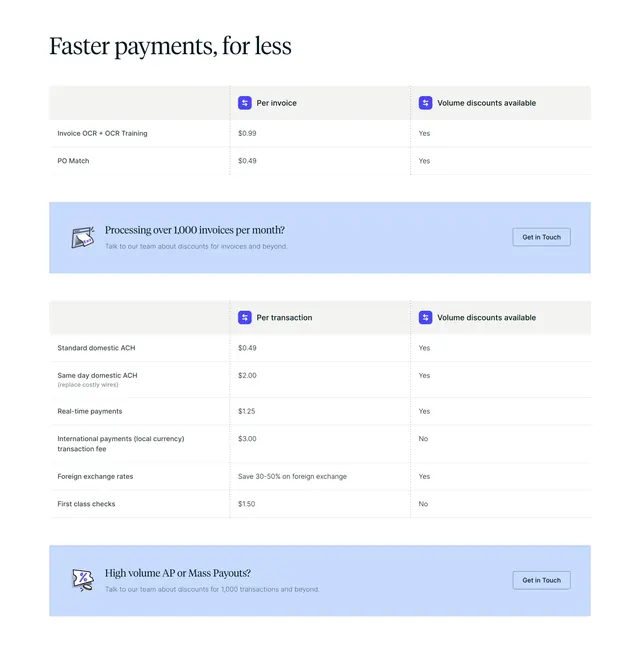
Light pricing-table section with two three-column rate tables separated by soft periwinkle "Get in Touch" CTA banners.
Summary
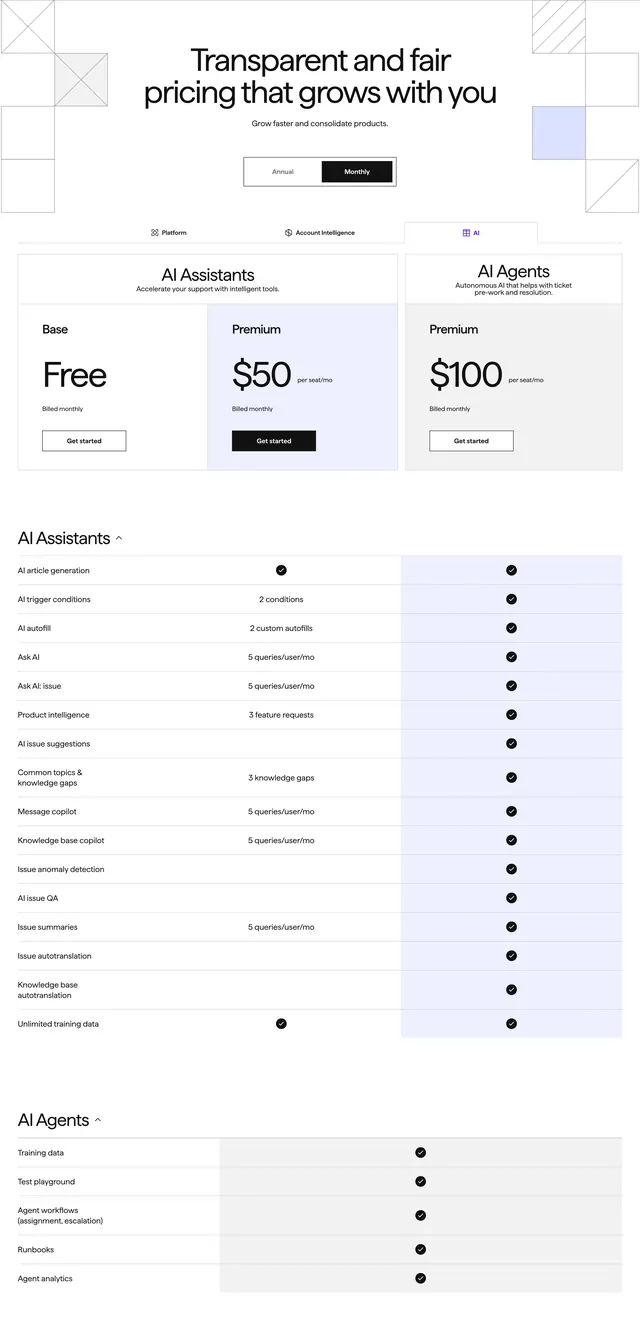
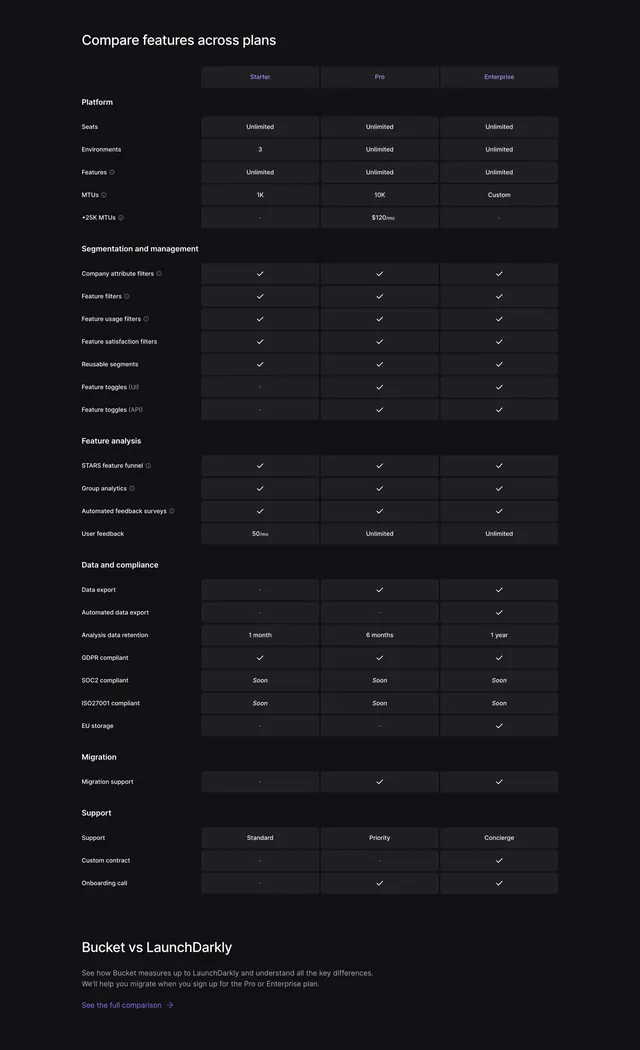
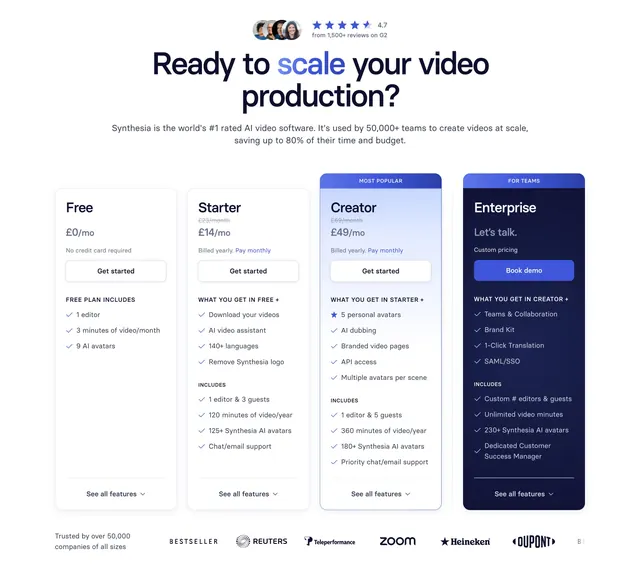
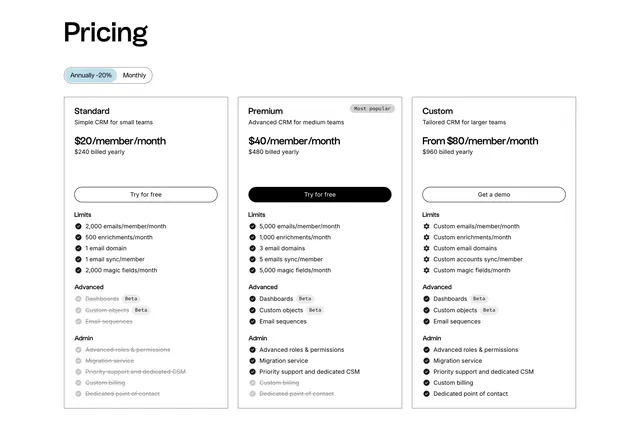
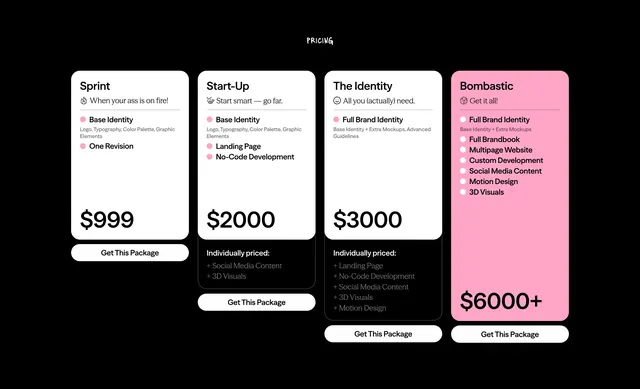
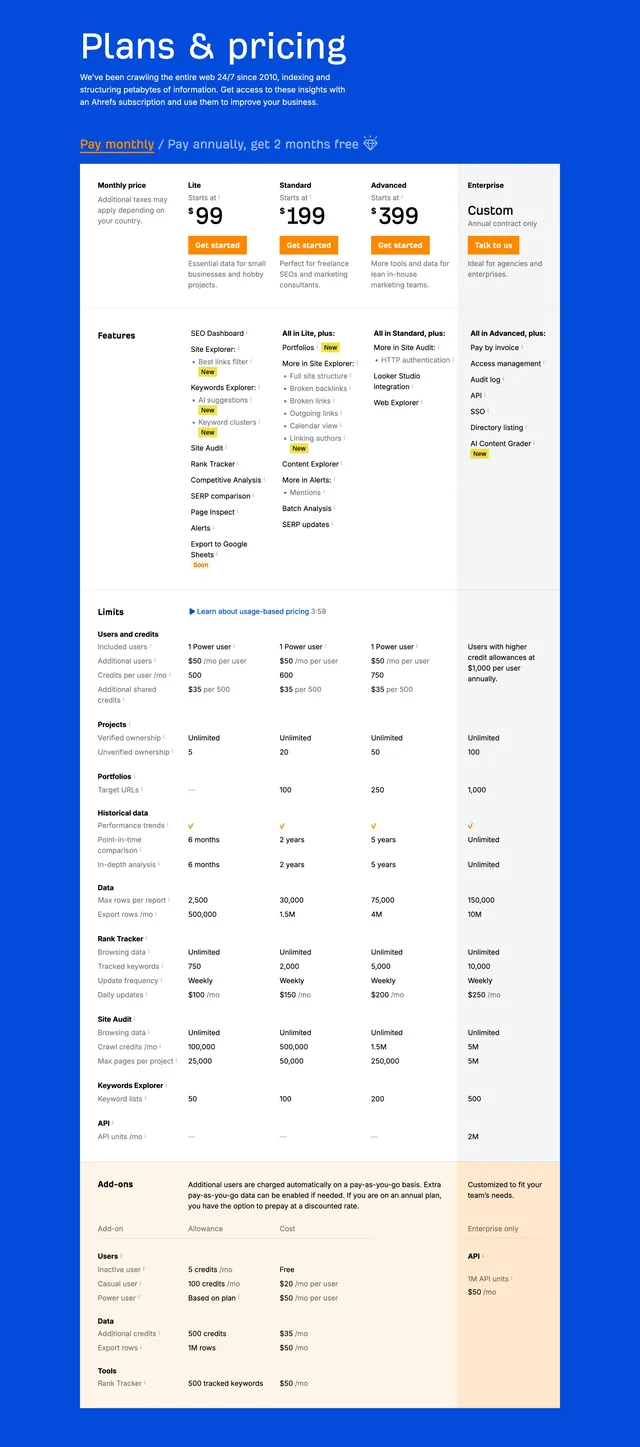
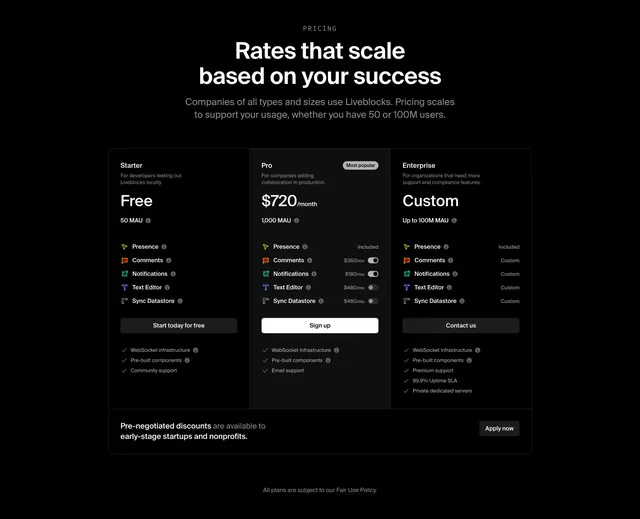
A light, restrained pricing-table section that lists per-invoice and per-transaction rates in two clean tables, with a soft periwinkle CTA banner slotted under each. The defining move is breaking a dense fee list into two tables stitched together by inline "talk to us" bands.
Visual description
White background, left-aligned serif headline "Faster payments, for less". The first table has three columns, a blank label column, "Per invoice", and "Volume discounts available", with rows for Invoice OCR and PO Match showing dollar rates and Yes flags. A rounded periwinkle band follows with a small illustration, "Processing over 1,000 invoices per month?", a subline, and an outlined "Get in Touch" button. A second, taller table lists transaction types (Standard domestic ACH, Same day ACH, Real-time payments, International payments, Foreign exchange rates, First class checks) with per-transaction prices and Yes/No discount flags. It closes with another periwinkle "High volume AP or Mass Payouts?" band and a matching "Get in Touch" button. Small violet icons mark the column headers.
Key takeaway
Splitting granular fees into two themed tables keeps a pricing page honest and scannable instead of one wall of numbers. The repeated soft CTA band gives high-volume buyers an exit to sales right where the question arises. Yes/No discount flags make volume terms legible at a glance.
Reuse notes
Reach for this on usage-based or transaction-fee products where rates matter more than packaged tiers. Pairs well above or below a tier-card pricing block. The periwinkle bands are the only color, so they must stay consistent or the page loses its rhythm.