Preview image. Unlock full-res
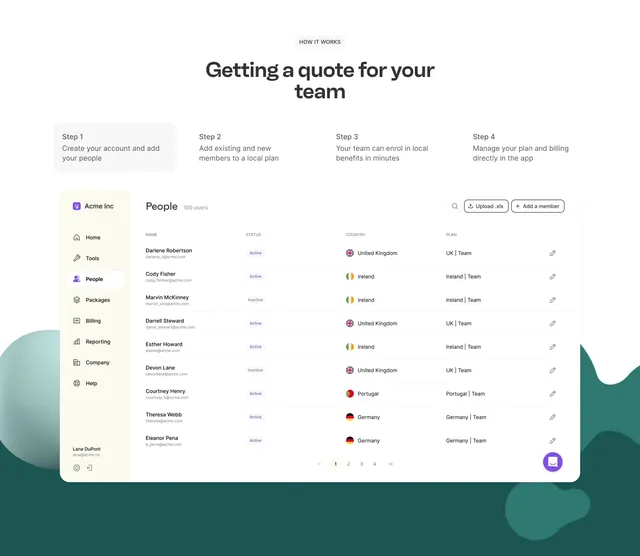
Four-step onboarding header above a full product dashboard mockup showing People table with flags and plan assignments.
Summary
Kota how-it-works section pairing a four-step quote workflow with a detailed Acme Inc People admin UI screenshot.
Visual description
White top area with HOW IT WORKS label, headline "Getting a quote for your team," and four numbered steps about account setup, local plans, enrollment, and billing. Below sits a large rounded app window on teal organic shapes: cream sidebar with Acme Inc branding and People nav active; main table lists 100 users with status pills, country flags, plan names, edit icons, search, upload XLS, add member, pagination, and purple chat bubble.
Key takeaway
Stack a concise step row above a realistic admin screenshot so process claims feel verifiable. Flag icons and status pills make global HR data scannable in one frame.
Reuse notes
Best for complex B2B products where the UI is the proof. Screenshot must be legible at capture width; busy tables need zoom or simplified rows.