Preview image. Unlock full-res
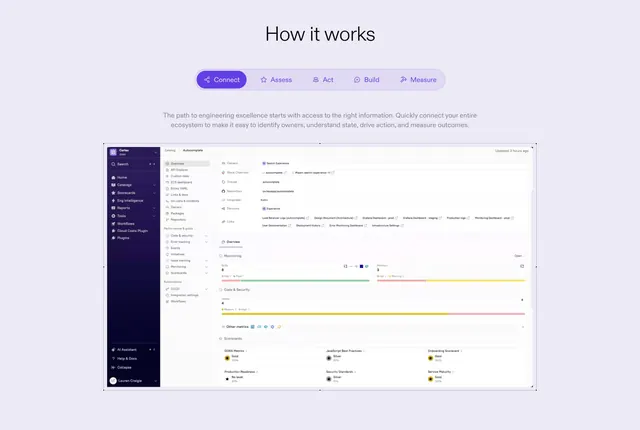
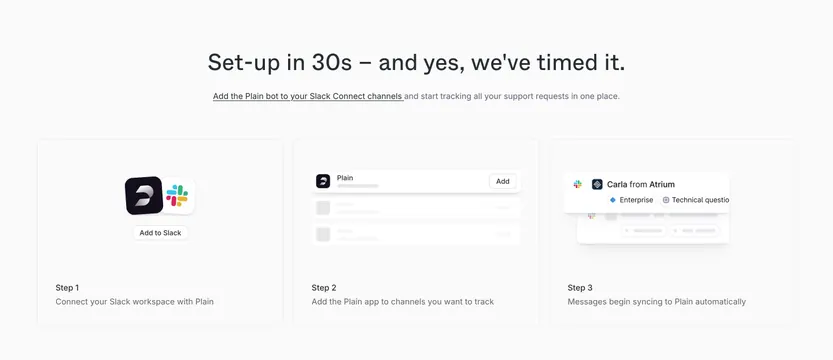
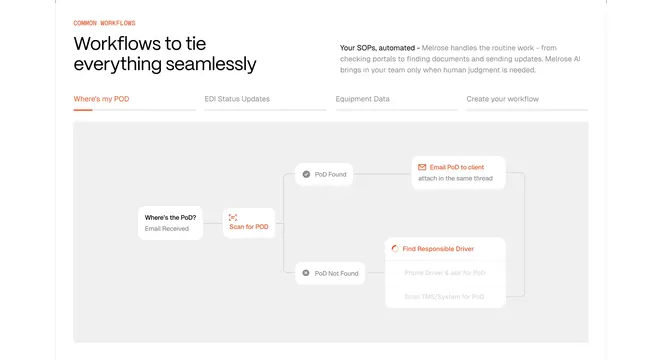
Light centered how-it-works section with a pill tab bar of stages above a large product dashboard screenshot.
Summary
A centered how-it-works section that uses a single pill tab bar of process stages to switch a large product dashboard view below. The defining element is the connected stage tab bar acting as a stepper for one shared screenshot.
Visual description
On a soft lavender-grey background, a centered black "How it works" headline sits above a rounded pill bar holding five icon-and-label stages (Connect, Assess, Act, Build, Measure), with "Connect" highlighted in a filled violet pill and the others muted inside the shared track. Two lines of grey body copy describe the connect step. Below, a large rounded product dashboard screenshot dominates: a dark left sidebar, a "Catalog / Autocomplete" detail panel with owners, slack channels, repository and language fields, then Monitoring SLOs, Code & Security issue bars, and a row of Scorecards with Gold and Silver badges.
Key takeaway
The connected stage pill bar reads as both navigation and a process overview, letting one big screenshot do the work of five. Highlighting the active stage in the accent violet while keeping the rest in a shared muted track makes the current step obvious. Pairing each stage label with a small icon adds quick recognition.
Reuse notes
Good for explaining a multi-step product workflow on a developer-tool or platform SaaS where each stage maps to a distinct screen. Needs detailed, legible screenshots per tab to justify the format. The tab bar implies interactivity, so it suits products with genuinely different views per stage rather than one static image.
More process sections
See all

More like this


Keep what you find
A free account saves references to boards and can send you a weekly email of picks based on what you save.
To see every result, go Pro.