Figma x LiT Workshop
A 45-slide Figma workshop talk deck built on full-bleed black slides, crisp white grotesque type, and vibrant Figma-brand color blocks, that teaches design-to-code workflows in Dev Mode, MCP, Make, and Code Connect.
45 slides · Talk
View deck overview
Collaboration in the Age of AI cover

Hello LiT speaker intro

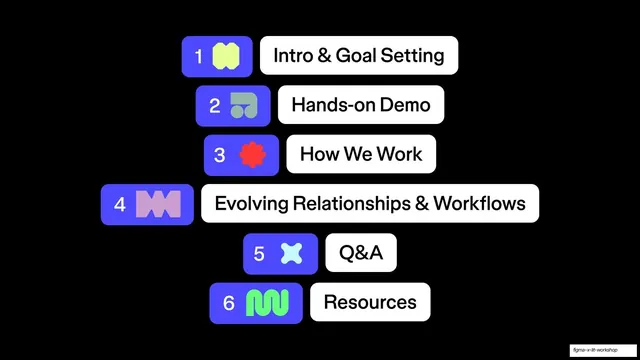
Workshop agenda step list

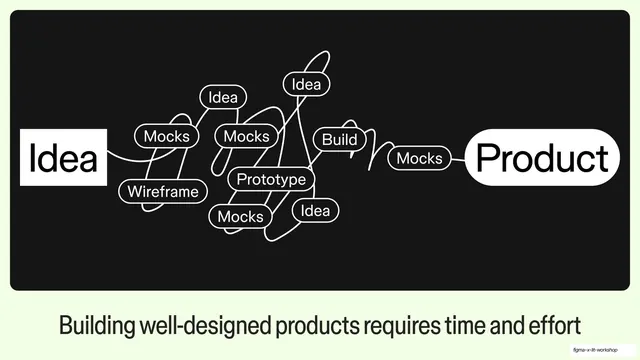
Idea to Product tangled diagram

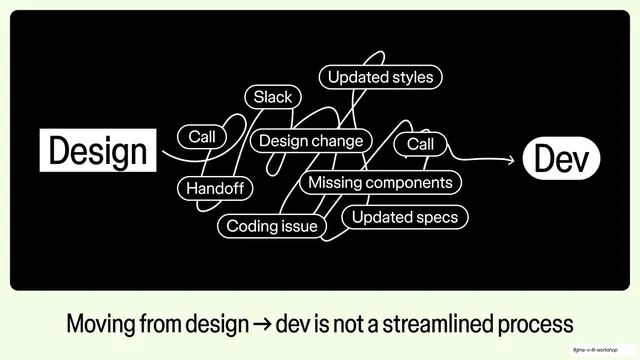
Design to Dev tangled diagram

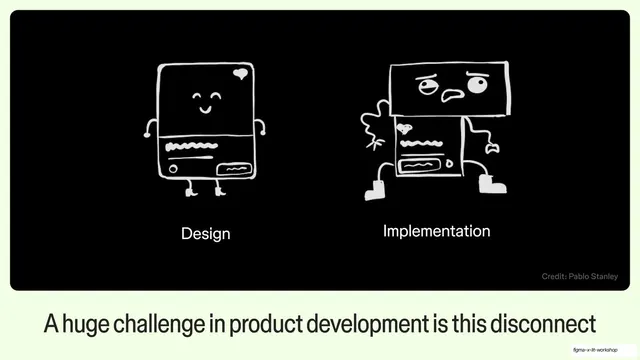
Design vs Implementation sketch

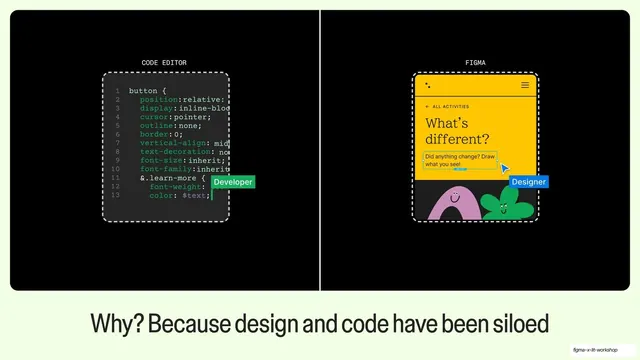
Code editor vs Figma siloed split

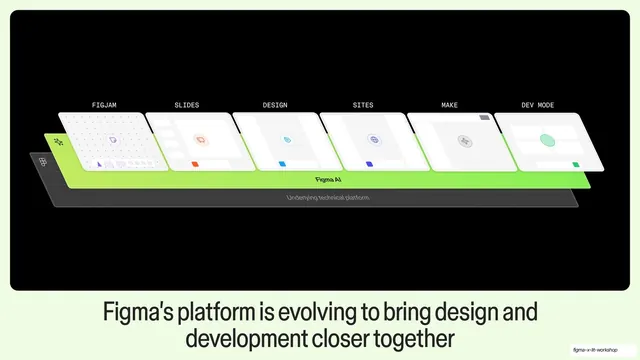
Figma platform isometric stack

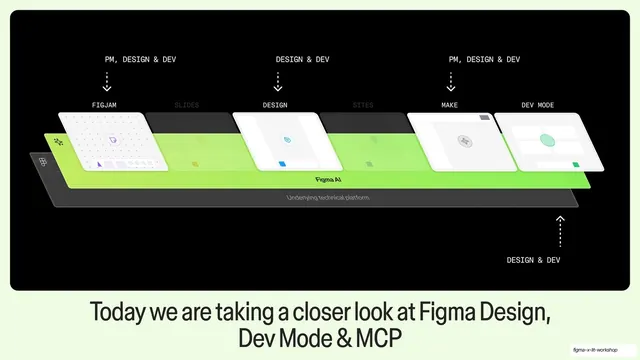
Today's focus highlighted stack

Demo Good to know section opener

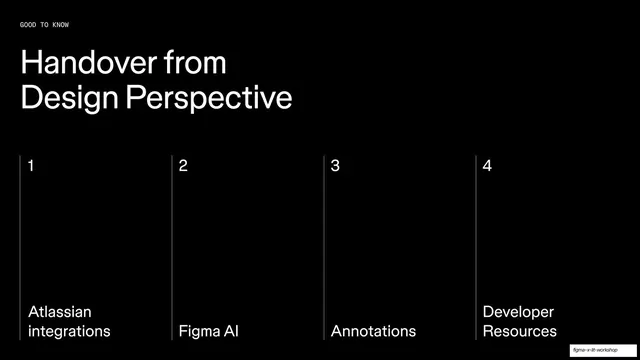
Handover from Design four-column contents

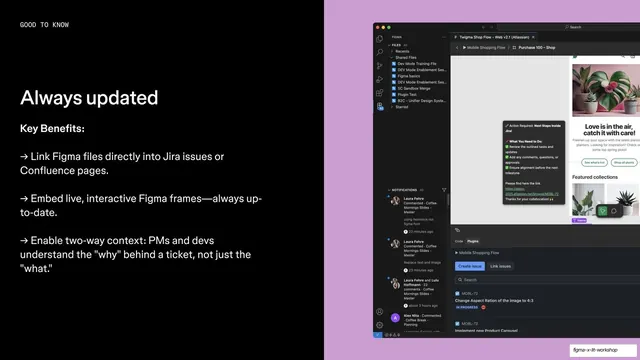
Always updated Jira integration feature

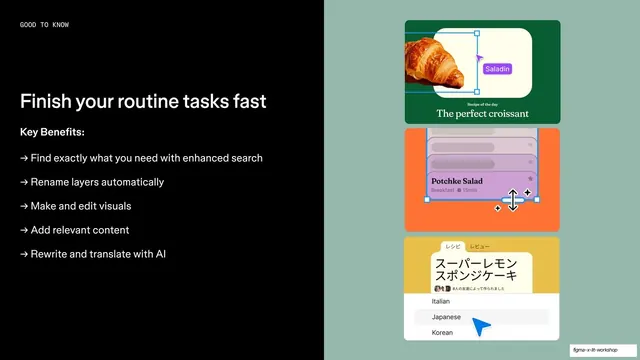
Finish routine tasks fast AI feature

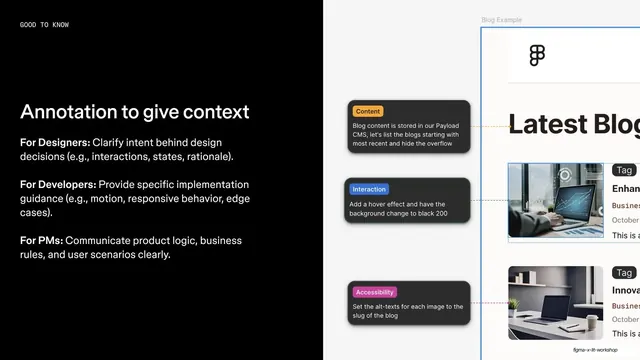
Annotation to give context feature

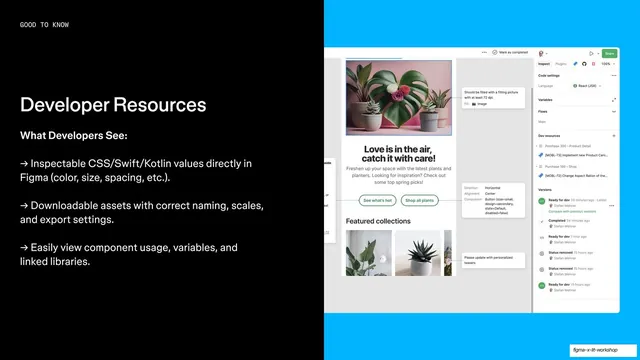
Developer Resources Dev Mode feature

Let's dive into Figma transition

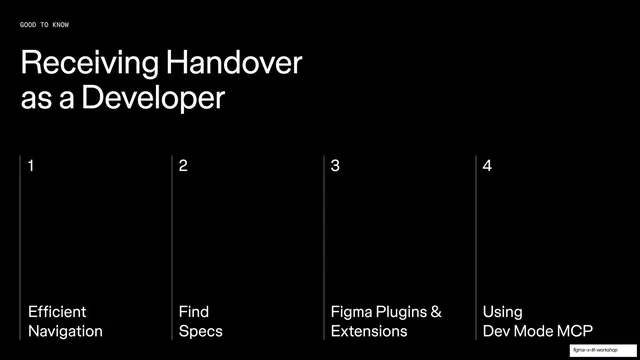
Receiving Handover as Developer four-column contents

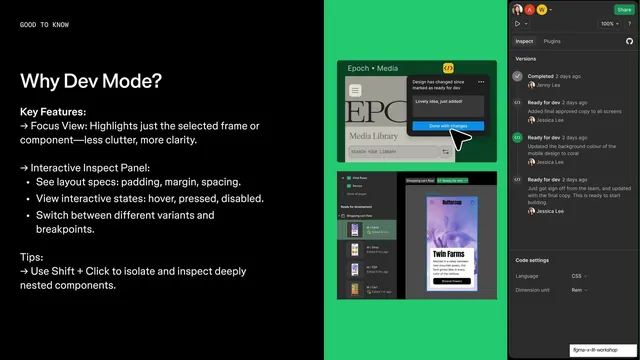
Why Dev Mode feature with version history

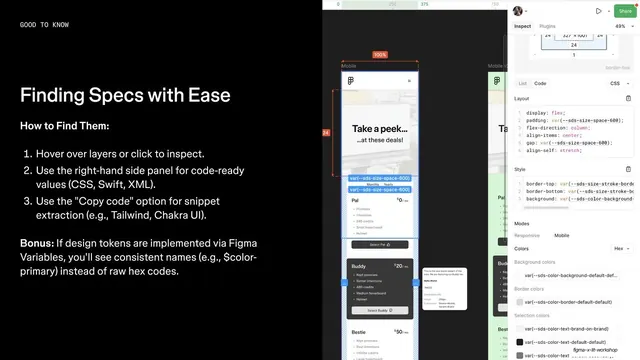
Finding Specs with Ease, numbered how-to over Dev Mode capture

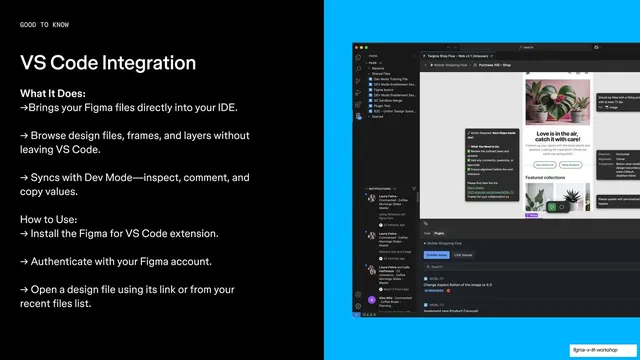
VS Code Integration, black text panel beside blue IDE capture

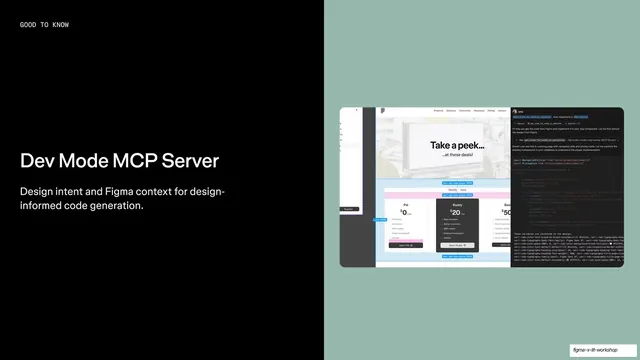
Dev Mode MCP Server, black text beside sage-green code capture

Let's dive into Figma, sticker-block transition slide

How We Work, black section divider with stacked decorative tiles

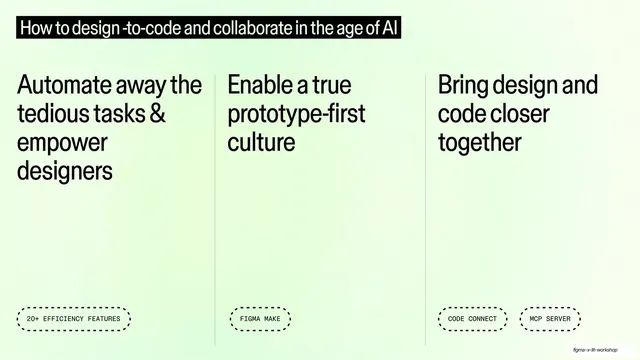
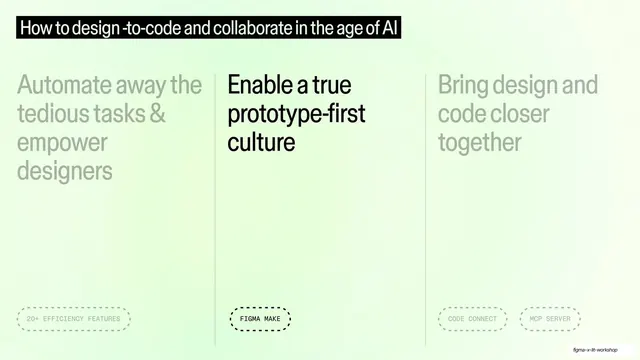
How to design-to-code, three-column theme overview

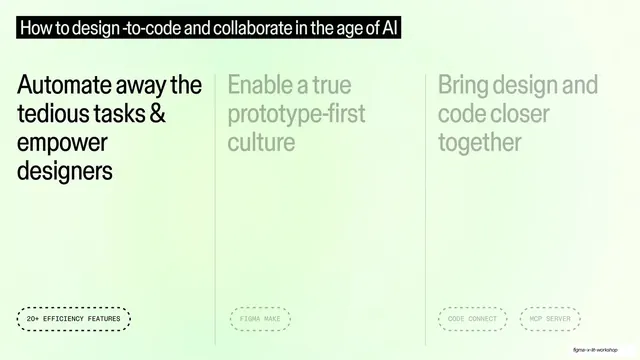
Three-column overview with first theme active

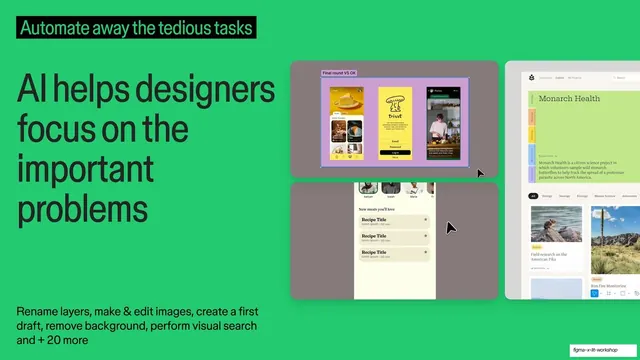
AI helps designers focus on the important problems, green statement with mockups

Three-column overview with second theme active

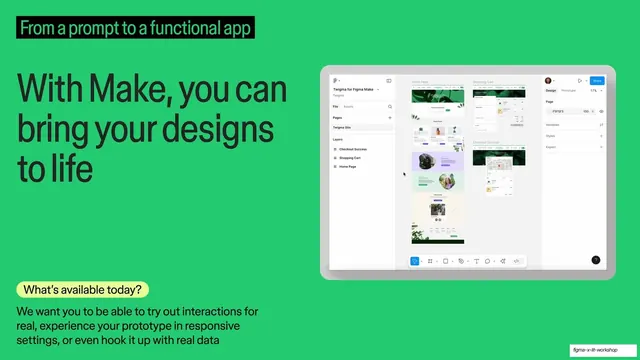
With Make you can bring your designs to life, green slide with tablet mockup

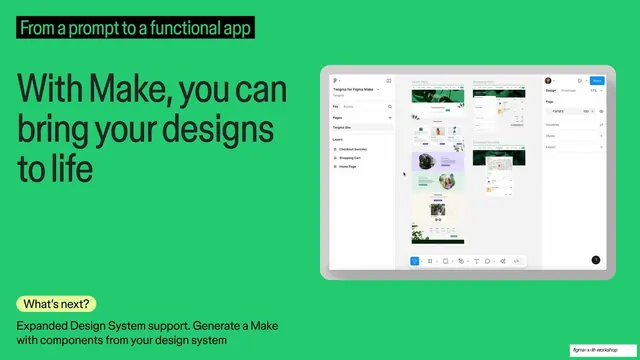
With Make you can bring your designs to life, Whats next variant

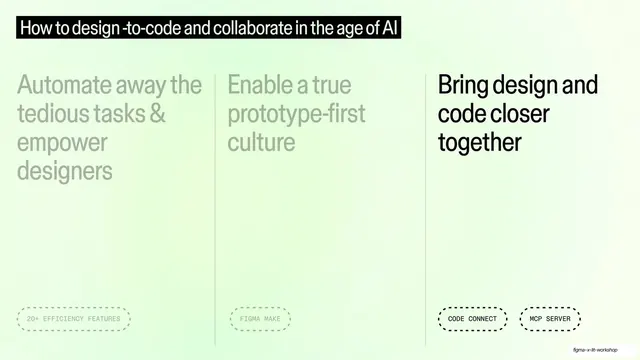
Three-column overview with third theme active

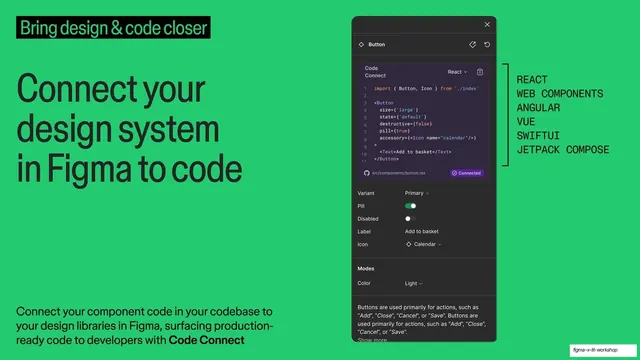
Connect your design system in Figma to code, Code Connect slide

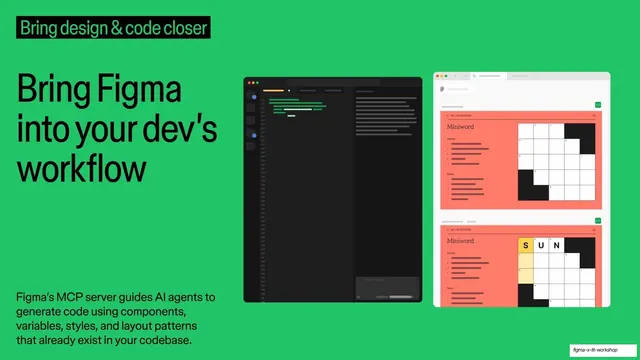
Bring Figma into your dev's workflow, MCP server slide

Relationships & Workflows, black section divider with shape cluster

Great work blurs the lines between roles, black quote slide

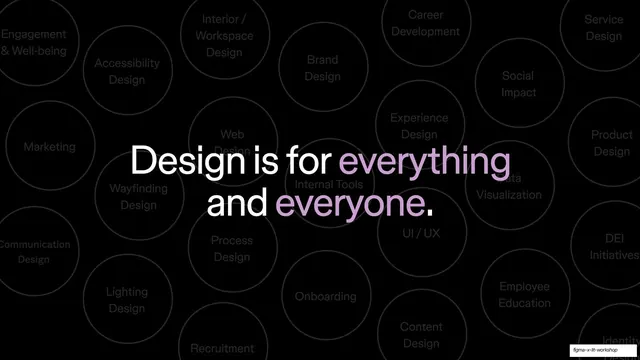
Design is for everything and everyone, statement over discipline bubbles

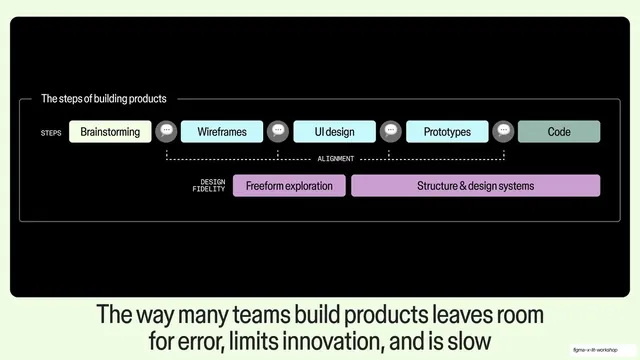
The way many teams build products, build-steps diagram slide

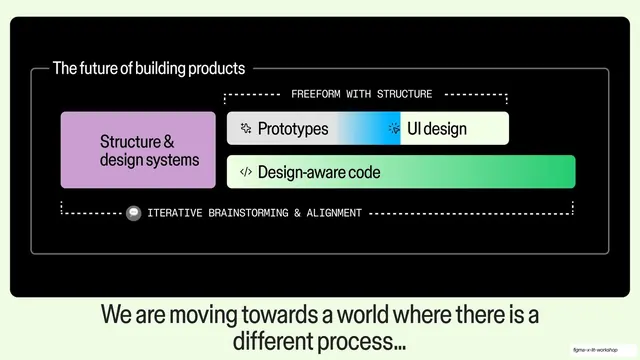
The future of building products diagram

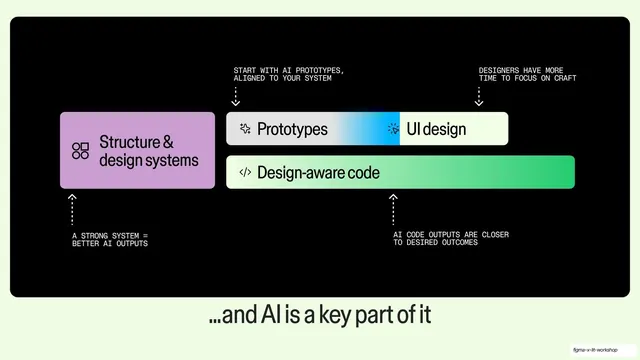
AI is a key part of it annotated diagram

Q&A slide with cursor name tags

Resources section divider

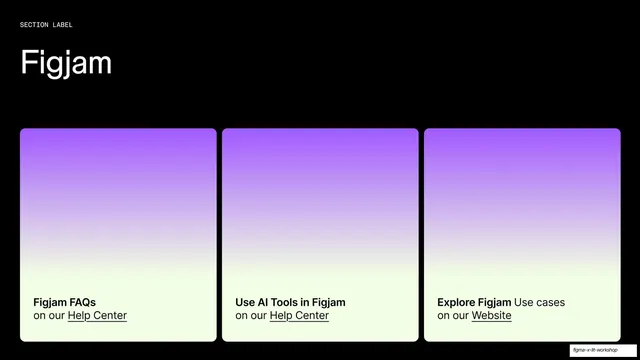
Figjam resources three-card slide

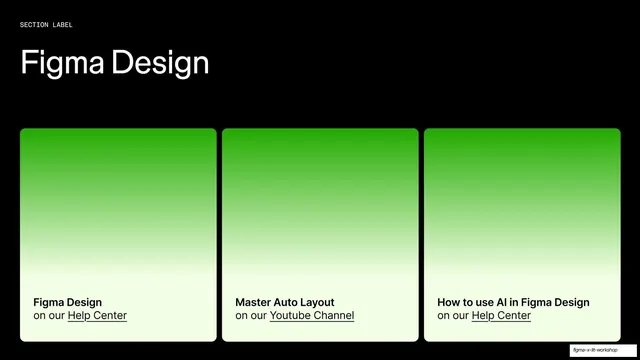
Figma Design resources three-card slide

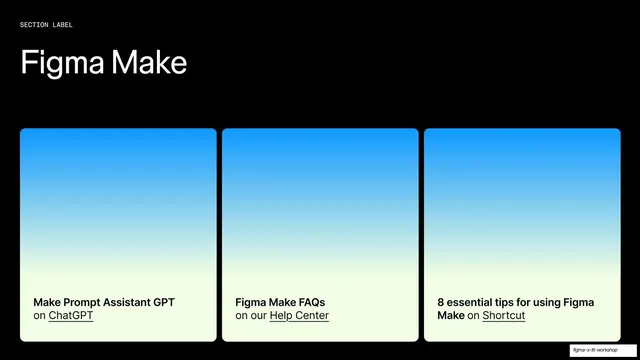
Figma Make resources three-card slide

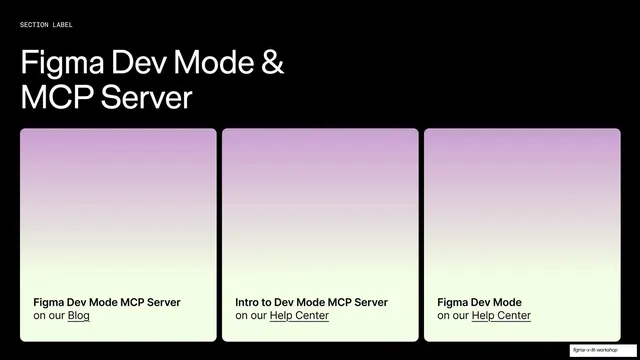
Figma Dev Mode and MCP Server resources slide

Figma logo closing slide