Preview image. Unlock full-res
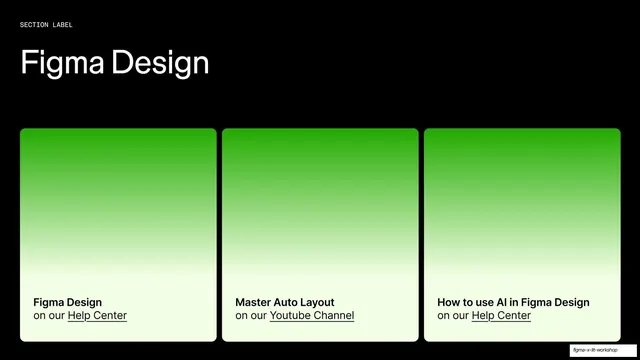
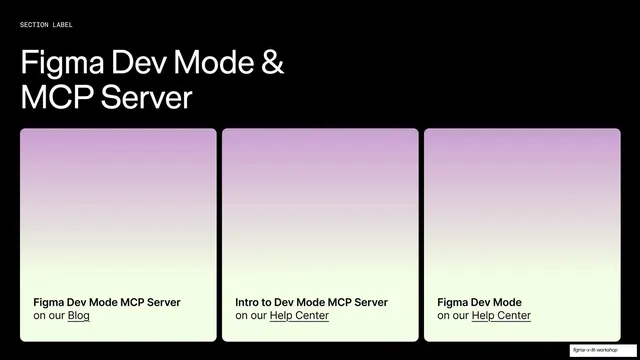
Dark resources slide titled "Figma Design" with three identical green-gradient cards, each captioning a linked resource.
Summary
The Figma Design entry in the resources sequence: a "Figma Design" title over three identical cards that fade from green to cream, each naming a resource and an underlined link.
Visual description
Black background. A tiny monospace "SECTION LABEL" sits above a large white grotesque "Figma Design" headline at top-left. Three equal rounded cards fill the lower portion. Each card is a tall panel fading from saturated green at top through to pale cream at the bottom, where the caption reads: "Figma Design on our Help Center", "Master Auto Layout on our Youtube Channel", and "How to use AI in Figma Design on our Help Center". Resource names are bold dark; destinations are underlined as links. The layout is identical to the adjacent resource slides, only the title and accent color change.
Key takeaway
Holding one fixed three-card template across a run of resource slides and changing only the title and the gradient hue per product area, so the whole sequence reads as a coherent set while each page stays scannable.
Reuse notes
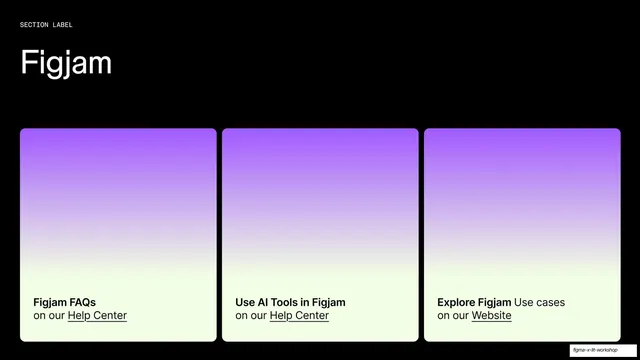
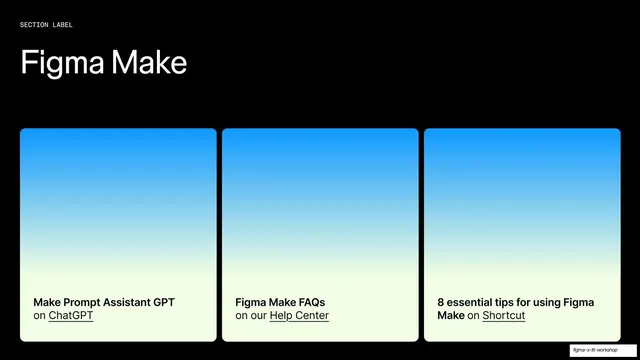
Part of a four-slide resources set (FigJam purple, Figma Design green, Figma Make blue, Dev Mode and MCP pink-purple). Reach for it when you want color-coded "further reading" pages keyed to product areas. Three links per card-row is the comfortable maximum. The cards carry no imagery, so the green gradient is doing the identifying work.
From this deck: Figma Design resources three-card slide
View deck







More like this




Keep what you find
A free account saves references to boards and can send you a weekly email of picks based on what you save.
To see every result, go Pro.