Preview image. Unlock full-res
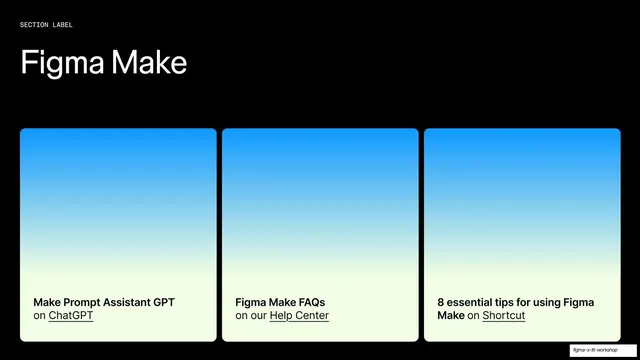
Dark resources slide titled "Figma Make" with three identical blue-gradient cards, each captioning a linked resource.
Summary
The Figma Make entry in the resources sequence: a "Figma Make" title over three identical cards that fade from blue to cream, each naming a resource and an underlined link.
Visual description
Black background. A tiny monospace "SECTION LABEL" sits above a large white grotesque "Figma Make" headline at top-left. Three equal rounded cards fill the lower portion. Each card is a tall panel fading from bright sky-blue at top through to pale cream at the bottom, where the caption reads: "Make Prompt Assistant GPT on ChatGPT", "Figma Make FAQs on our Help Center", and "8 essential tips for using Figma Make on Shortcut". Resource names are bold dark; destinations ("ChatGPT", "Help Center", "Shortcut") are underlined as links. The grid and card structure match the other resource slides exactly, swapping only the title and the blue accent.
Key takeaway
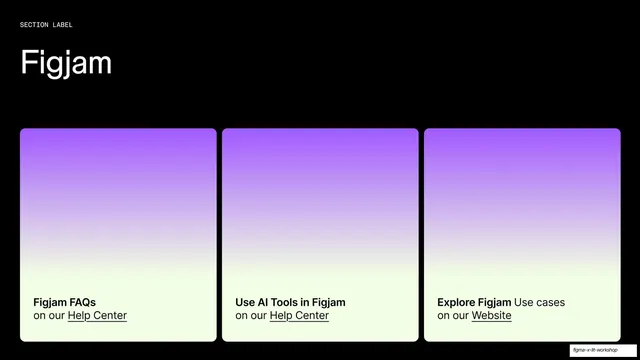
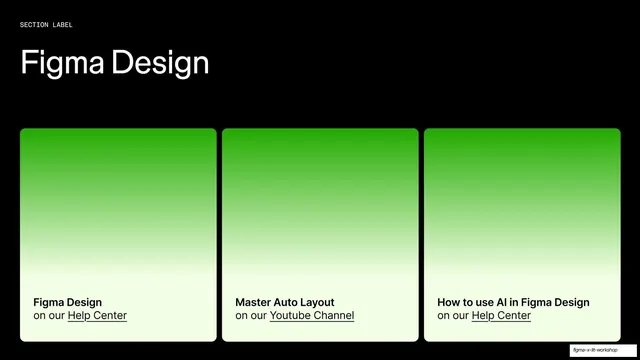
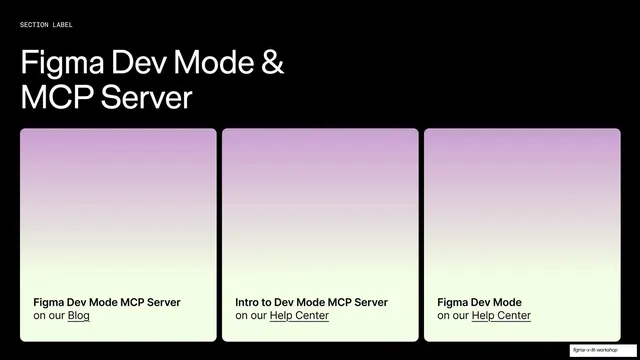
The same lesson as its siblings: one card template, recolored per section, builds a tidy color-coded resources index. The blue here cues "Make" the moment the slide appears, before any reading.
Reuse notes
Third of the four-slide resources set; blue is the Figma Make accent. Use the pattern for end-of-deck reference pages keyed by product area or topic. Comfortable at three links per row. As with the rest of the set, the cards are gradient-only with no thumbnails, so color and label carry all the meaning.
From this deck: Figma Make resources three-card slide
View deck