Preview image. Unlock full-res
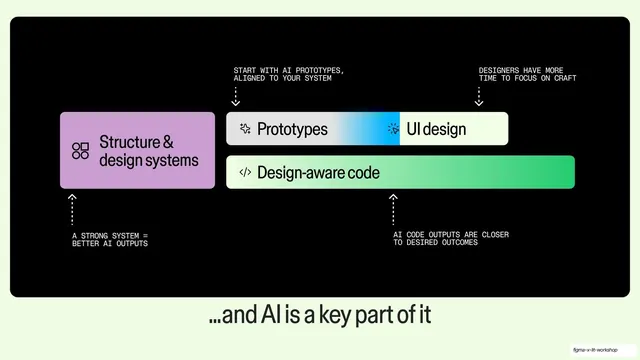
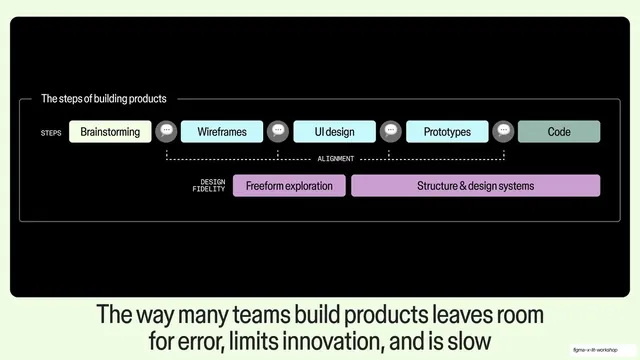
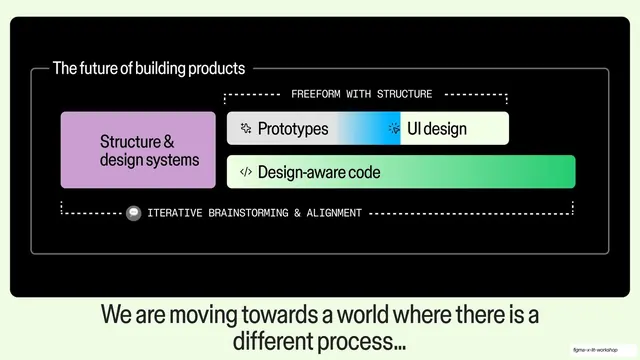
The prior workflow diagram repeated full-bleed on black with four dashed callout arrows and monospace notes, captioned by a light headline below.
Summary
The same build-workflow diagram as the previous slide, now set on a full black field and annotated with four dashed arrows that label each block, under a large light headline reading "...and AI is a key part of it".
Visual description
A near-black panel fills the upper two-thirds. The lavender "Structure & design systems" block (now with a small components icon) sits at left, beside the stacked "Prototypes | UI design" pill with its blue gradient seam and the green-gradient "Design-aware code" bar. Four thin dashed leader lines with arrowheads point to the blocks: two drop down from top ("START WITH AI PROTOTYPES, ALIGNED TO YOUR SYSTEM" and "DESIGNERS HAVE MORE TIME TO FOCUS ON CRAFT") and two rise up from the bottom ("A STRONG SYSTEM = BETTER AI OUTPUTS" and "AI CODE OUTPUTS ARE CLOSER TO DESIRED OUTCOMES"), all in small monospace. Below the panel a large dark-on-light grotesque headline reads "...and AI is a key part of it", centered.
Key takeaway
Building a payoff slide by reusing the exact diagram from the slide before and only adding annotation, so the audience reads the same picture but now sees where AI plugs in. The thin dashed arrows with monospace notes annotate four points at once without crowding the artwork.
Reuse notes
A strong "callback" technique: show a diagram, then re-show it annotated to land a deeper point. Works for any talk that introduces a model and then explains its parts. The dashed-arrow-plus-monospace-label kit is reusable for any technical annotation. Depends on the dark background to let the light arrows and gradient pills read.
From this deck: AI is a key part of it annotated diagram
View deck
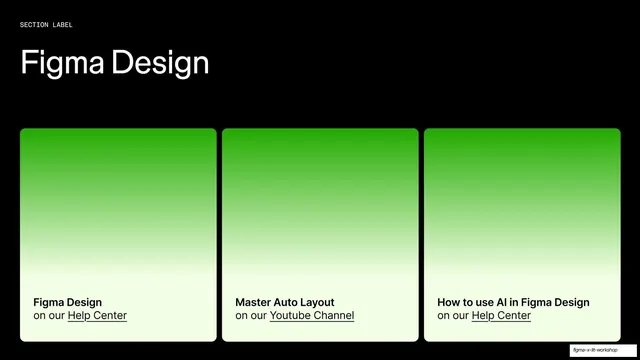
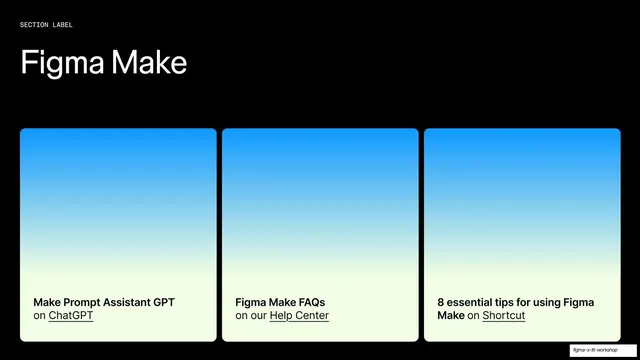
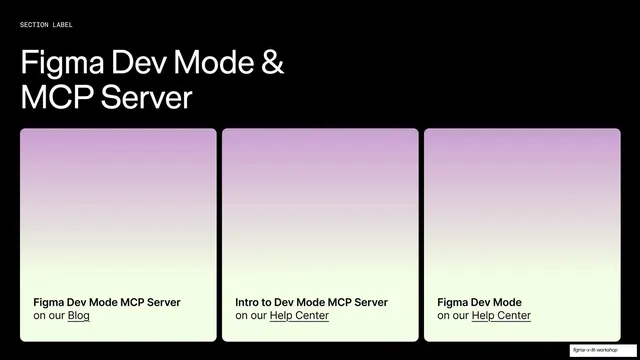

More like this
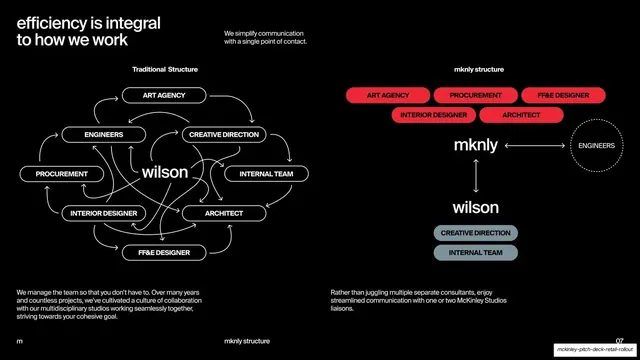



Keep what you find
A free account saves references to boards and can send you a weekly email of picks based on what you save.
To see every result, go Pro.