
Preview image. Unlock full-res
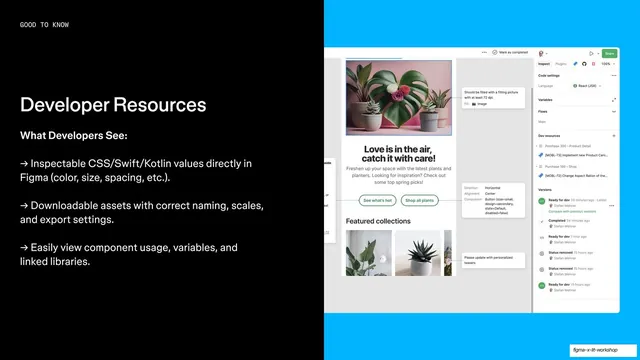
Split feature slide with an Always updated benefits list on black left and a lilac-panel Figma plus Jira UI screenshot bleeding off the right.
Summary
A feature slide explaining Figma to Jira and Confluence linking: a black left column of arrow-bulleted key benefits, with a Figma plus Atlassian product screenshot on a lilac panel bleeding off the right edge.
Visual description
The slide splits left and right. The black left two-thirds carries a small "GOOD TO KNOW" monospace eyebrow, a white "Always updated" headline, a "Key Benefits:" subhead, and three white arrow-bulleted points about linking Figma files into Jira issues and Confluence, embedding live interactive frames, and giving PMs and devs two-way context. The right third is a soft lilac panel over which a real Figma file browser plus a Jira issue/notification UI screenshot is layered, cropped by the slide edge.
Key takeaway
The repeatable feature template: monospace eyebrow, short headline, "Key Benefits" arrow list on the left; a real product screenshot floated on a single brand-tinted panel bleeding off the right. The colored panel separates the UI from the text without a hard container.
Reuse notes
The workhorse feature layout for this section, repeated with different tints and screenshots per capability. Strong for showing one feature with proof. Needs a clean, recognizable product screenshot; rotate the panel color per slide to keep a long run from feeling repetitive.
From this deck: Always updated Jira integration feature
View deck


























More like this




Keep what you find
A free account saves references to boards and can send you a weekly email of picks based on what you save.
To see every result, go Pro.