Preview image. Unlock full-res
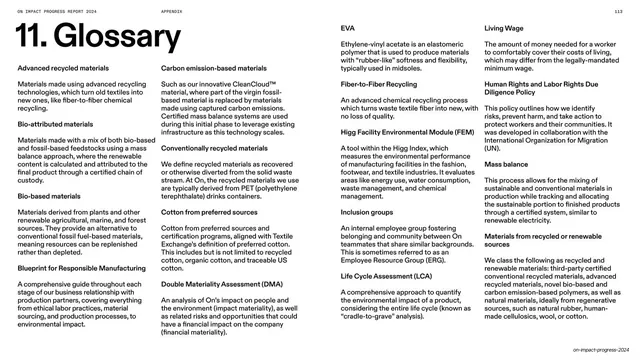
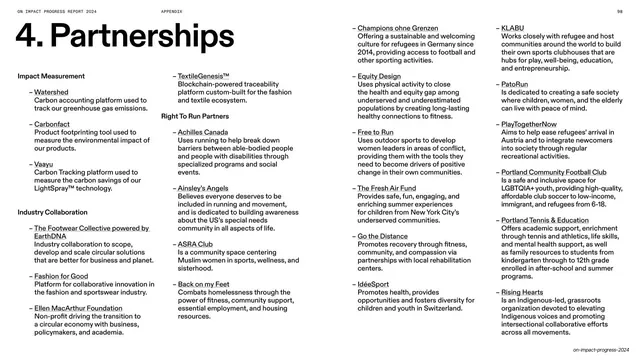
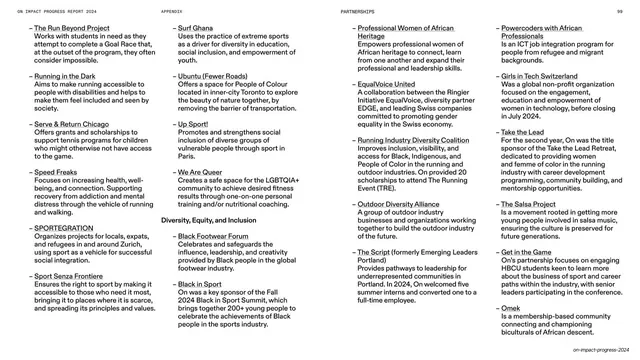
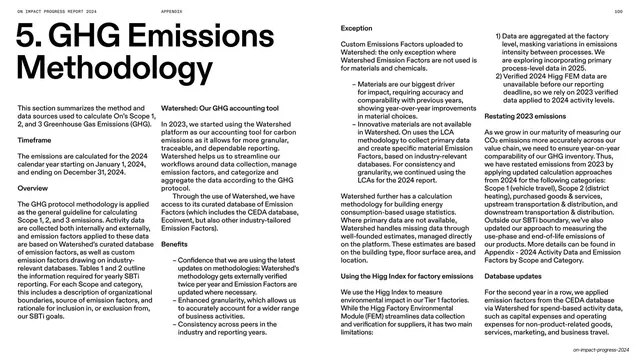
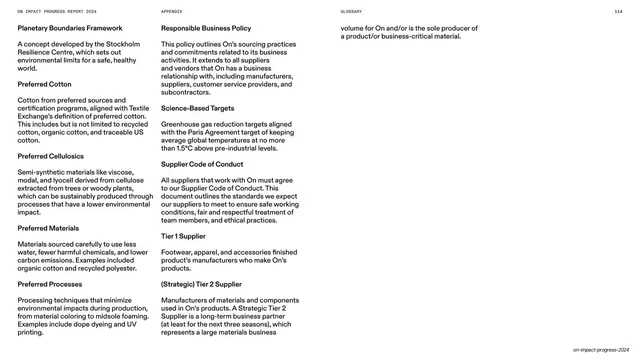
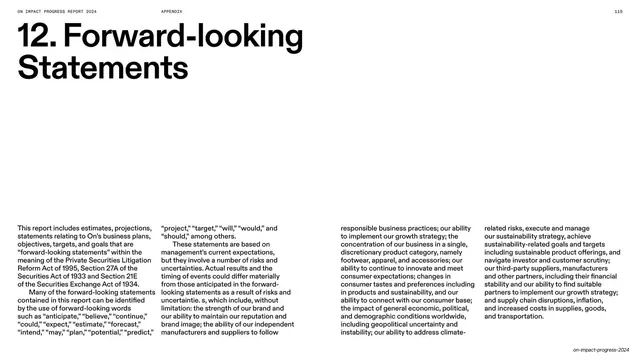
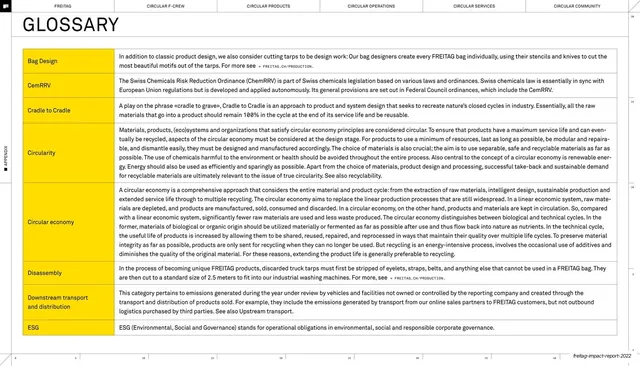
White glossary page with an oversized numbered title above four columns of bolded terms and their definitions.
Summary
A glossary page on white: an oversized "11. Glossary" title above four columns of entries, each a bold term followed by a short definition paragraph.
Visual description
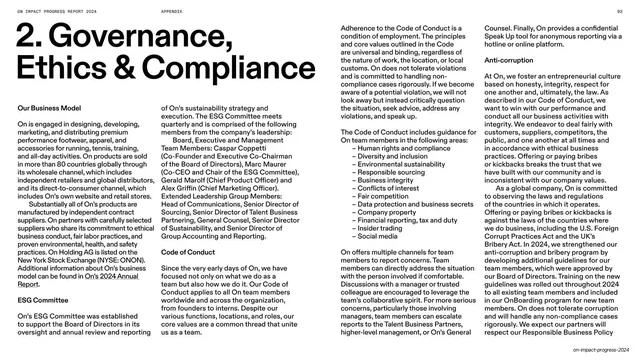
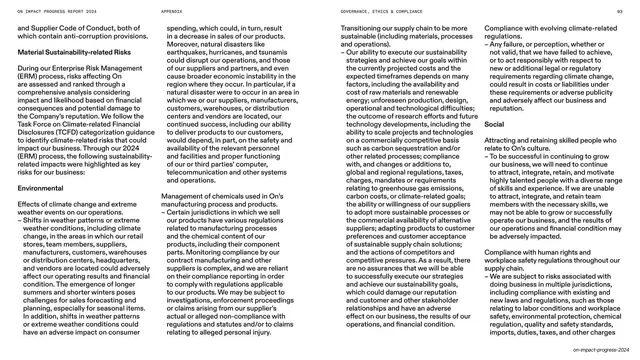
White full-bleed with the monospace utility header at the top. "11. Glossary" sits top-left in oversized black grotesque. Below, the page runs four parallel columns of definitions; each entry leads with a bold term (Advanced recycled materials, Bio-attributed materials, Carbon emission-based materials, and so on) and is followed by two to four lines of regular-weight body copy. Entries stack down each column and flow column to column, filling most of the page evenly. Type is small and tightly set but cleanly aligned to the four-column grid.
Key takeaway
The four-column term-and-definition grid that packs a long glossary onto one page while staying scannable, because the bold lead-in terms act as built-in anchors for the eye. The oversized numbered title keeps it consistent with the rest of the appendix.
Reuse notes
The standard layout for a glossary, definitions list, or FAQ at the back of a report. Set the columns narrow and let entries flow naturally; bold only the term so the definitions stay quiet. Reuse the numbered-section title styling across all back-matter pages.
From this deck: Glossary multi-column definitions
View deck





























































More like this


Keep what you find
A free account saves references to boards and can send you a weekly email of picks based on what you save.
To see every result, go Pro.