Preview image. Unlock full-res
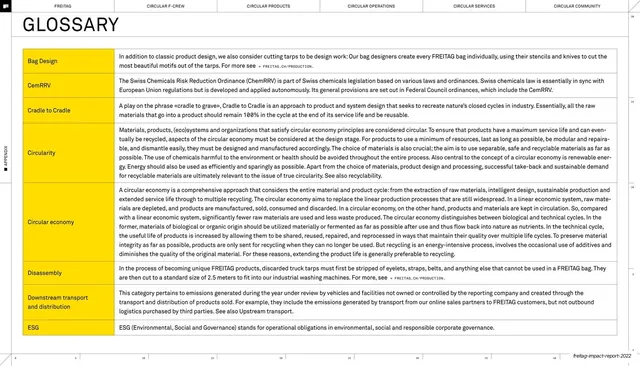
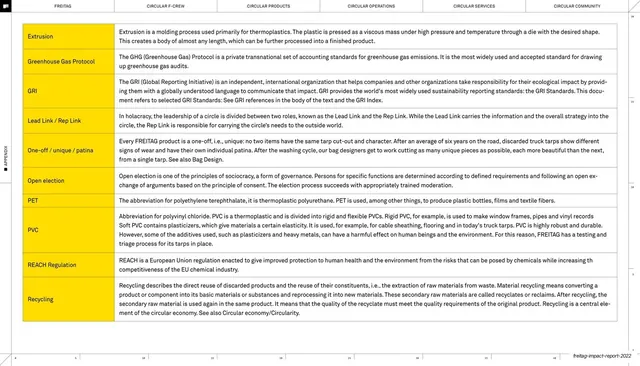
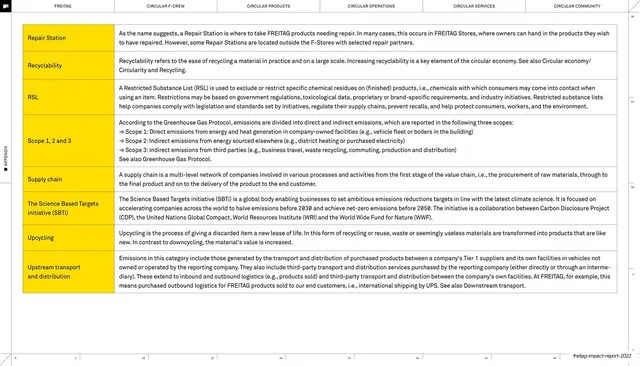
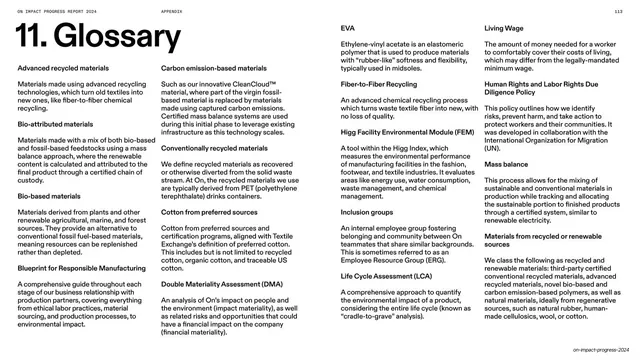
Two-column glossary page with yellow-highlighted terms on the left and definitions on the right, the longest entries running many lines.
Summary
A glossary page built as a term-and-definition list: each term sits in a yellow highlight on the left, its definition runs in a wide column on the right. Color-coding the terms is the one device that organizes the dense page.
Visual description
White page, six-chapter top nav drawn as thin outlined tabs. A large lightweight "GLOSSARY" headline tops the page. Below, a two-column definition list: left column terms (Bag Design, CemRRV, Cradle to Cradle, Circularity, Circular economy, Disassembly, Downstream transport and distribution, ESG) each set on a yellow highlight bar; right column gives each a full definition, with longer entries such as "Circular economy" running many lines. Thin horizontal rules separate the rows. A vertical "APPENDIX" spine label runs up the left edge and the running footer sits bottom right.
Key takeaway
The yellow-highlighted term as a fast visual index down the left edge, letting a reader scan terms while definitions stay in a calm column. The single accent color does all the organizing work on an otherwise black-on-white reference page.
Reuse notes
A clean, reusable glossary, key-terms, or definitions template for reports, documentation, or onboarding decks. The highlighted-term column scales to any number of entries. Keep the highlight to a single accent color and let row heights vary with definition length rather than forcing a fixed grid.
From this deck: Glossary, terms A to E
View deck

More like this
Keep what you find
A free account saves references to boards and can send you a weekly email of picks based on what you save.
To see every result, go Pro.