Preview image. Unlock full-res
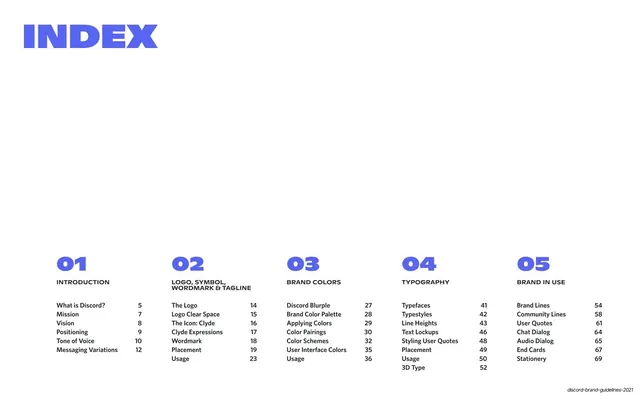
White contents page with a blurple INDEX headline and five numbered columns listing the deck's chapters and page numbers.
Summary
The contents page: a white ground with a large blurple "INDEX" headline top-left and five numbered columns mapping the deck's chapters to page numbers.
Visual description
White background. An oversized blurple condensed display "INDEX" sits top-left. The lower half holds five evenly spaced columns, each headed by a large blurple all-caps number (01 through 05) and a black all-caps section title (INTRODUCTION; LOGO, SYMBOL, WORDMARK & TAGLINE; BRAND COLORS; TYPOGRAPHY; BRAND IN USE). Under each heading, a tidy list pairs subsection names at the left with right-aligned page numbers. The wide upper-middle is left empty so the columns sit as a band along the bottom.
Key takeaway
Anchoring the whole contents grid to the lower band and letting the top breathe. The big blurple numerals turn a plain table of contents into a graphic system and make the five chapters scannable at a glance.
Reuse notes
A clean contents template for any multi-chapter deck or report. The numbered-column layout scales to four to six sections; below four, columns start to look sparse. Reuse the big-numeral + page-number pairing for any agenda or index page.
From this deck: Index / table of contents
View deck