Preview image. Unlock full-res
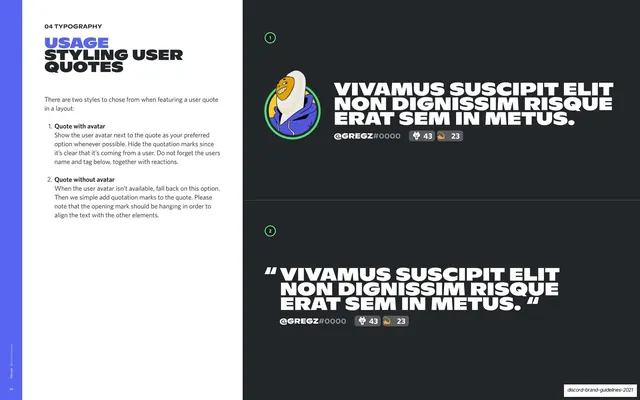
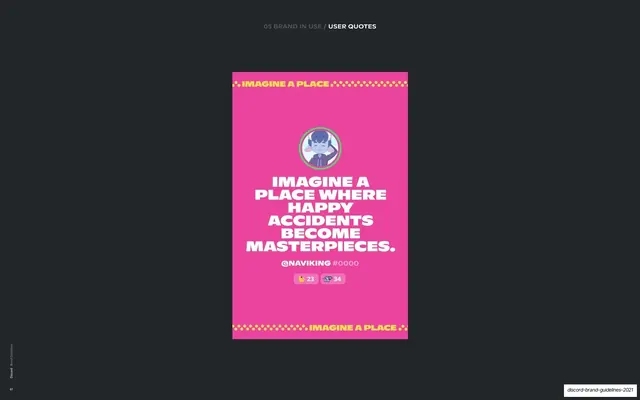
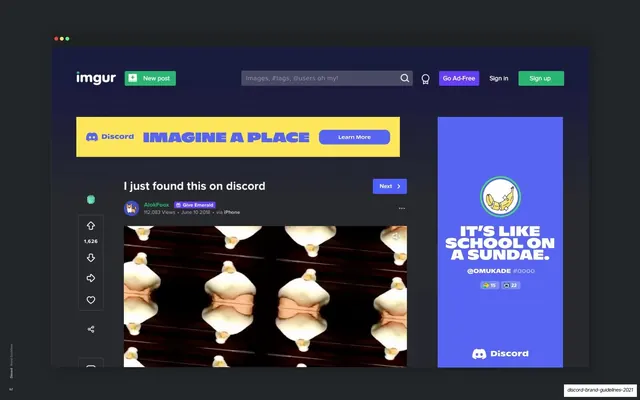
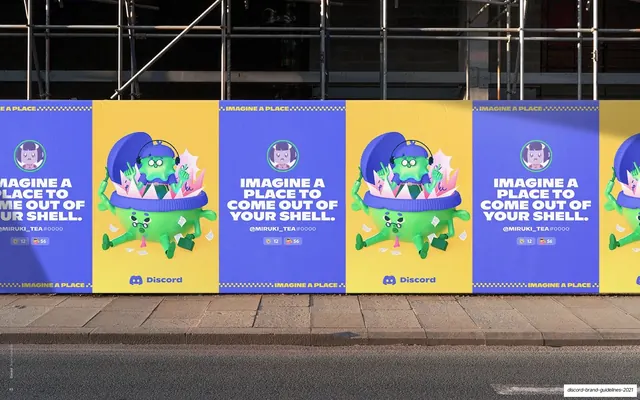
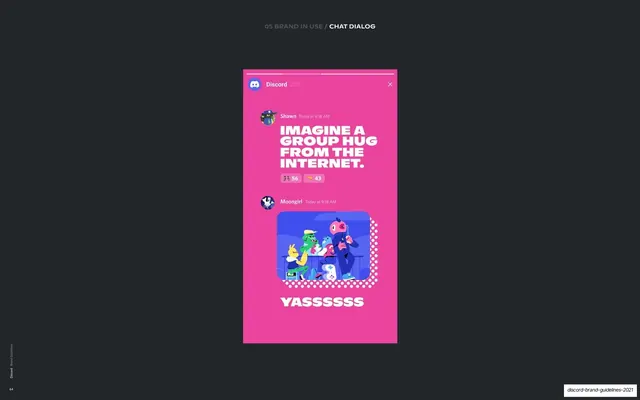
Two approved ways to style a user quote, with-avatar and with-quotation-marks, each shown as a big blocky quote plus username and reaction pills.
Summary
A page defining two ways to present a user quote: with the user's avatar (preferred) or, when no avatar exists, with hanging quotation marks. Each option is shown as an oversized blocky quote with a username tag and reaction pills.
Visual description
White-left / near-black-right split. The left column shows the "04 TYPOGRAPHY" eyebrow, a stacked two-tone "USAGE / STYLING USER QUOTES" headline, and two numbered options (quote with avatar; quote without avatar). The right side stacks two examples on the dark panel. The top one places a round illustrated avatar at left of a three-line oversized white all-caps quote, with a "@GREGZ #0000" handle and two reaction count pills below, marks hidden. The lower one drops the avatar and instead opens and closes the same quote with large blurple quotation marks, the opening mark hanging to the left to keep the text aligned, with the same handle and pills.
Key takeaway
Giving user-generated quotes a real typographic treatment, then specifying the fallback (avatar vs. quotation marks) and the hanging opening mark for alignment. The handle plus reaction pills make a quote feel native to the platform rather than like a generic pull quote.
Reuse notes
Useful for any brand that surfaces community or customer quotes and wants them on-brand and consistent. The avatar-preferred-with-quotation-fallback rule transfers to testimonials anywhere. The reaction pills are Discord-specific chrome; swap for your own social affordances.
From this deck: Styling user quotes
View deck


More like this

Keep what you find
A free account saves references to boards and can send you a weekly email of picks based on what you save.
To see every result, go Pro.