Preview image. Unlock full-res
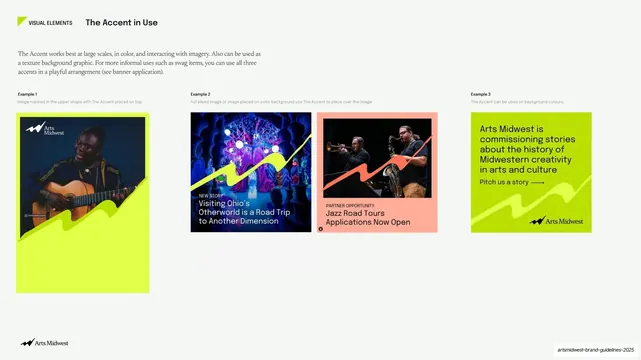
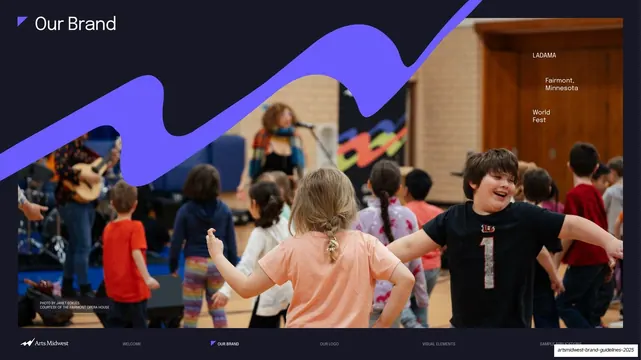
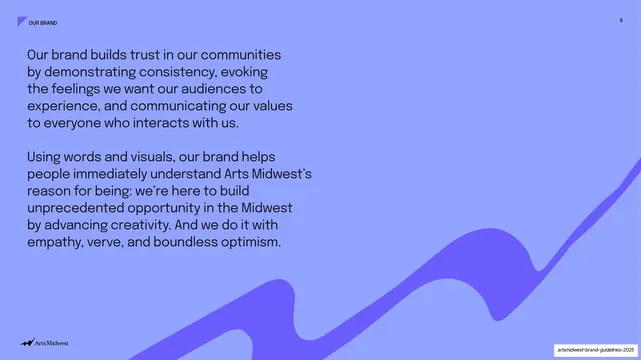
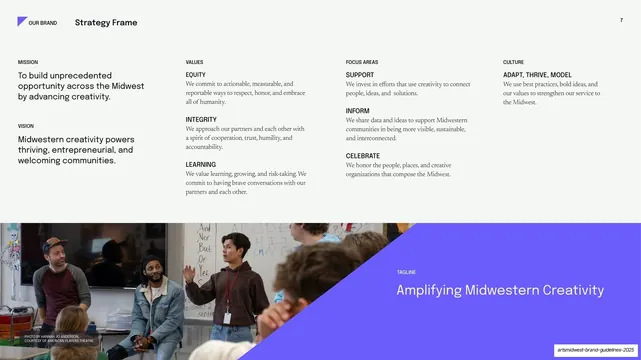
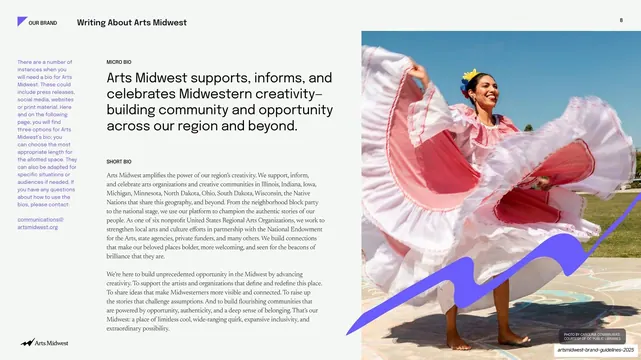
A light guideline page showing three example cards of the lime-green zigzag accent graphic interacting with photos and a color field.
Summary
A usage page for the brand's lime-green zigzag "Accent" graphic, demonstrating across three labeled example cards how it masks imagery, overlays a full-bleed photo, and sits on a solid color field.
Visual description
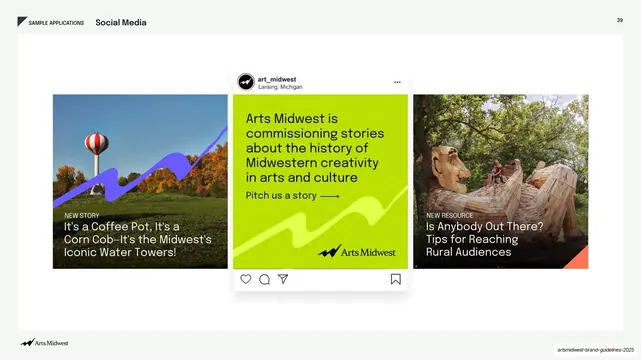
White page with the standard "VISUAL ELEMENTS / The Accent in Use" header (a small lime angle mark beside it) at top left, and a two-line serif intro paragraph below. The lower two-thirds holds three examples in a wide row, each topped by a small "Example 1/2/3" gray label and one line of caption. Example 1 is a tall card: a photo of a man playing guitar (Arts Midwest logo top-left) masked into the upper half, with a large lime zigzag accent sweeping up across the lower half. Example 2 is a square social tile with a colorful theatrical photo, a lime zigzag overlay, and a "NEW STORY" kicker plus headline in white. Example 3 is a salmon-pink square ("PARTNER OPPORTUNITY / Jazz Road Tours") with another zigzag, here in orange, over a jazz-duo photo. A fourth card on the far right is a solid lime field with dark "Arts Midwest is commissioning stories..." copy, a "Pitch us a story" arrow link, and the logo, the accent rendered as a tonal texture. The Arts Midwest logo sits bottom-left.
Key takeaway
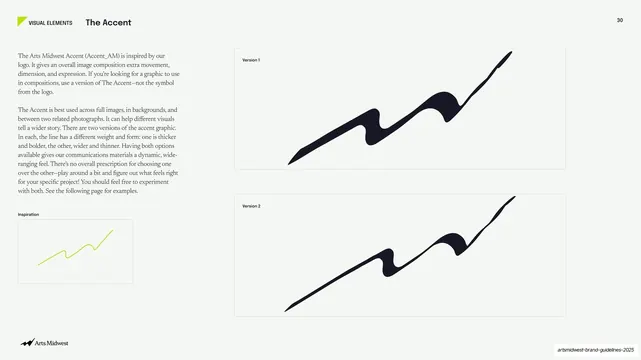
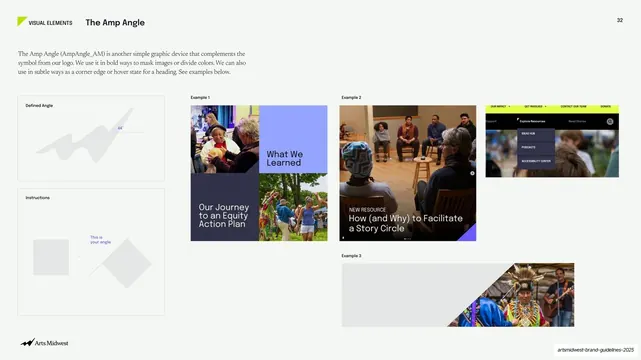
One ownable graphic device (a hand-drawn zigzag) shown working three ways at once: as an image mask, as an overlay, and as a tonal background texture. The example-card row with a kicker label per card is a clean way to document a flexible asset without writing rules.
Reuse notes
A strong template for the "in use" page of a brand system, especially when one signature shape needs to flex across photo cards, social tiles, and color fields. Works for arts, culture, nonprofit, and community brands that want energy without losing legibility. The look depends on a genuinely distinctive accent shape and good photography.
From this deck: The Accent in use examples
View deck




More like this
Keep what you find
A free account saves references to boards and can send you a weekly email of picks based on what you save.
To see every result, go Pro.