Preview image. Unlock full-res
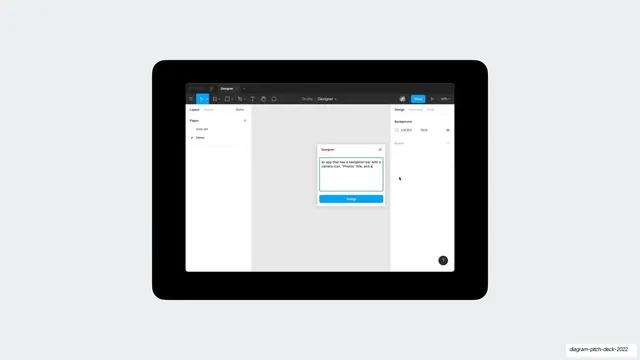
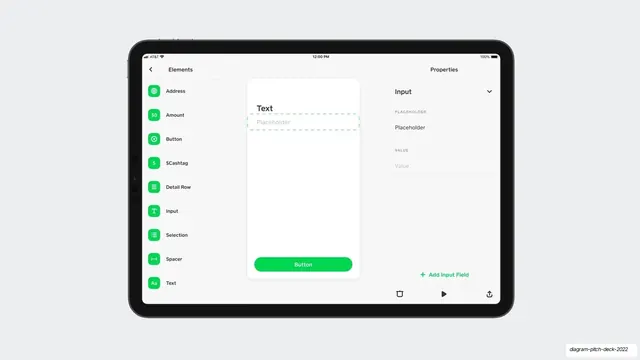
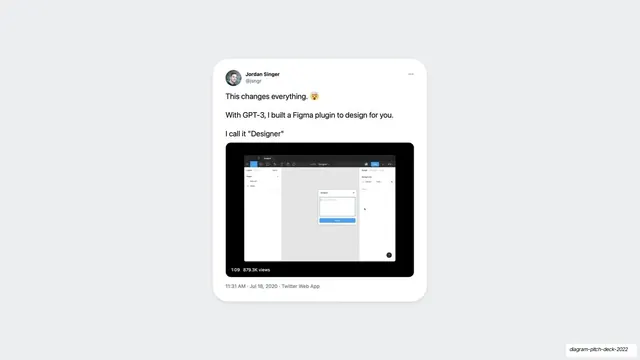
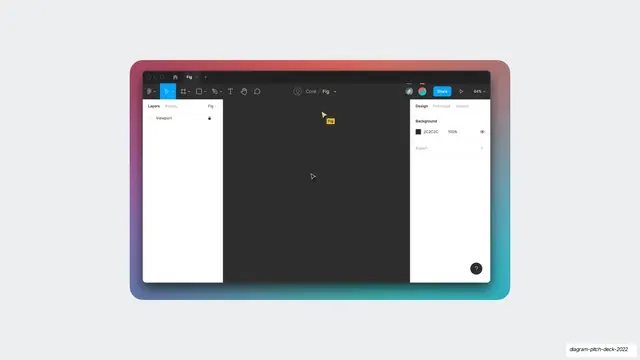
A centered product mockup of the Designer Figma plugin showing its text-prompt dialog inside a dark Figma editor, framed in a rounded black device shell.
Summary
A single centered screenshot of the Designer plugin running inside Figma, with its prompt modal open and a natural-language description typed in, shown in a rounded black frame.
Visual description
Light gray background with one large rounded-corner black device shell centered on the slide. Inside it is a dark Figma editor screenshot: standard Figma top toolbar, a left Layers panel with "Data set" and "Demo" pages, and a right Design panel. A small white "Designer" modal sits in the canvas center with a text field reading 'an app that has a navigation bar with a camera icon, "Photos" title, and a', above a bright blue "Design" button. A small dark help bubble sits bottom-right.
Key takeaway
Showing the product as a literal in-context screenshot framed in a clean dark bezel, so it reads as a real working tool rather than a marketing render. The visible typed prompt does the explaining: it shows the input and implies the magic output without a caption.
Reuse notes
A good "here is the actual product" slide for any plugin, extension, or in-app feature where context matters. The device frame plus real UI is reusable for demoing a flow. Needs a genuinely legible screenshot; the dark editor against the light slide can lose detail at small sizes.
From this deck: Designer plugin prompt UI mockup
View deck


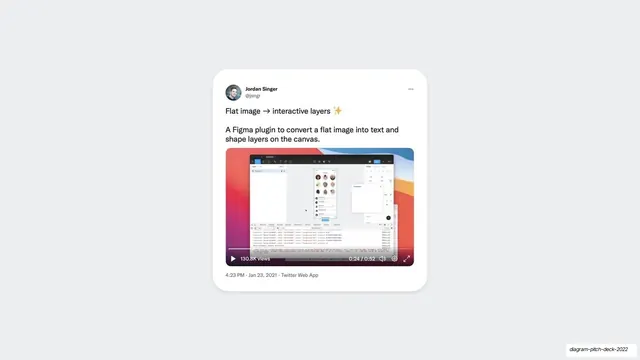
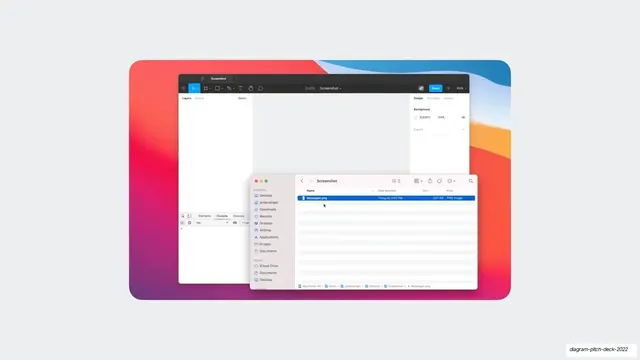
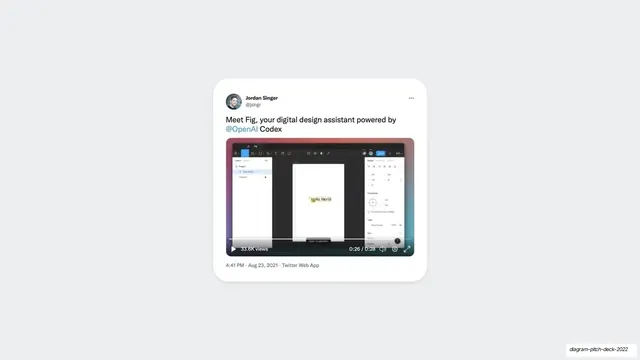
More like this




Keep what you find
A free account saves references to boards and can send you a weekly email of picks based on what you save.
To see every result, go Pro.