Preview image. Unlock full-res
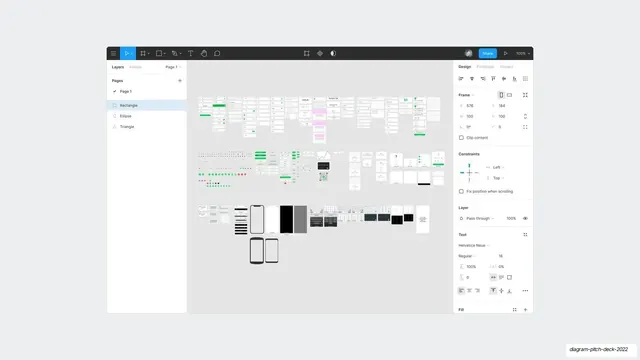
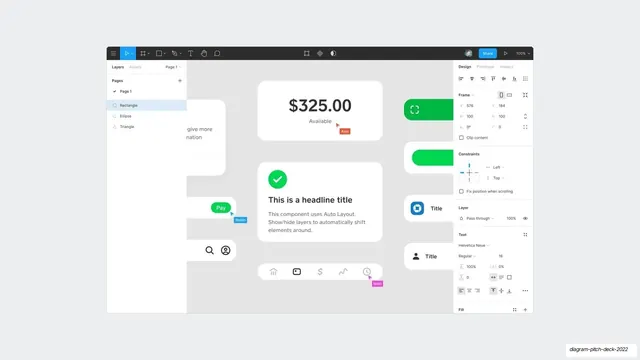
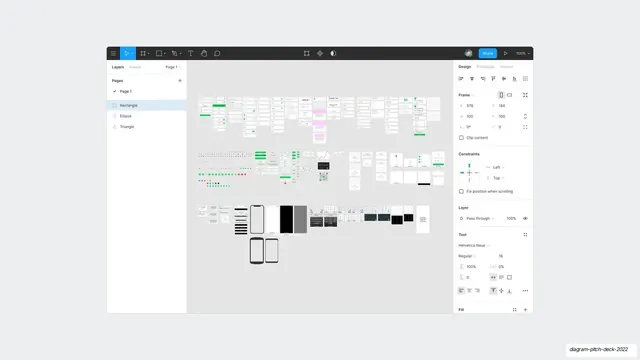
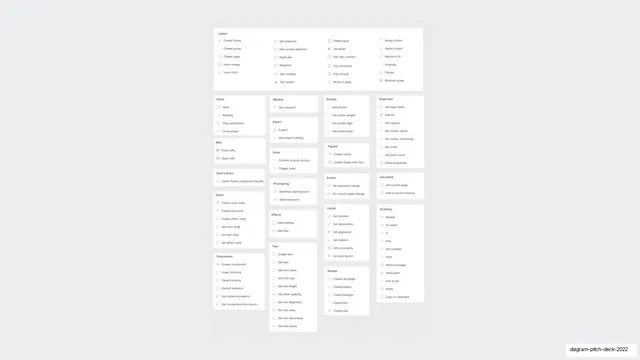
A repeat full screenshot of the Figma editor showing the whole deck file, with layers panel, design inspector, and rows of small artboards across the canvas.
Summary
A repeat of the full Figma editor screenshot: the entire deck file seen at a distance, with the layers panel left, design inspector right, and three bands of small artboards filling the canvas.
Visual description
The complete Figma application UI fills the slide, essentially identical to the earlier editor screenshot. A dark top toolbar carries the move, frame, shape, pen, text, hand, and comment tools, a blue Share button, and a 100% zoom control. The left side shows Pages and a Layers list (Rectangle, Ellipse, Triangle). The right Design panel lists Frame coordinates, Constraints, Layer blend mode, and Text settings. The central canvas holds three loose horizontal rows of tiny light artboards (forms, icon grids, phone screens, dark mockups), reading as the whole working file.
Key takeaway
Reusing the same zoomed-out editor shot as a recurring backdrop gives the build sequence a consistent "home base" the viewer keeps returning to between detail screens. The repetition itself becomes a rhythm device across the deck.
Reuse notes
A meta visual that only fits a design-tool pitch. Best used as a connective or transition slide between close-ups of individual components, not as content to read. Distinguish it from its near-identical sibling by slide order and caption.
From this deck: Full Figma editor canvas screenshot (repeat)
View deck








More like this
Keep what you find
A free account saves references to boards and can send you a weekly email of picks based on what you save.
To see every result, go Pro.