Preview image. Unlock full-res
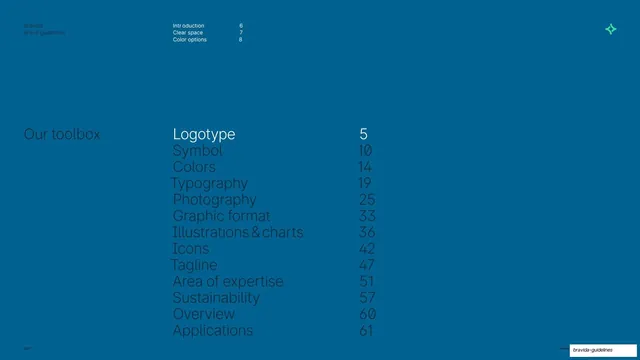
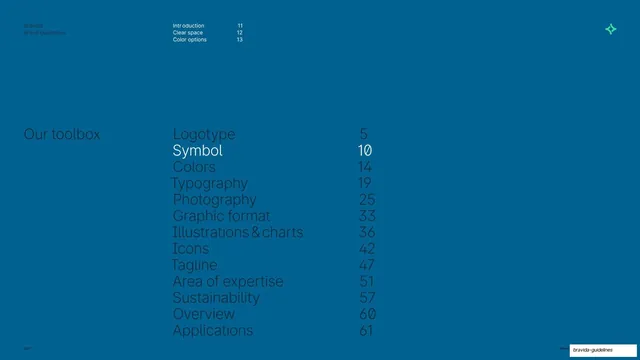
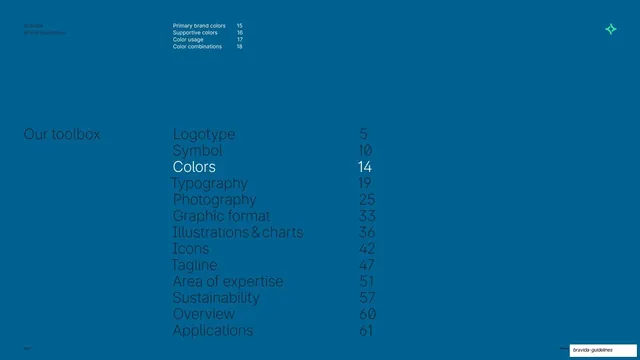
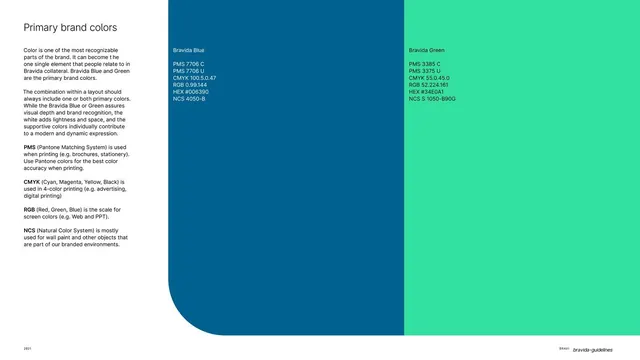
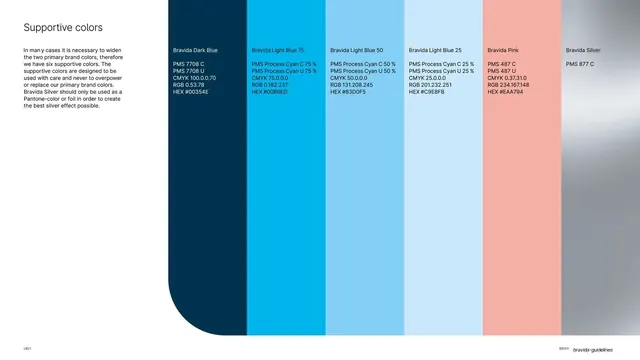
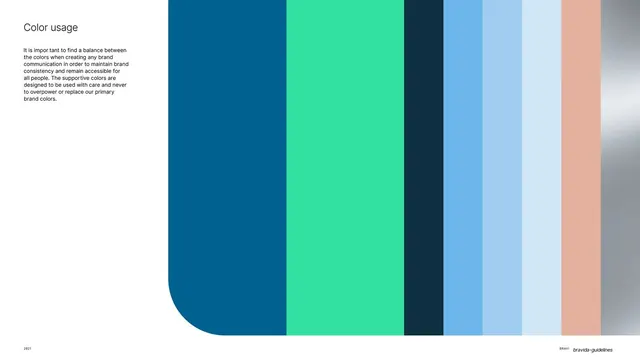
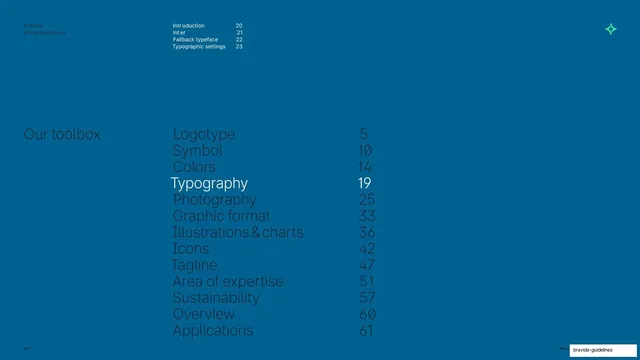
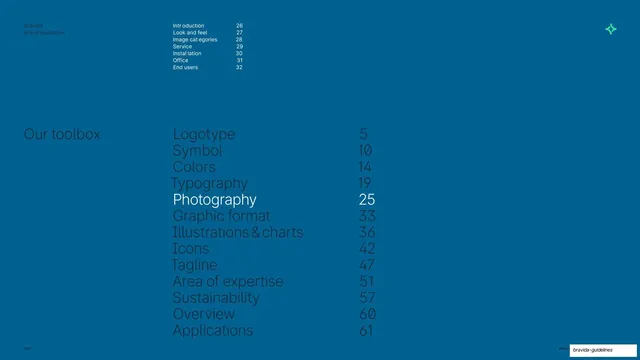
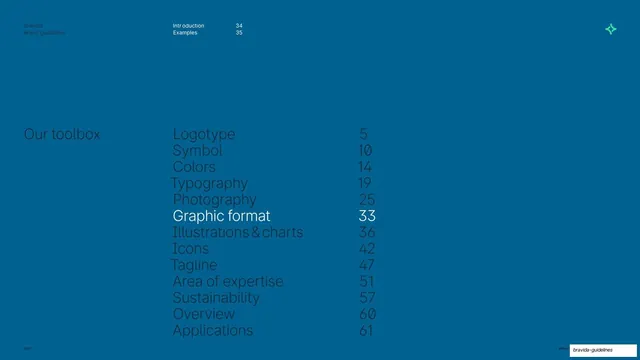
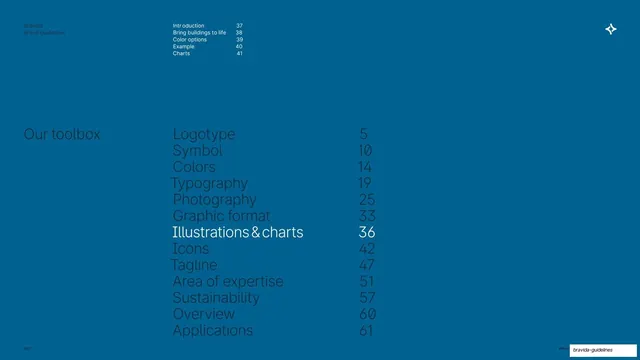
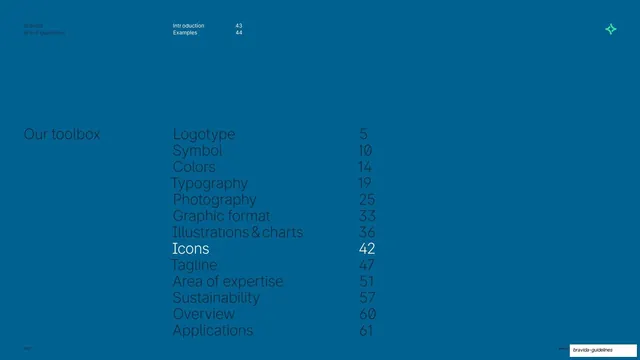
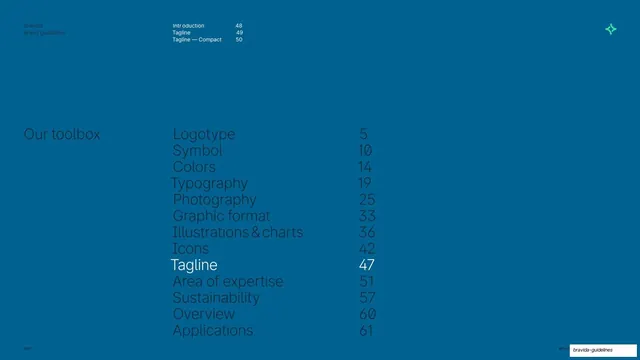
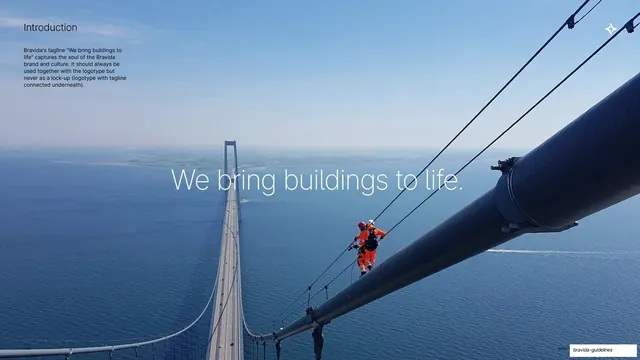
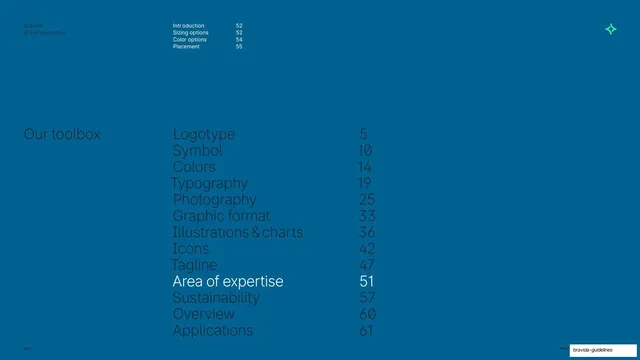
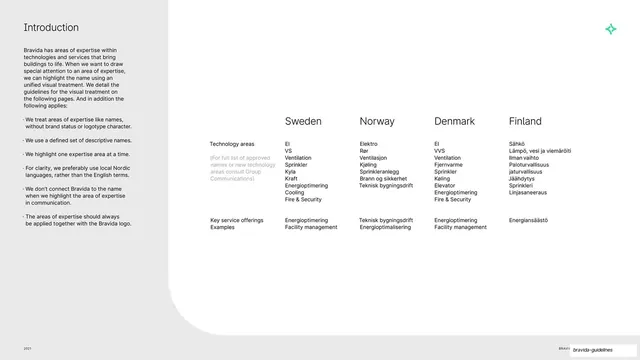
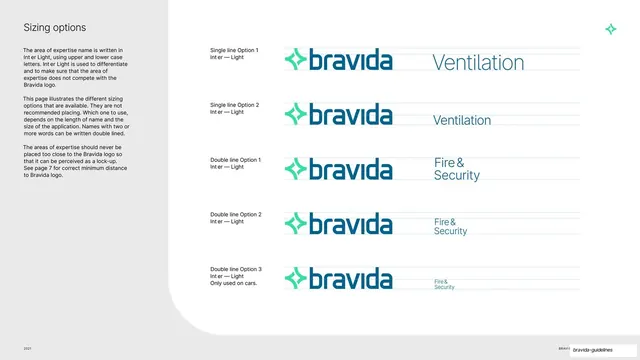
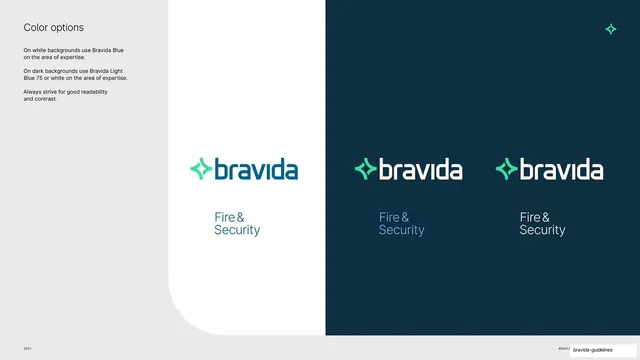
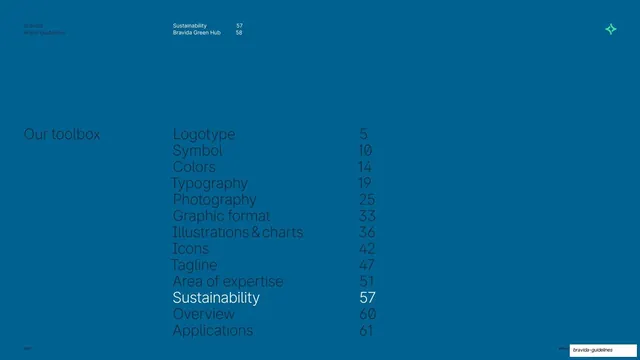
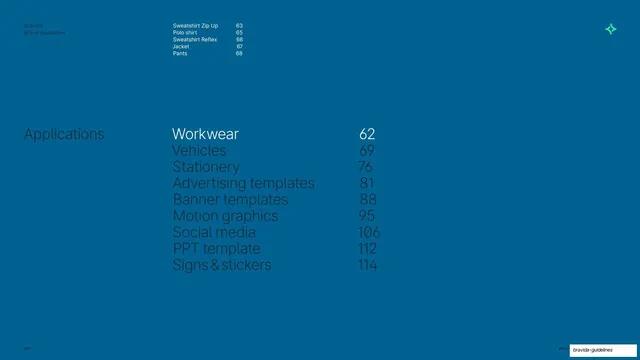
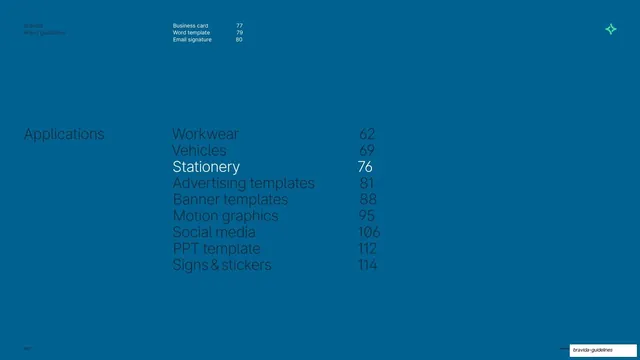
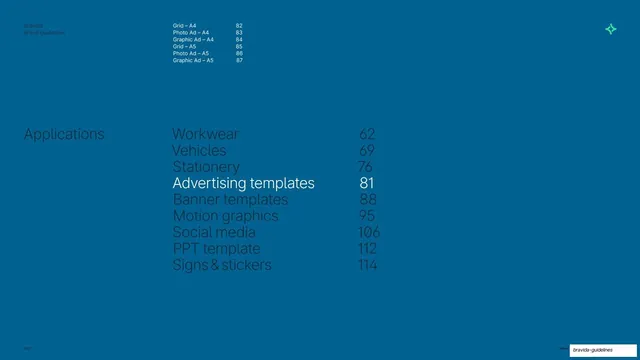
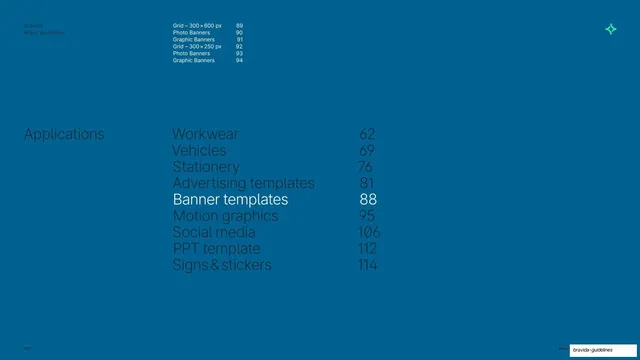
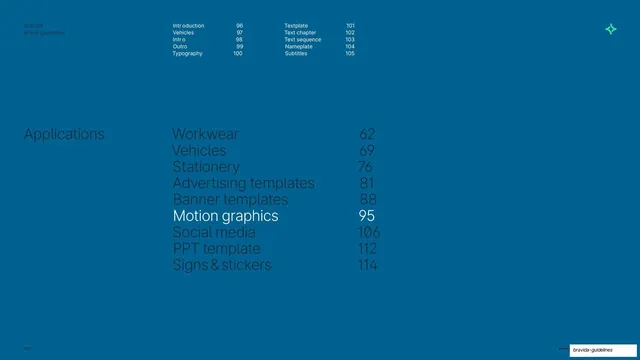
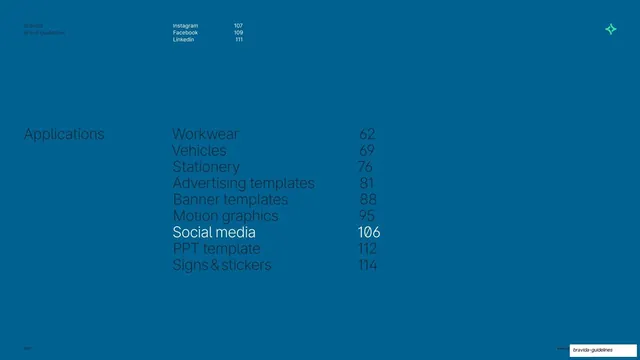
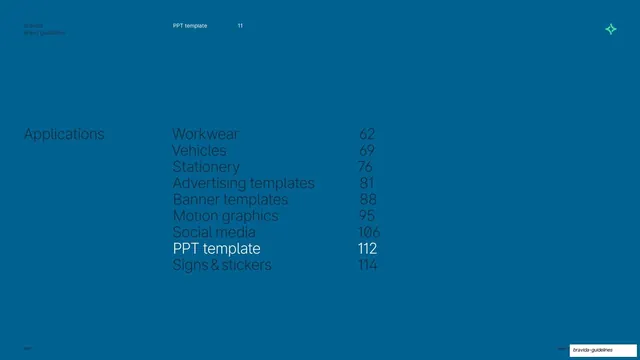
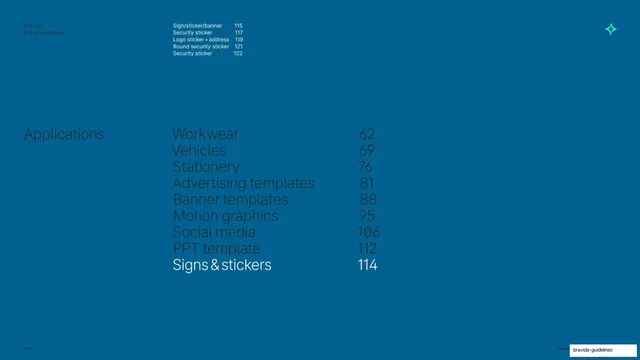
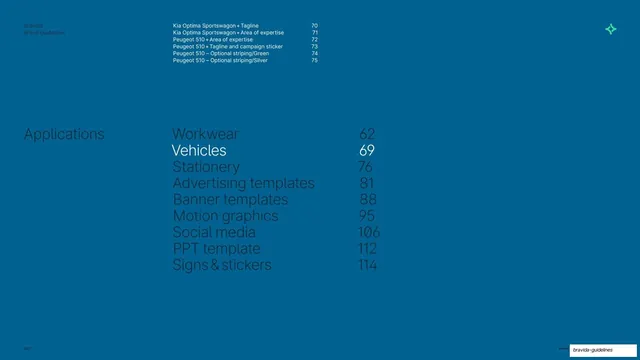
Deep-blue section divider opening the Vehicles chapter, with a dimmed applications contents list highlighting the current section.
Summary
A chapter divider that opens the Vehicles section of the Applications part, using a full deep-blue field and a navigation list where the active line is brightened.
Visual description
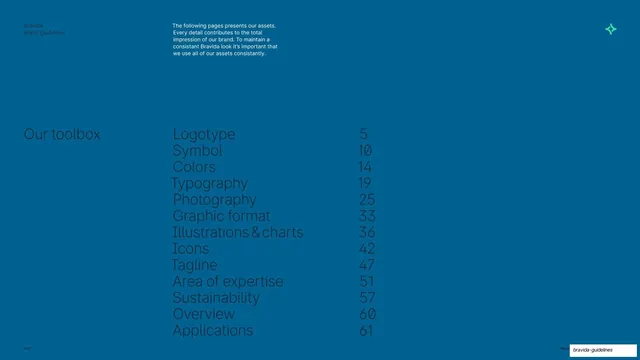
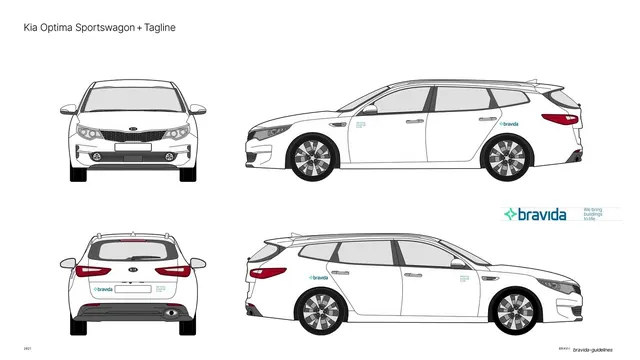
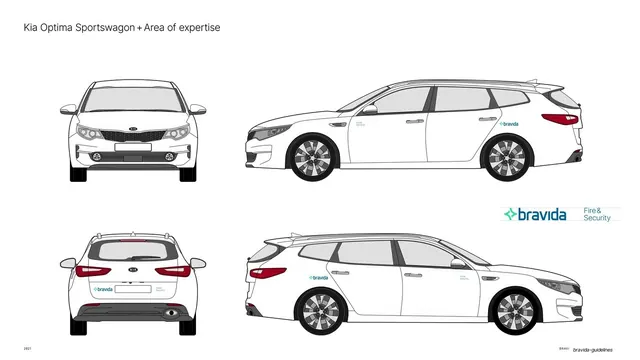
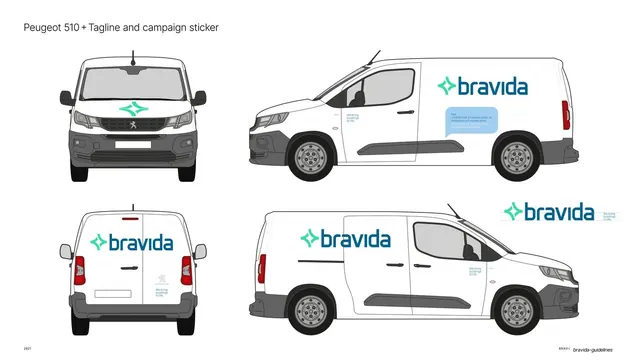
Solid Bravida-blue background. Top-left a small "Bravida / Brand guidelines" label in muted type. A two-column sub-list runs across the top listing vehicle branding pages (Kia Optima Sportswagon and Peugeot 510 variants) with page numbers 70 to 75. A small green four-point Bravida symbol sits top-right. The lower half holds the main "Applications" label at left, then a large list of all application chapters (Workwear, Vehicles, Stationery, Advertising templates, Banner templates, Motion graphics, Social media, PPT template, Signs and stickers) with page numbers, all dimmed except "Vehicles 69" which is set in bright white to mark the current section.
Key takeaway
The single highlight move: dimming every list item and brightening only the active chapter turns a plain table of contents into a clear wayfinding divider. The blue field gives the long deck a calm structural pause.
Reuse notes
A repeatable section-opener pattern for any long, multi-chapter document. Reuse the dimmed-list-with-one-highlight to show readers where they are. The deep-blue ground also serves as the deck's recurring divider color, keeping section breaks consistent.
From this deck: Vehicles section divider
View deck