Preview image. Unlock full-res
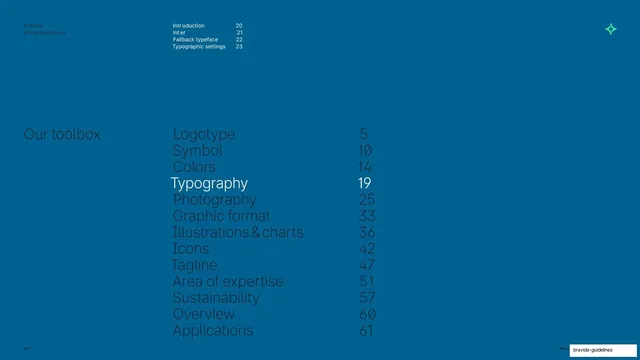
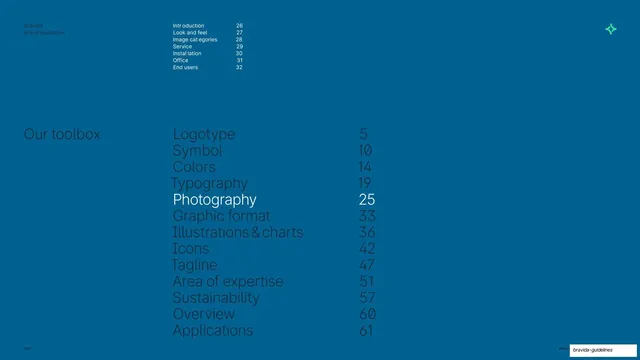
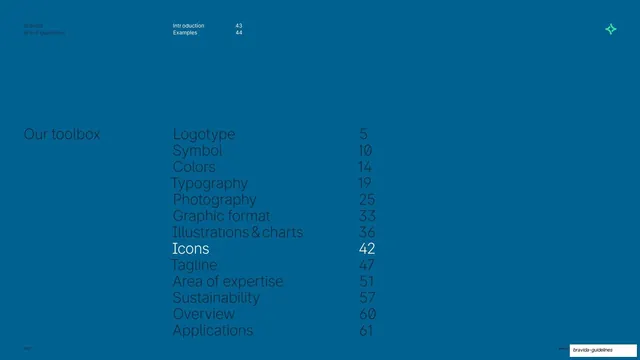
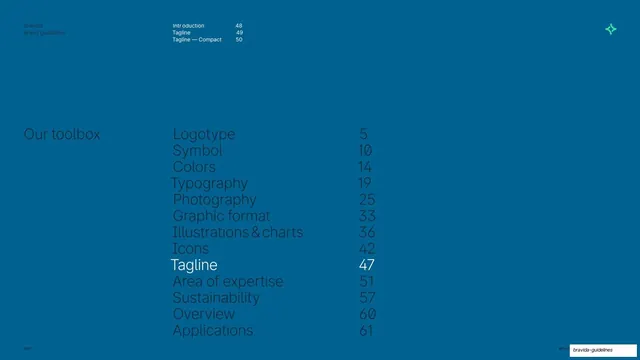
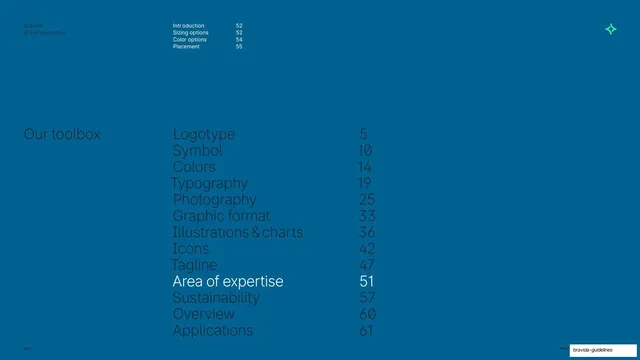
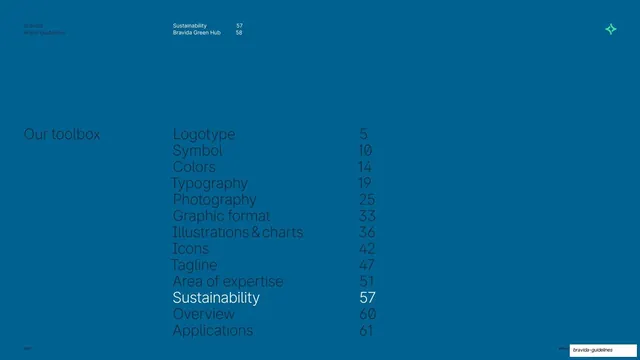
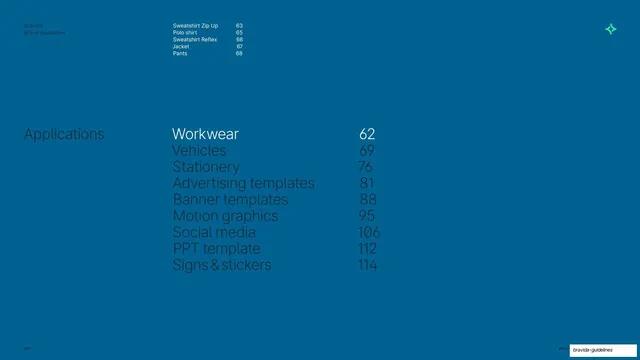
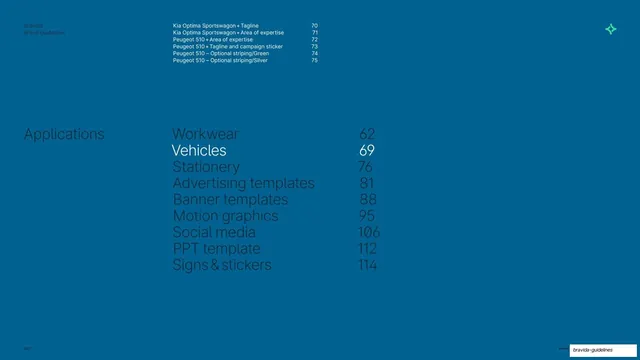
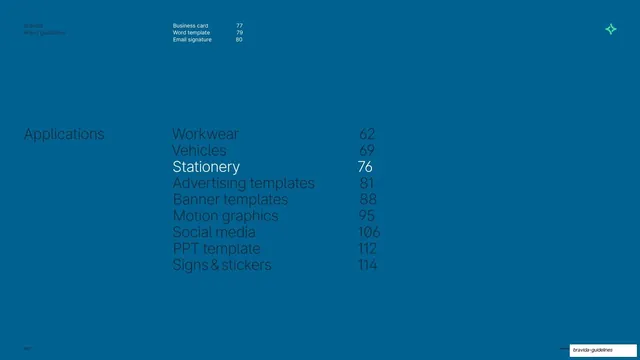
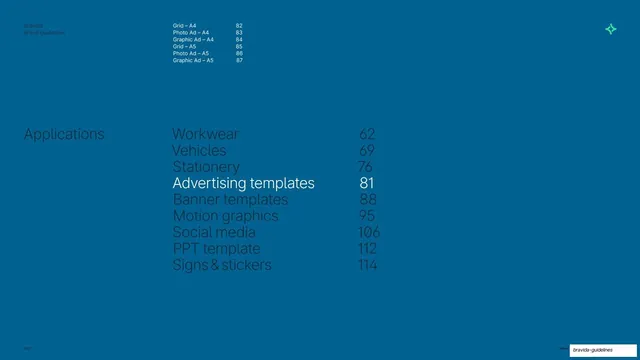
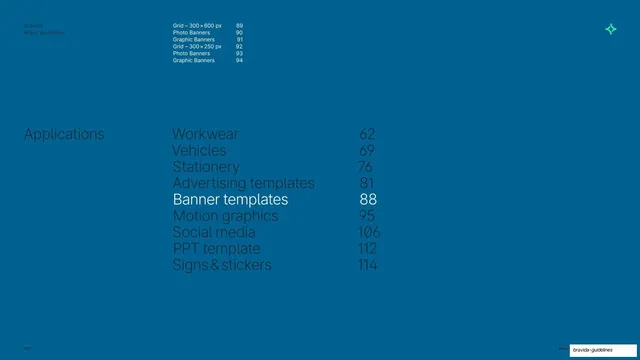
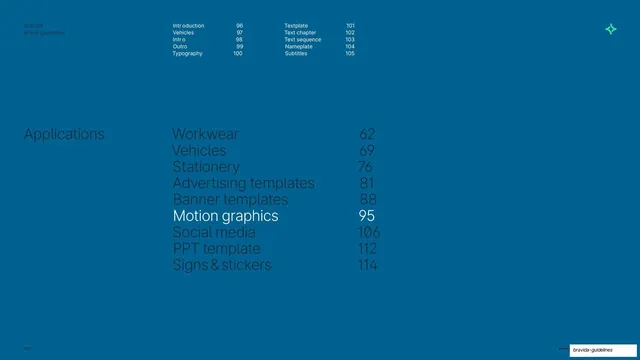
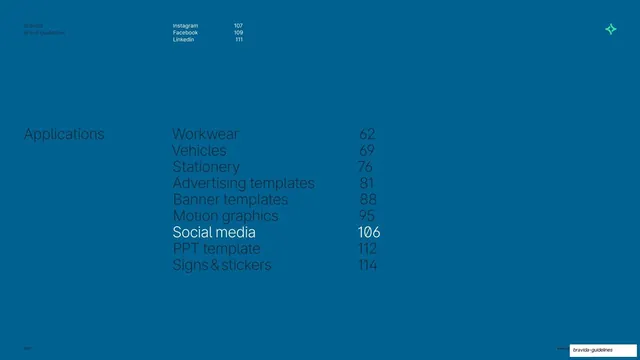
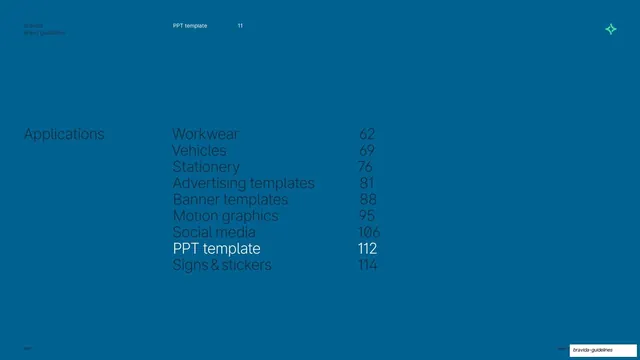
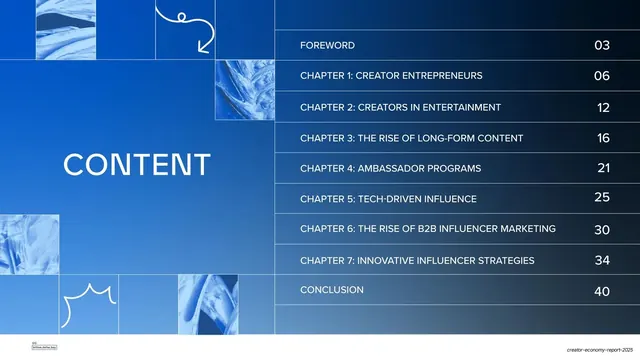
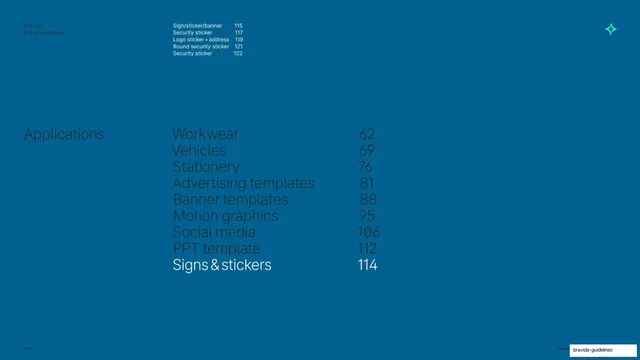
A full-bleed Bravida Blue contents page for the Applications chapter with Signs & stickers highlighted in white and its sub-items listed in the header.
Summary
The Applications contents page again, now with "Signs & stickers" highlighted in white and its sub-pages enumerated in the running header above the main list.
Visual description
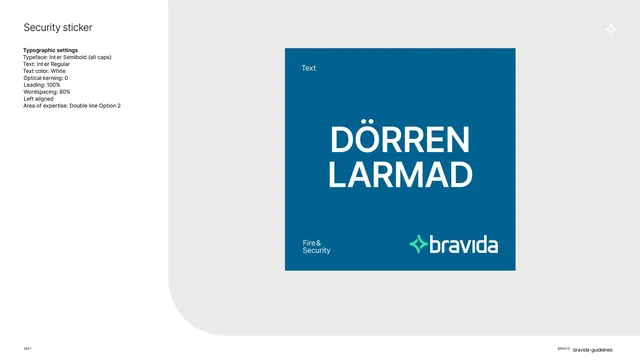
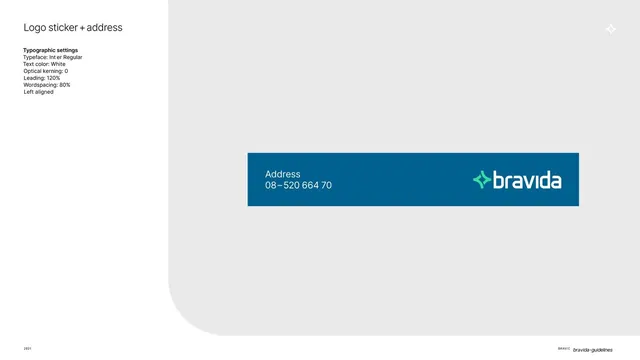
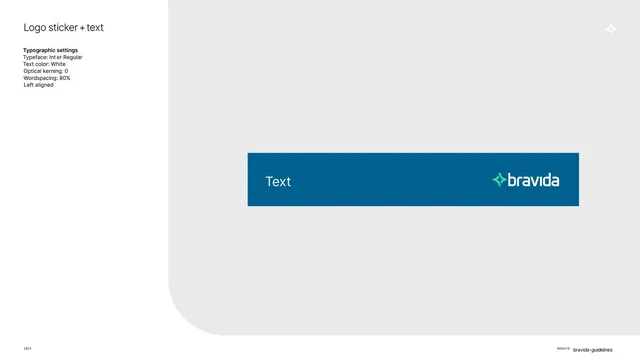
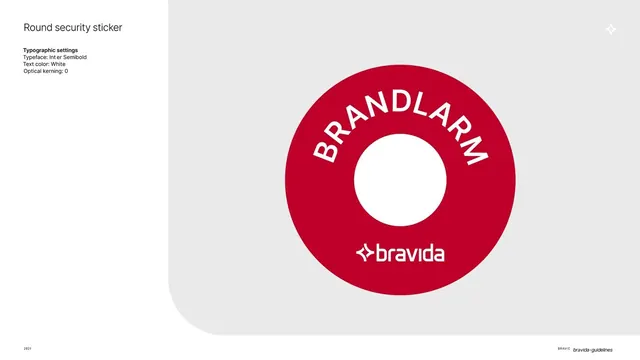
Same full-bleed Bravida Blue divider as the PPT-template contents page. The two-column chapter list (Workwear through Signs & stickers, with page numbers 62-114) sits left of center, dimmed in darker blue, with only the bottom entry "Signs & stickers 114" set in bright white. The running header now expands into a small sub-index for this chapter: "Sign/sticker/banner 115, Security sticker 117, Logo sticker + address 119, Round security sticker 121, Security sticker 122." Mint symbol top-right; "2021" bottom-left.
Key takeaway
Letting the same divider template carry a second layer of navigation: the active chapter is highlighted in the main list while its sub-sections fan out in the header. One reusable layout handles both top-level and sub-level wayfinding.
Reuse notes
Pairs with the PPT-template contents page as the entry divider for the final chapter. The sub-index header is worth borrowing when a chapter has many short sub-sections that deserve their own page references. Move the white highlight to repurpose for any chapter.
From this deck: Applications contents (Signs & stickers)
View deck