Preview image. Unlock full-res
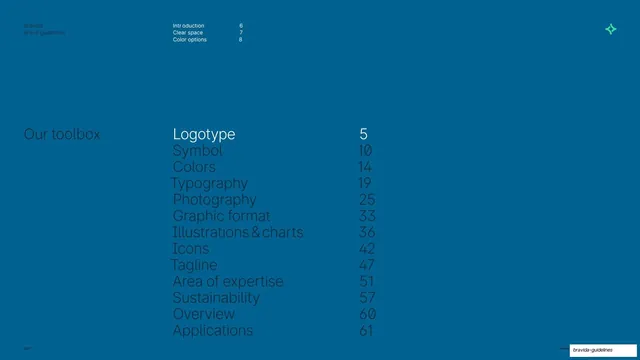
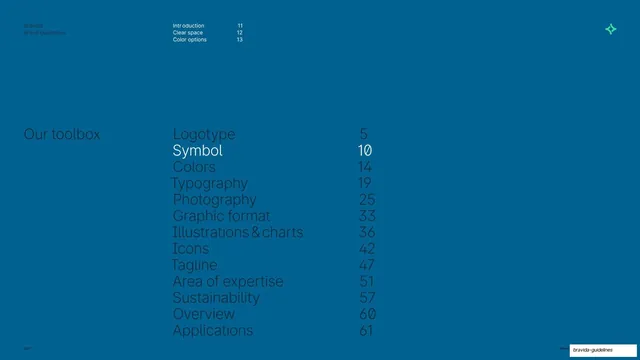
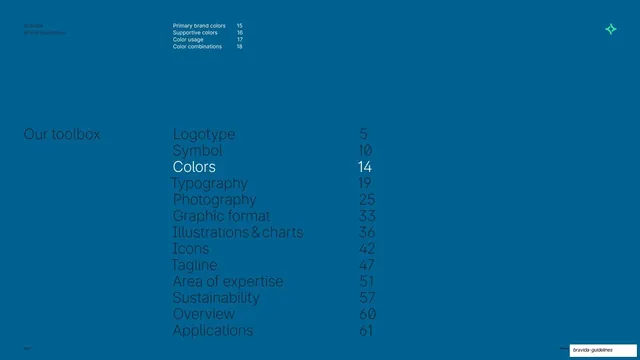
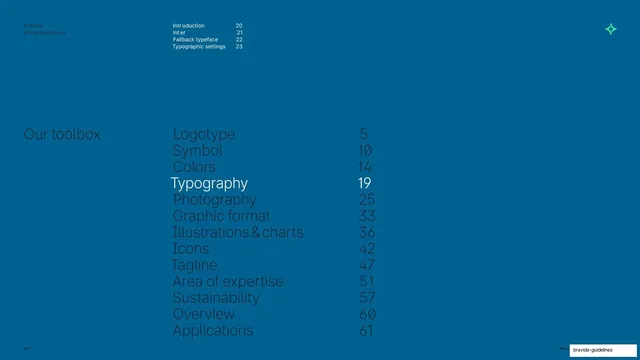
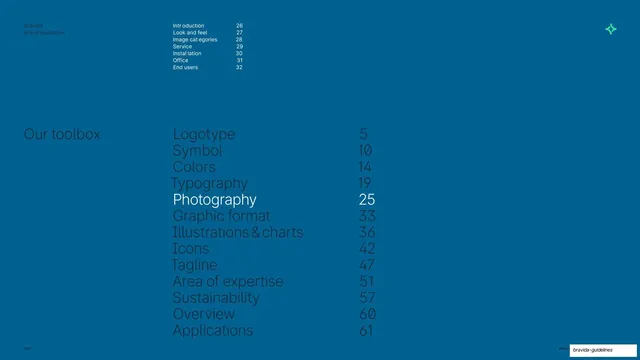
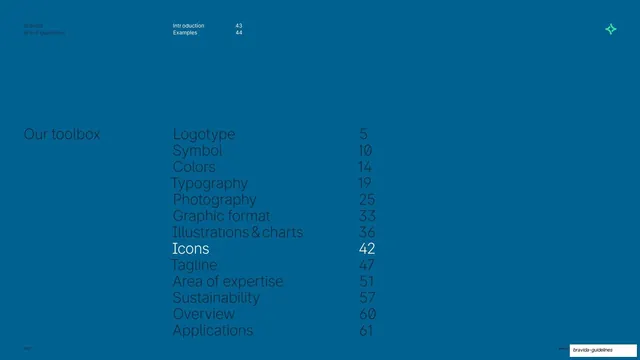
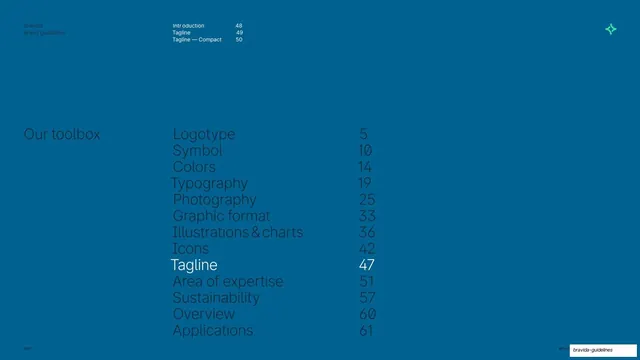
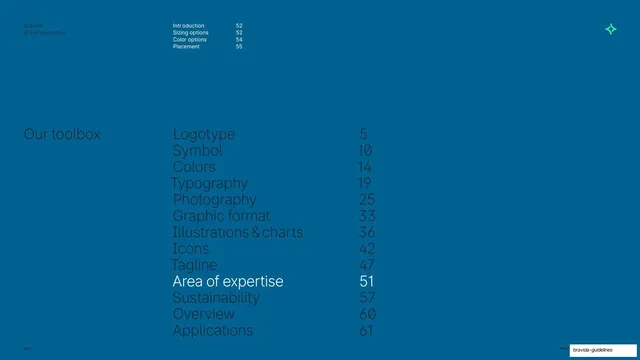
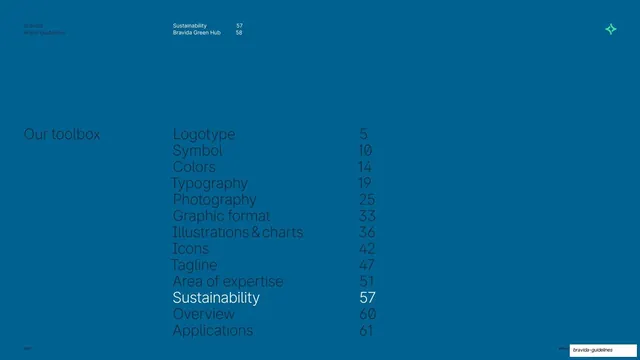
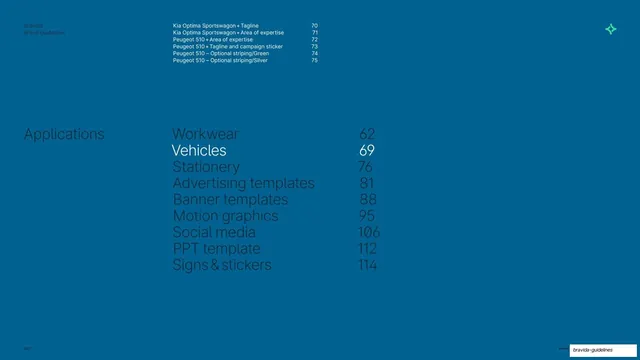
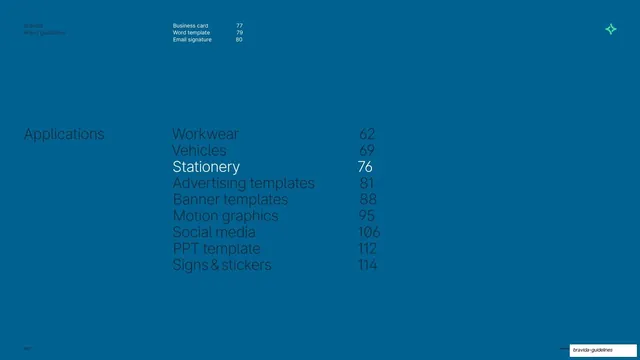
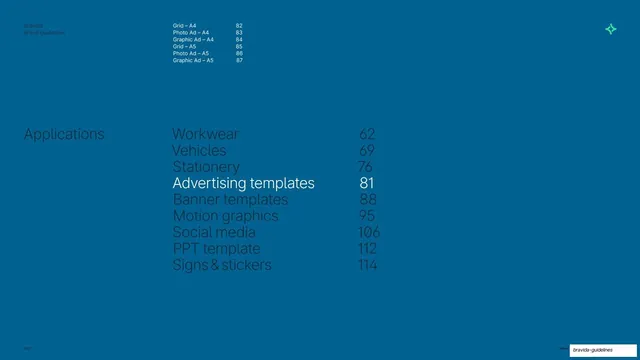
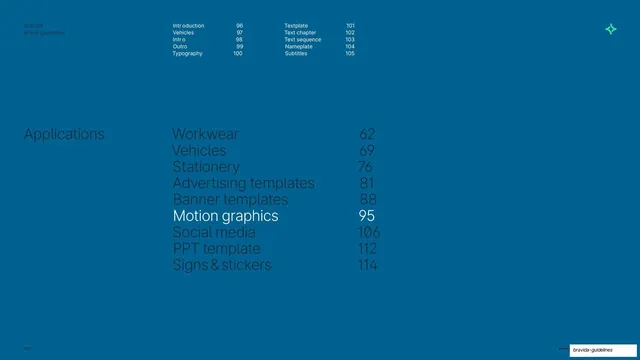
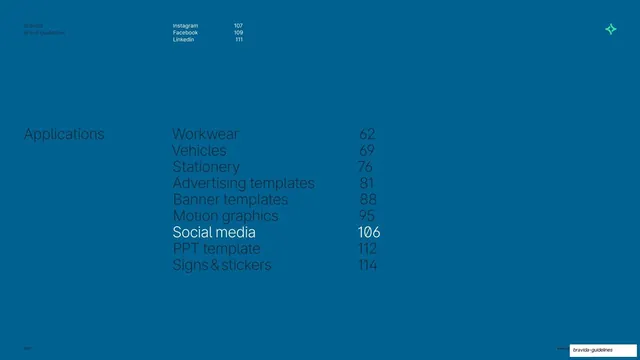
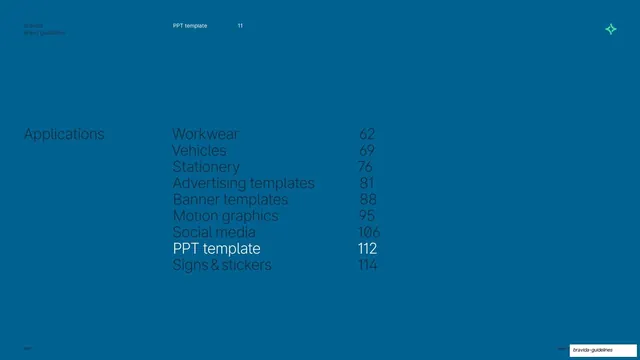
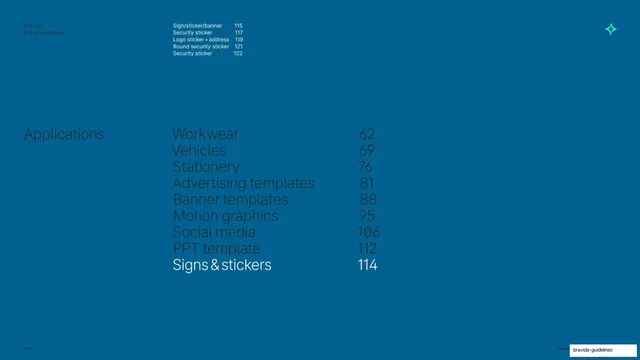
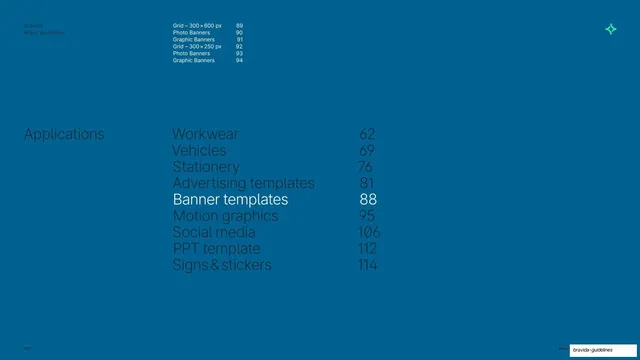
Deep-blue chapter divider opening the Banner templates section, with a highlighted Applications contents list and a sub-index of banner formats.
Summary
A blue chapter-divider slide that opens the Banner templates section by highlighting it inside the running Applications contents and listing the banner sub-pages above.
Visual description
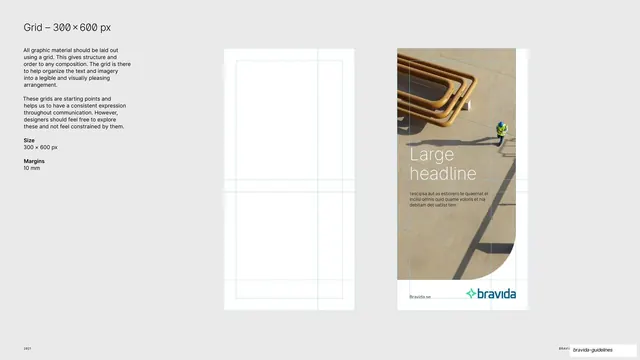
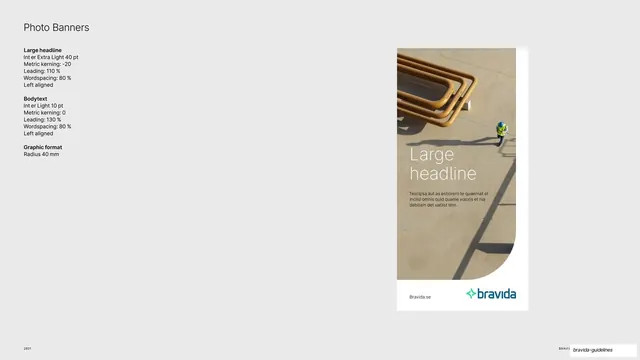
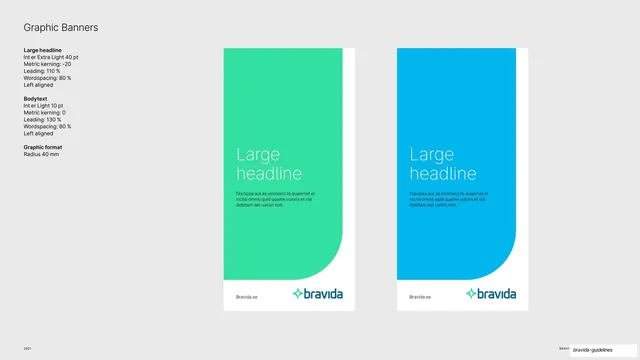
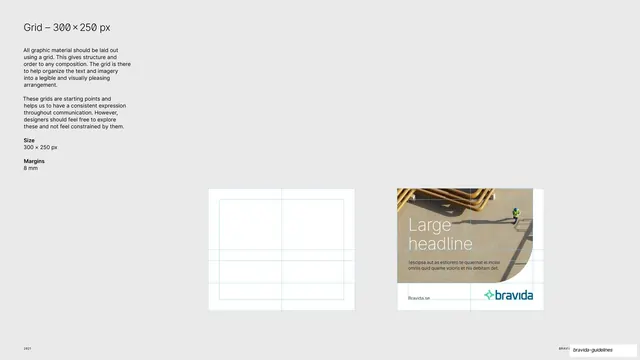
Deep ocean-blue full bleed. A small "Bravida / Brand guidelines" label sits top-left, and a green sparkle mark anchors the top-right. A sub-index runs across the top-center in pale type: "Grid - 300x600 px 89", "Photo Banners 90", "Graphic Banners 91", "Grid - 300x250 px 92", "Photo Banners 93", "Graphic Banners 94". The page's main feature is a large two-column "Applications" contents list down the middle: Workwear 62, Vehicles 69, Stationery 76, Advertising templates 81, Banner templates 88, Motion graphics 95, Social media 106, PPT template 112, Signs & stickers 114. Every line is dimmed except "Banner templates 88", which is bright white to mark the current chapter. "2021" sits bottom-left.
Key takeaway
The recurring trick of reprinting the whole Applications table on every section divider and brightening only the current item, so the reader always knows where they are in a long document. Adding a small sub-index of the chapter's own pages above it doubles as a mini table of contents.
Reuse notes
An excellent pattern for navigating long guideline or report decks. The persistent contents-with-one-item-lit device scales to any number of chapters. Depends on a calm full-bleed color and a large, airy type list to feel like a breath between sections.
From this deck: Banner templates section divider
View deck