
Preview image. Unlock full-res
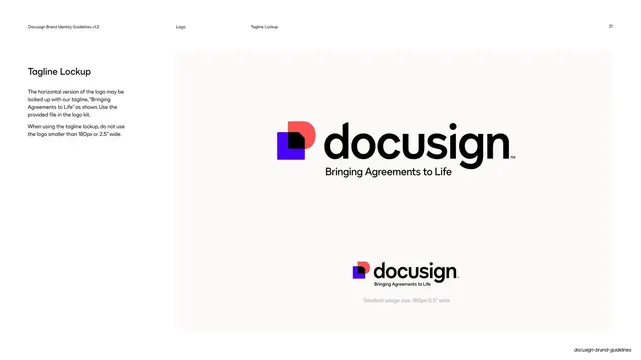
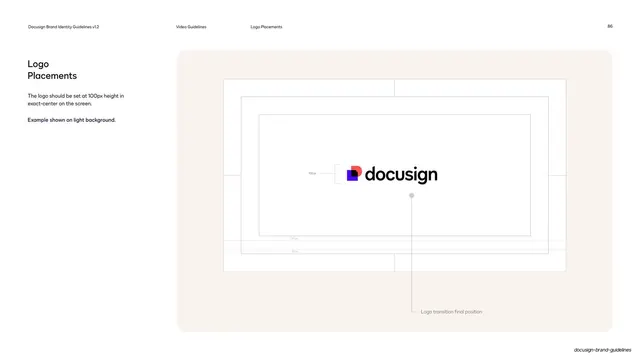
Trademark page showing the horizontal Docusign lockup with the TM symbol placed at the wordmark's lower-right terminal.
Summary
A trademark page showing exactly where the TM symbol attaches to the wordmark, demonstrated on a single large horizontal lockup.
Visual description
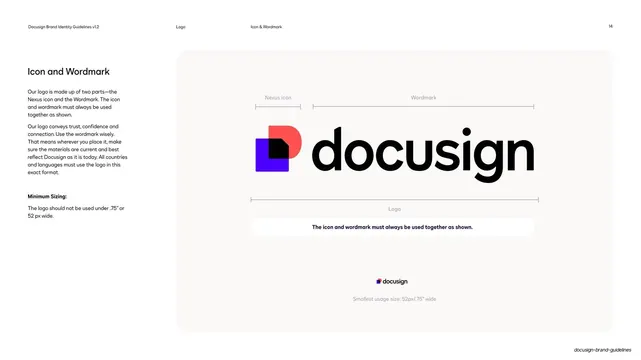
Two-column layout with a short left column headed "Trademark" and one line of body copy. The right rounded off-white panel holds a single, large horizontal lockup centered with plenty of air: the Nexus icon beside the black lowercase "docusign", with a small superscript "TM" set at the lower right after the final "n". One clean example, no comparison or annotation.
Key takeaway
Devoting a whole page to one tiny detail (where the TM sits) and showing it at large scale so the placement is unmistakable. Restraint as instruction.
Reuse notes
A small but standard page for any trademarked identity. The single-large-example treatment keeps it from feeling like filler. Pairs with the lockup and clear-space pages around it.
From this deck: Docusign trademark placement
View deck











































More like this








Keep what you find
A free account saves references to boards and can send you a weekly email of picks based on what you save.
To see every result, go Pro.