Preview image. Unlock full-res
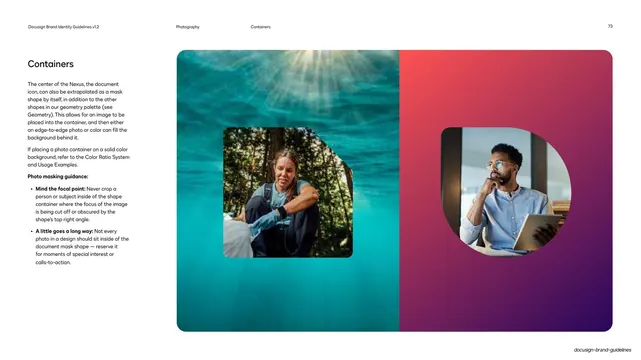
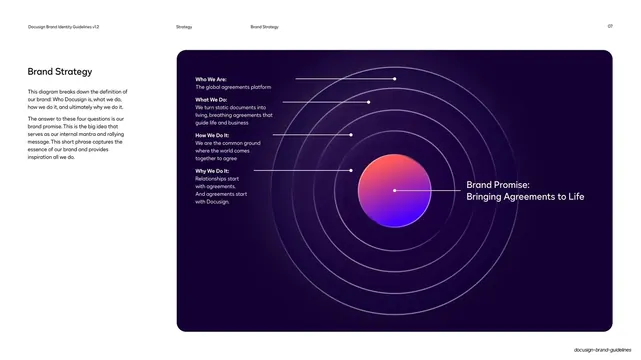
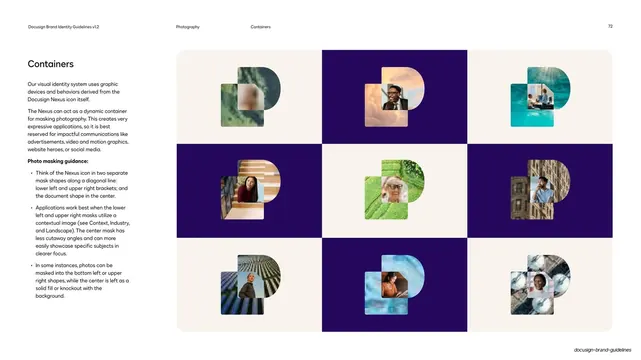
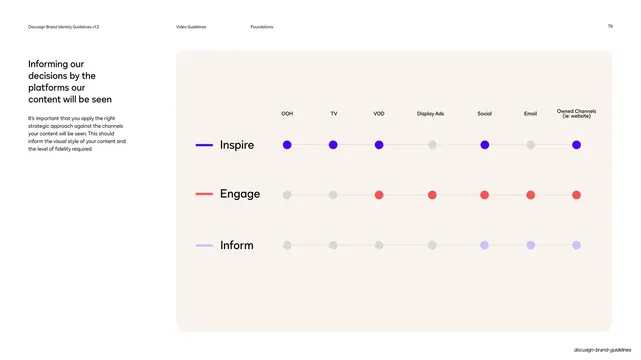
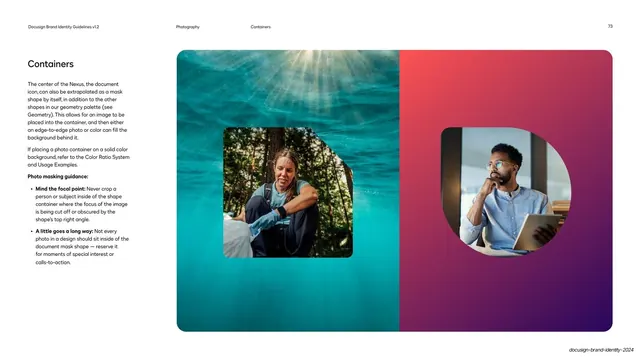
Two large examples of photos masked into the Nexus document shape, one over an edge-to-edge ocean photo and one over a poppy-to-violet gradient, with focal-point masking rules at left.
Summary
A close-up of the document-shape mask in use: two big panels show a portrait clipped into the angled document shape, one floating on a full-bleed underwater photo, the other on a poppy-to-violet gradient.
Visual description
Standard hairline header (section "Photography", subsection "Containers", page 73). The left column holds a "Containers" headline, copy on extrapolating the central document icon as a standalone mask shape, and a bold "Photo masking guidance" list covering focal point and restraint. The right two-thirds is a two-panel composition. The left panel is a full-bleed teal underwater photo with a smaller portrait of a person outdoors masked into a rounded square with one clipped top-right corner (the document shape). The right panel is a saturated poppy-red to violet diagonal gradient holding a portrait of a seated man with a tablet, masked into a softer rounded shape. Both demonstrate placing a photo container on a photo versus a solid/gradient background.
Key takeaway
Showing the same mask shape twice against two very different backgrounds (a busy photo and a flat gradient) to teach when each works. The angled-corner document silhouette gives an ordinary photo crop an ownable, on-brand edge.
Reuse notes
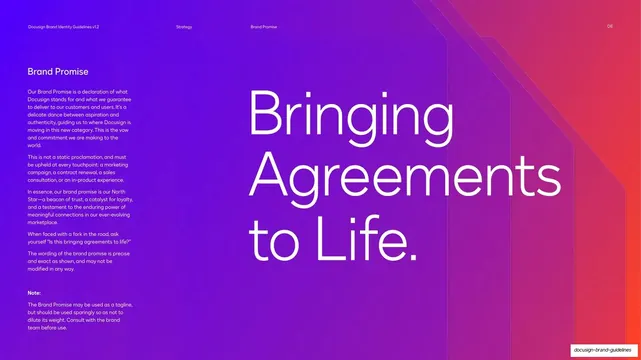
Useful for identity systems with a signature geometric crop, and for hero or campaign layouts that need a branded image frame over color or photography. The poppy-to-violet gradient is a reusable Docusign-style backdrop. Mind the focal-point caveat: the clipped corner can amputate a subject if placement is careless.
From this deck: Docusign document-shape photo containers
View deck




















More like this






Keep what you find
A free account saves references to boards and can send you a weekly email of picks based on what you save.
To see every result, go Pro.