Preview image. Unlock full-res
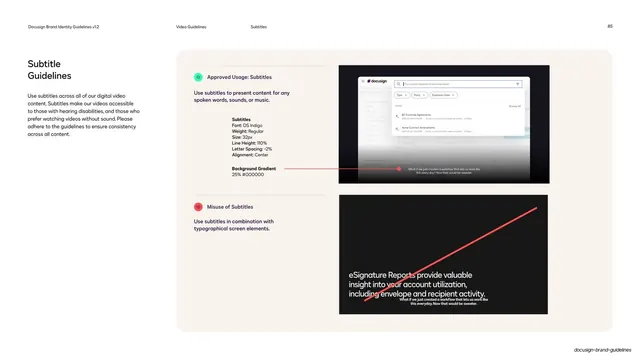
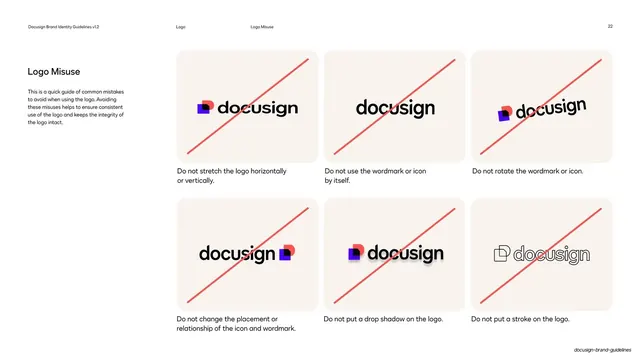
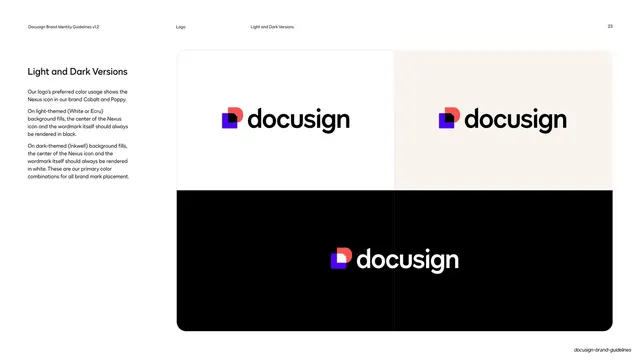
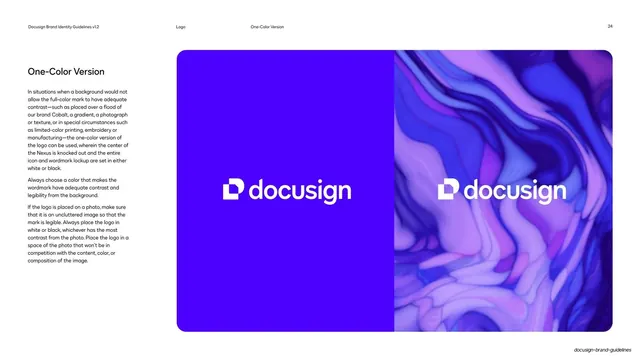
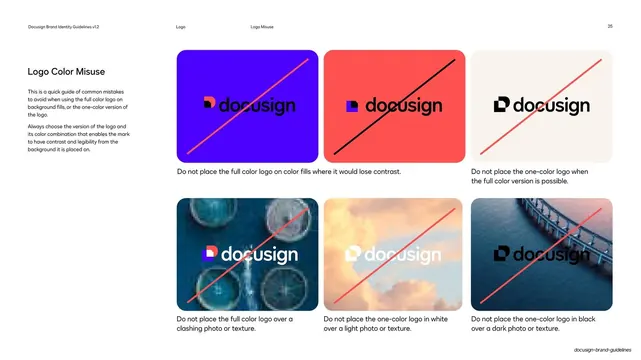
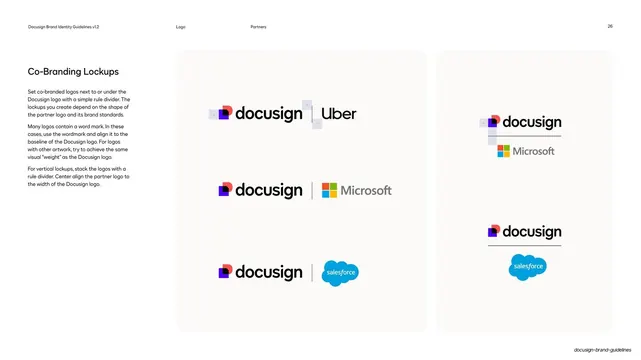
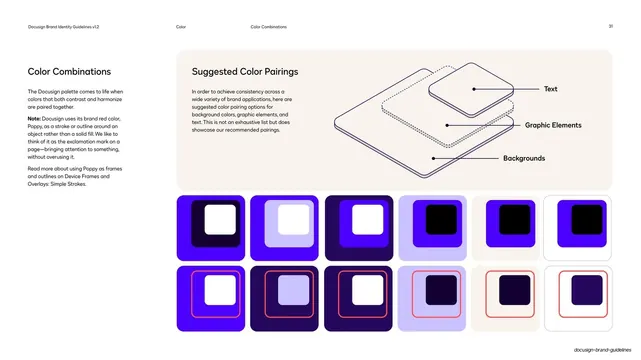
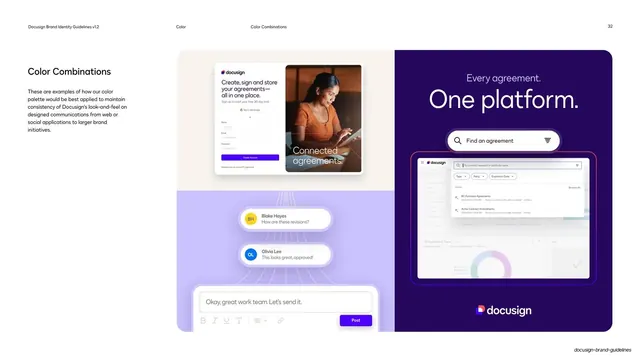
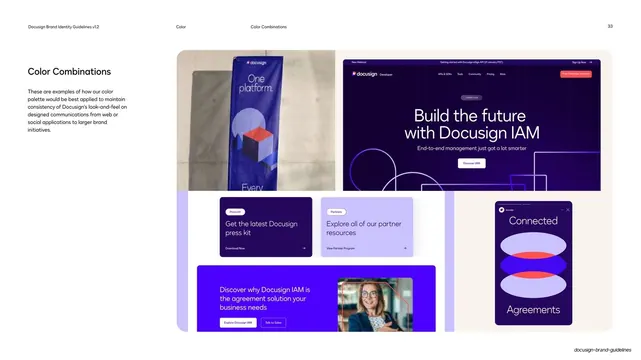
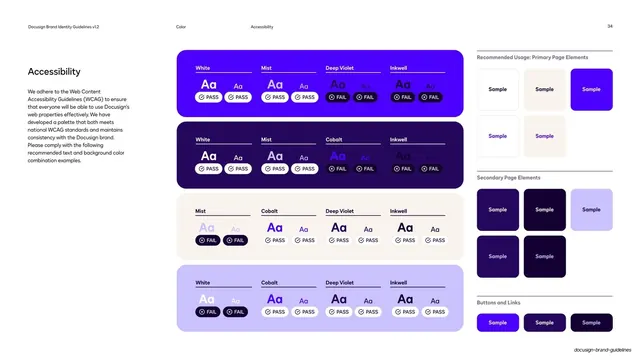
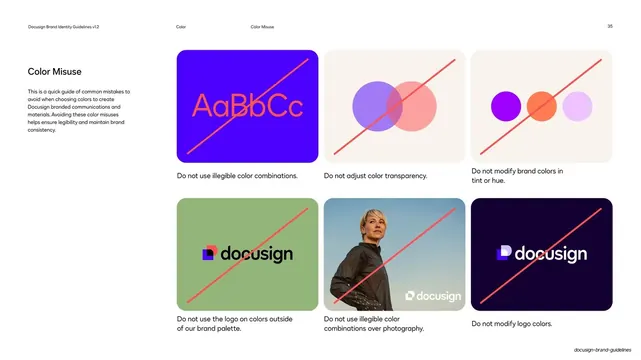
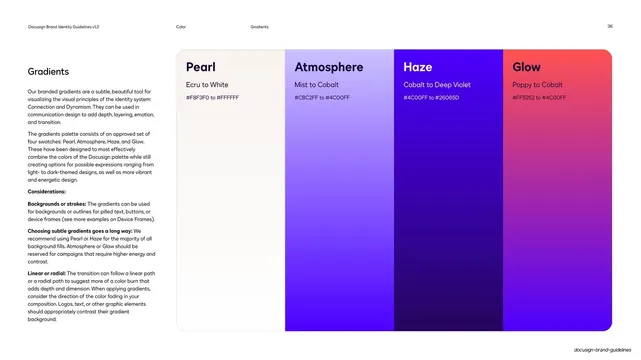
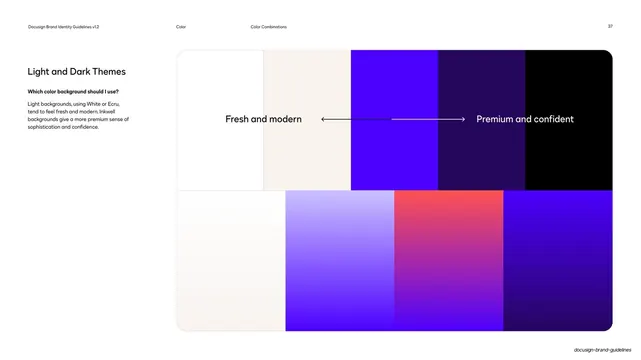
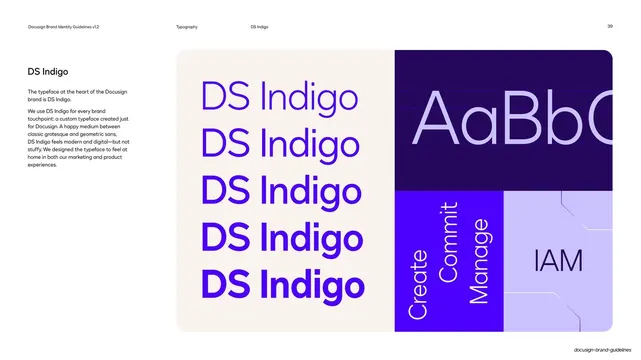
A subtitle spec contrasting an approved centered caption over a product video with a crossed-out misuse stacking subtitles over typographic screen text.
Summary
A subtitle spec: an approved example shows a centered caption with type specs over a product-UI video, and a misuse example below crosses out subtitles stacked on top of large on-screen typographic text.
Visual description
Standard hairline header (section "Video Guidelines", subsection "Subtitles", page 85). The left column holds a "Subtitle Guidelines" headline and copy on accessibility and silent viewing. The body is two stacked rows, each tagged with a small pill label and colored circular icon: a teal "Approved Usage: Subtitles" and a poppy "Misuse of Subtitles". Each row pairs spec text (Subtitles in DS Indigo Regular 32px, 110% line height, -2% tracking, centered, plus a 25% black background gradient) with an example frame on the right. The approved frame is a dark product video showing a Docusign search/contract UI with a centered caption. The misuse frame is a black still where a subtitle is overlaid on large on-screen typographic copy and struck through with a red diagonal line.
Key takeaway
Pairing the exact type spec with a live approved frame and a clearly crossed-out misuse on one page, so the rule and its violation sit side by side. Calling out the subtle 25% black background-gradient behind captions is a small accessibility detail worth copying.
Reuse notes
A reusable template for caption, subtitle, or on-screen-text specs in any video or accessibility guideline. The approved-versus-misuse split with spec callouts generalizes to most "how to set type on video" rules. The product-UI frame doubles as a screenshot reference for the platform.
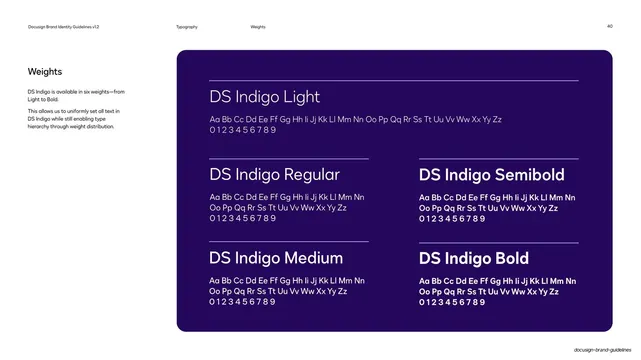
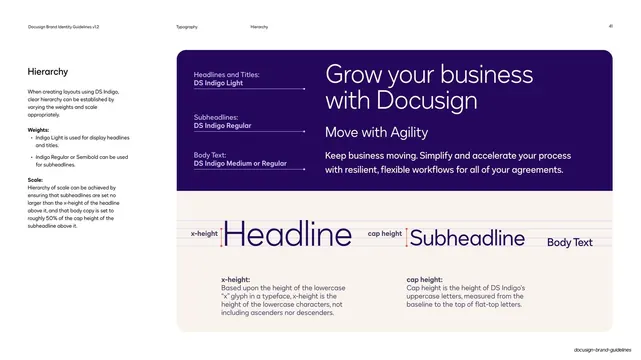
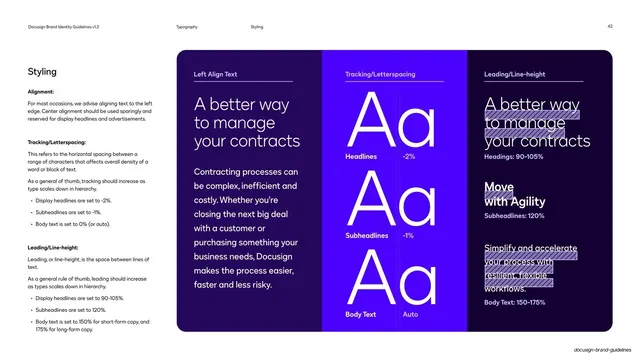
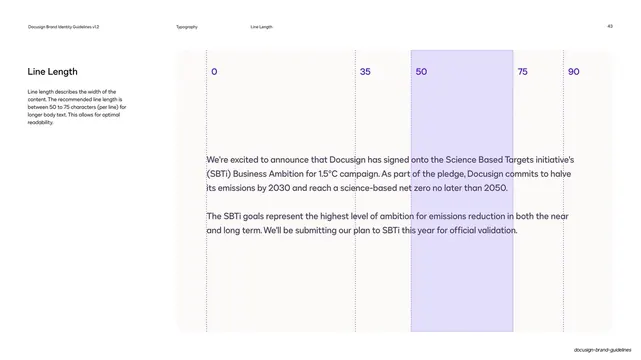
From this deck: Docusign subtitle guidelines do and don't
View deck






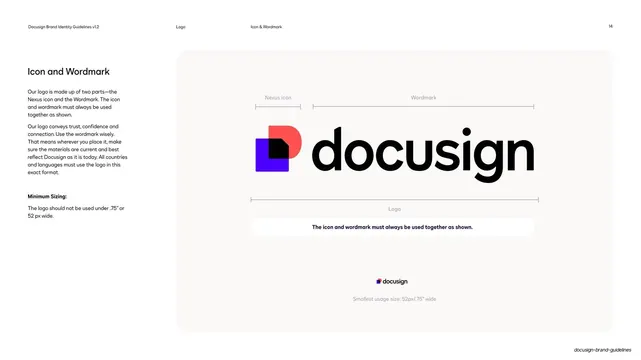
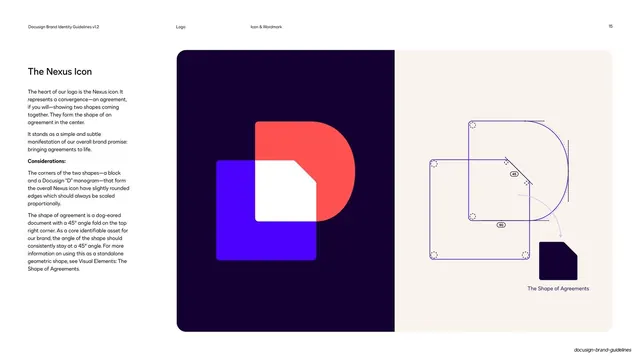
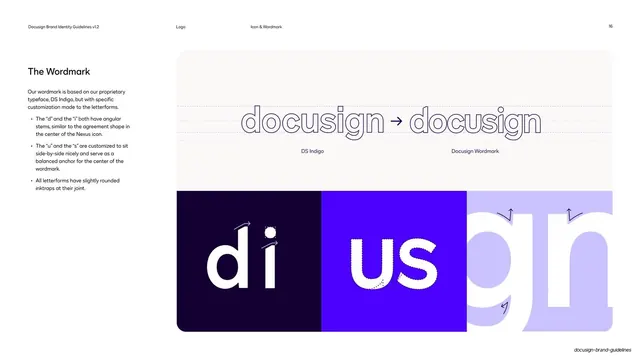
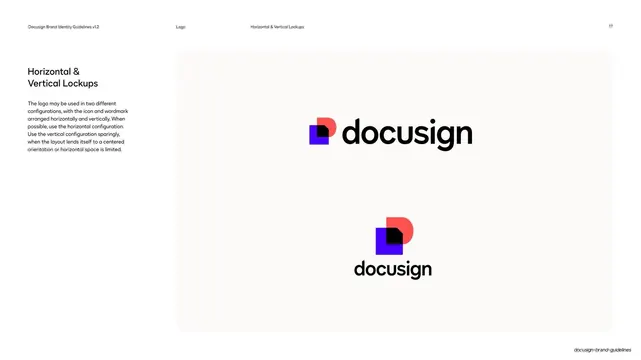
























More like this


Keep what you find
A free account saves references to boards and can send you a weekly email of picks based on what you save.
To see every result, go Pro.