Preview image. Unlock full-res
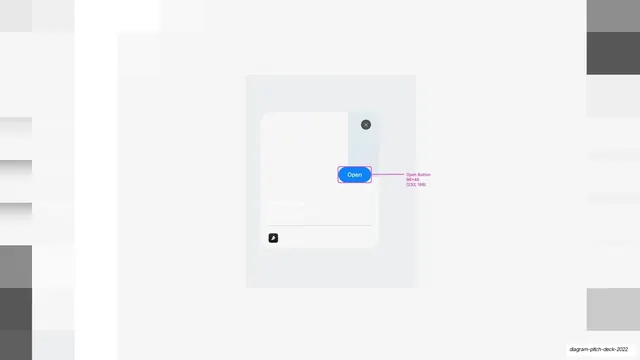
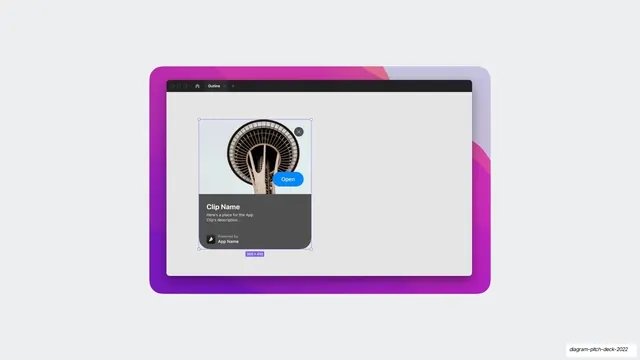
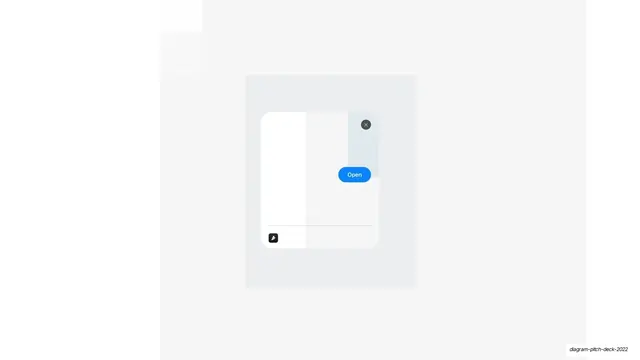
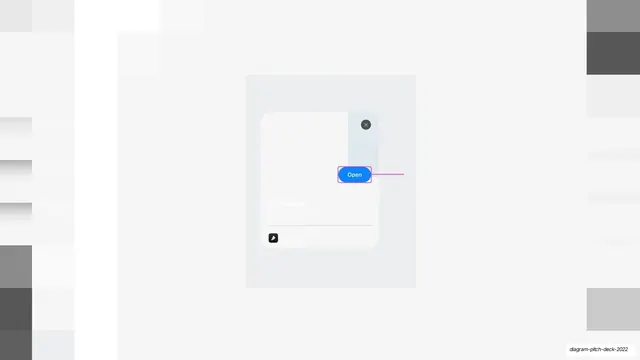
The same faded plugin clip modal, with the selected blue Open button now showing a pink prototype connector line trailing off to the right.
Summary
The final frame of the clip-modal sequence: the selected blue "Open" button now has a pink Figma prototype connector line running from its right edge out into empty space, indicating a wired interaction.
Visual description
The layout matches the two prior slides: a mostly white field with faint soft gray placeholder columns dimmed at the edges, a centered light gray panel, and a white modal card with the close (x) button, faded "Clip Name" label and meta lines, hairline rule, and small dark icon button. The blue (#2E8AF0) "Open" pill is again bracketed by a thin pink selection outline, and now a pink prototype connector line extends horizontally from the button's right edge toward the right side of the slide, the way Figma draws a prototype interaction link.
Key takeaway
Closing a three-slide reveal by drawing the prototype connector off the selected button shows, rather than tells, that the control is wired to an action. Surfacing the prototyping link itself communicates interactivity in a still image, where motion cannot.
Reuse notes
The payoff frame of a build sequence that began with the faded modal and the selected button; it relies on those preceding slides for sense. The visible Figma prototype line is meaningful only to an audience that knows the tool. Keep the base layout identical to its siblings so the added connector is the sole change.
From this deck: Plugin clip modal with prototype link
View deck