Preview image. Unlock full-res
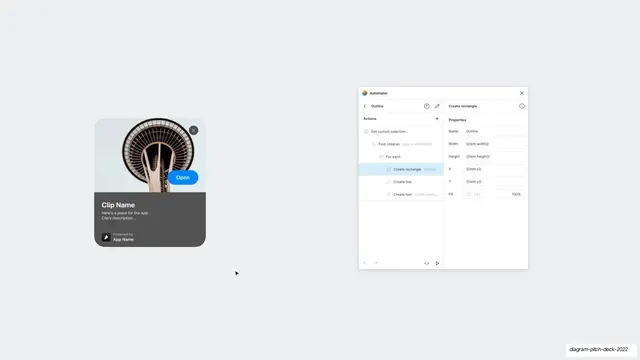
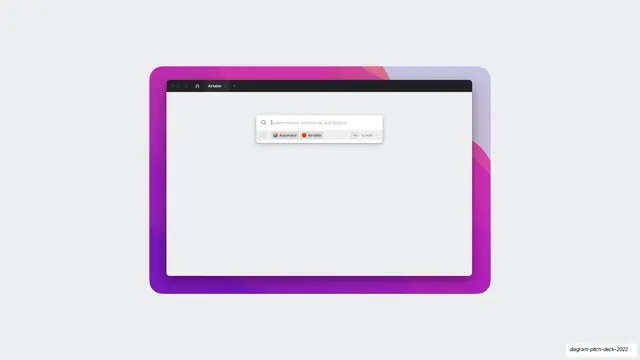
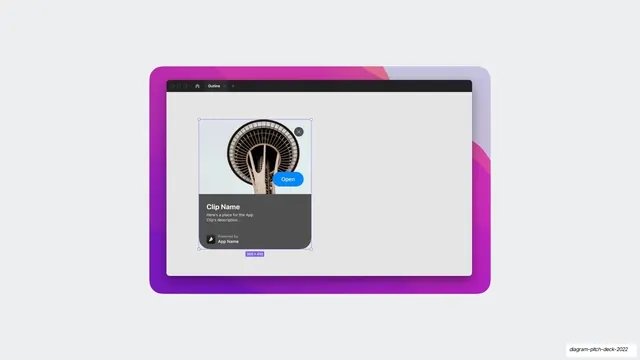
A browser-framed design canvas showing a finished App Clip card with a Space Needle photo, selected and sized 355x410.
Summary
The finished App Clip card shown live inside a dark-chrome browser window: a Space Needle photo up top, an "Open" button, a "Clip Name" block, selected with blue handles and a "355x410" size tag.
Visual description
A rounded browser-style window with a near-black title bar (traffic-light dots, a home icon, an "Outline" tab) sits centered on pale gray. Inside, on a light canvas, is a fully rendered App Clip card: an upward photograph of the Seattle Space Needle, a gray dismiss circle top-right, a blue "Open" pill overlapping the photo's lower edge, then a dark info block with "Clip Name", two lines of description, and a "Powered by App Name" chip. The card wears blue selection handles and a small lavender "355x410" dimension badge beneath it, signaling it is the active object in a design tool.
Key takeaway
Presenting the realized component inside a real editor frame, complete with selection handles and a size readout, closes the loop from spec to result. The single photograph gives an otherwise gray slide one point of color and warmth.
Reuse notes
Use as the "here it is, built" beat after spec or process slides in a design-tooling or product pitch. The browser/editor chrome instantly signals "inside the tool". Needs a genuinely good hero photo to carry the card; swap the Space Needle for any strong image.
From this deck: App Clip card live in browser canvas
View deck