Preview image. Unlock full-res
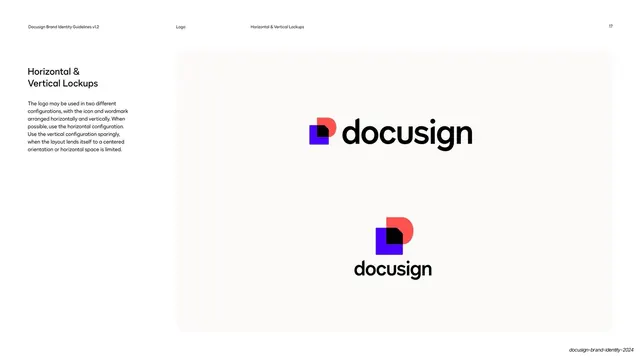
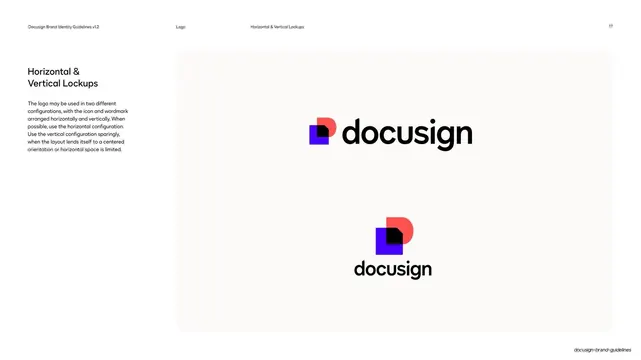
Logo lockup page showing the Nexus icon plus wordmark in horizontal and vertical configurations on a single off-white panel.
Summary
The two approved logo configurations side by side: a horizontal lockup with the Nexus icon left of the wordmark, and a vertical lockup with the icon stacked above it.
Visual description
Standard page chrome with the running header ("Logo" / "Horizontal & Vertical Lockups", page "17"). The left column heading "Horizontal & Vertical Lockups" sits over a short paragraph favoring the horizontal version. The right two-thirds is one large rounded off-white panel holding two examples: upper, the horizontal lockup with the colorful Nexus icon (overlapping cobalt square, poppy/coral semicircle, black corner) followed by the black "docusign" wordmark; lower and centered, the vertical lockup with the same icon above the wordmark. Generous empty space surrounds both marks.
Key takeaway
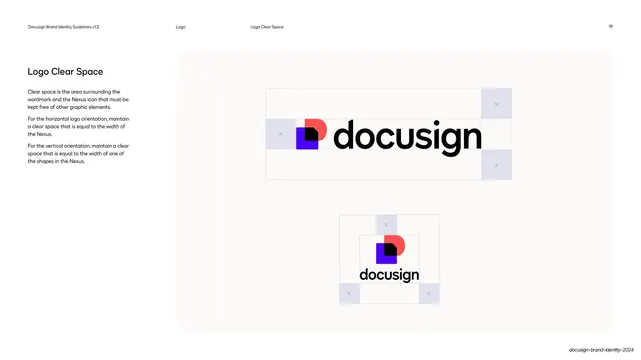
Showing both lockups on one calm panel, sized so the horizontal version reads as primary and the vertical as secondary, communicates hierarchy without any extra labeling. The roomy negative space models the clear space rule it precedes.
Reuse notes
A clean, reusable layout for the lockup page of any identity system that ships more than one logo orientation. Works best when the icon is distinctive enough to anchor both arrangements.
From this deck: DocuSign horizontal and vertical lockups
View deck
More like this



Keep what you find
A free account saves references to boards and can send you a weekly email of picks based on what you save.
To see every result, go Pro.