Preview image. Unlock full-res
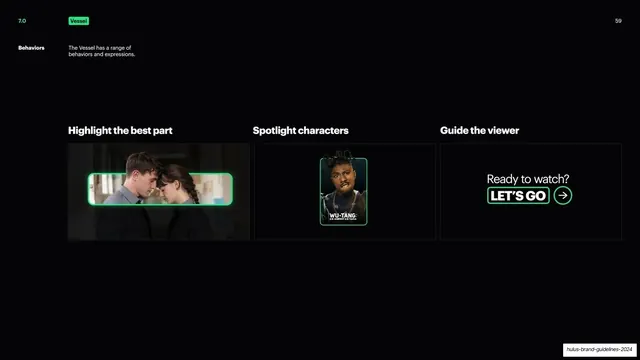
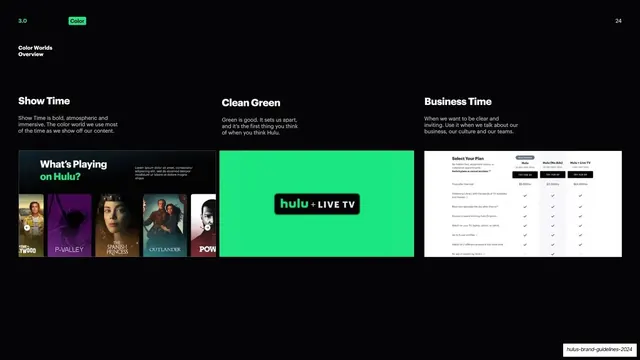
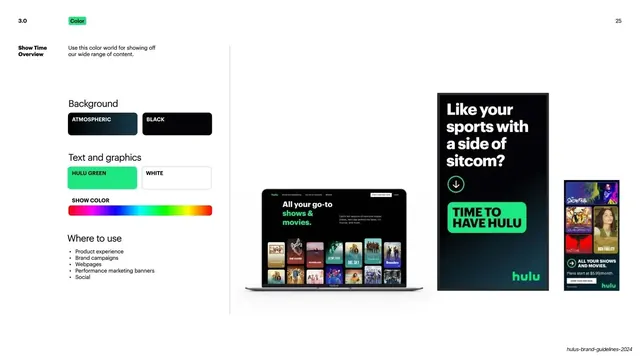
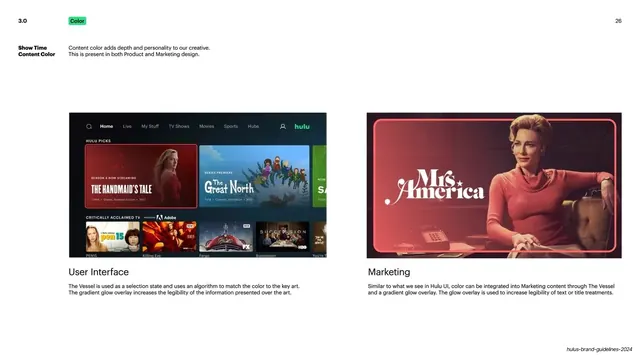
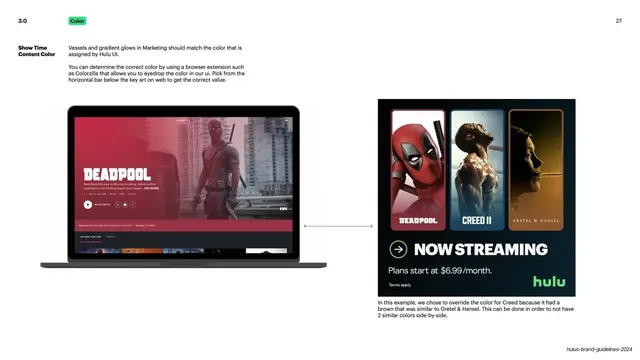
Three more demo cards showing The Vessel highlighting a scene, spotlighting a character, and guiding the viewer to act.
Summary
The second behaviors page, with three more usage cards: highlighting the best part of a scene, spotlighting a character, and guiding the viewer with a call to action.
Visual description
Same dark layout and green "7.0" / "Vessel" header as the previous slide, white "59" top-right, identical "Behaviors" sidebar label and caption. Three columns under white headlines "Highlight the best part", "Spotlight characters", "Guide the viewer". Card one frames a two-person scene still inside a green-outlined horizontal Vessel against a dark photo. Card two frames a single character portrait (a Wu-Tang character) in a green-outlined vertical Vessel. Card three pairs the white line "Ready to watch?" with a green-outlined "LET'S GO" block and a circular green arrow button.
Key takeaway
Continuing one behavior grid across two slides keeps a long usage section consistent. The recurring green Vessel outline plus a verb headline turns each example into a repeatable recipe rather than a one-off mock.
Reuse notes
Pairs directly with slide 58 as the second half of a behaviors spread. The character-spotlight and CTA variants are reusable for any device that frames imagery or buttons. Relies on strong photography and a real call-to-action label.
From this deck: Vessel behaviors, set two
View deck

More like this
Keep what you find
A free account saves references to boards and can send you a weekly email of picks based on what you save.
To see every result, go Pro.