Preview image. Unlock full-res
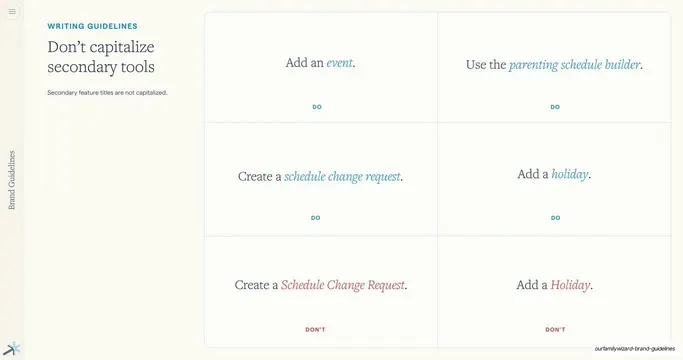
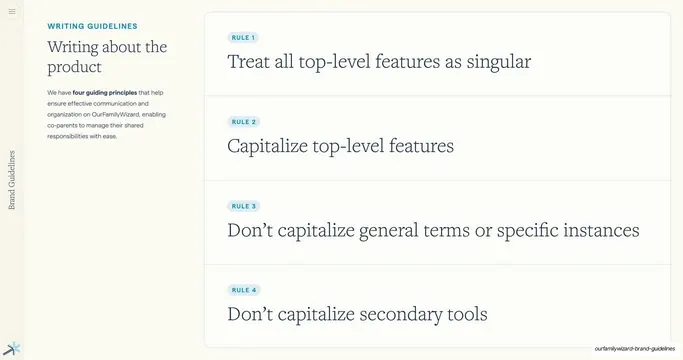
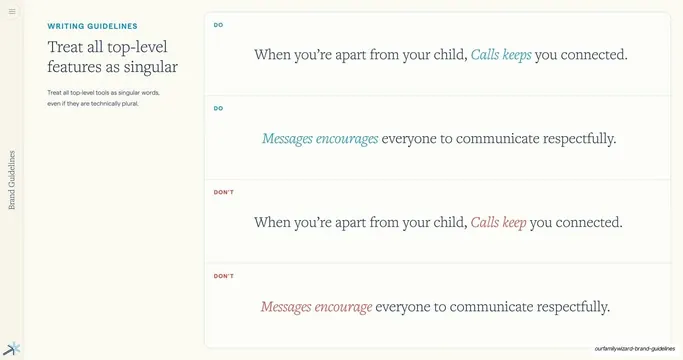
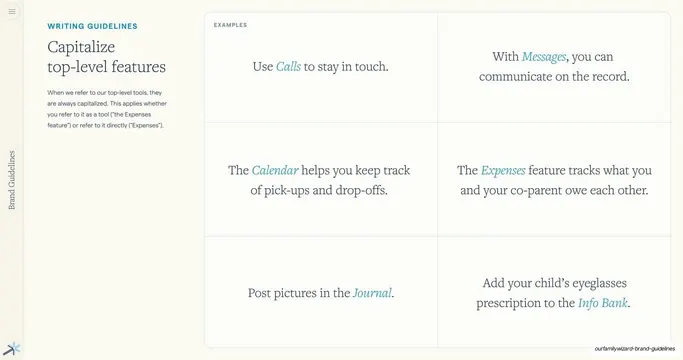
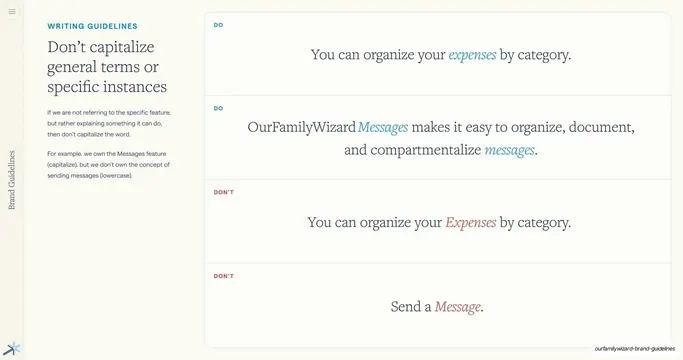
Capitalization-rule slide with a short heading at left and a 2-by-3 grid of serif example sentences, each tagged DO or DON'T and highlighting a lowercase or capitalized secondary tool name.
Summary
A capitalization-rule slide for secondary tools: a brief rule on the left and a 2-by-3 grid of serif example sentences on the right, each carrying a teal DO or red DON'T tag and a lowercase or capitalized tool name in italic.
Visual description
Cream background. The left column has a teal "WRITING GUIDELINES" eyebrow, a two-line navy serif heading ("Don't capitalize secondary tools"), and one short gray sans rule. The right two-thirds is a bordered panel split into a two-column, three-row grid by hairline rules; each cell centers a navy serif sentence with the tool name italicized, the top two rows shown correct in teal with a small "DO" label ("Add an event," "Use the parenting schedule builder," "Create a schedule change request," "Add a holiday") and the bottom row shown wrong in red with a "DON'T" label ("Create a Schedule Change Request," "Add a Holiday"). The vertical "Brand Guidelines" label and blue Spark symbol sit at the left edge and bottom-left.
Key takeaway
Mixing the examples-grid format with per-cell DO/DON'T tags lets one slide both demonstrate the rule repeatedly and flag the failure mode, without splitting into two slides. Bottom-row reds against top-row teals read instantly as "do these, not these."
Reuse notes
A flexible hybrid of the examples-grid and do/don't patterns; reach for it when a rule has several correct cases plus a couple of common mistakes. Keep the correct cases grouped and the wrong cases grouped so the color blocks stay legible.
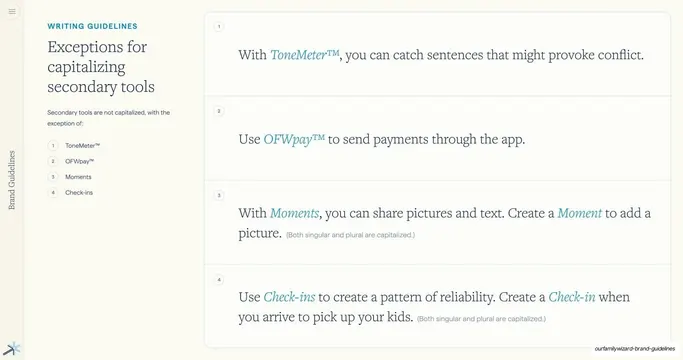
From this deck: Don't capitalize secondary tools example grid
View deck



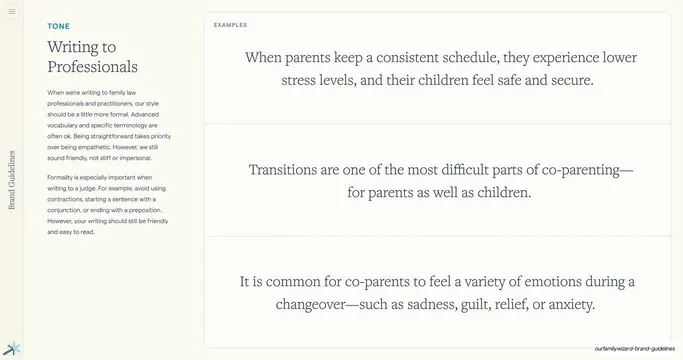
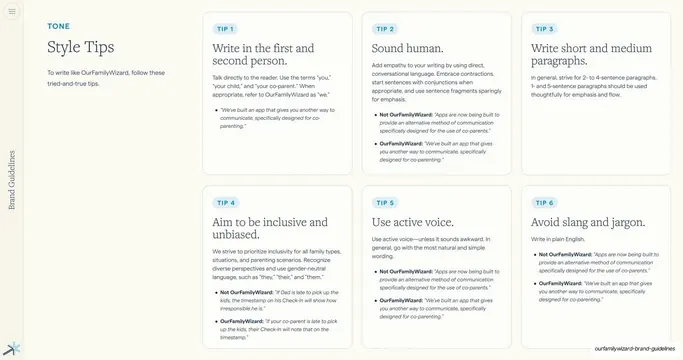
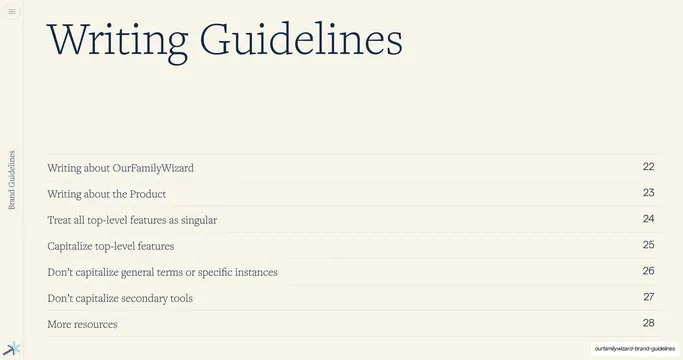
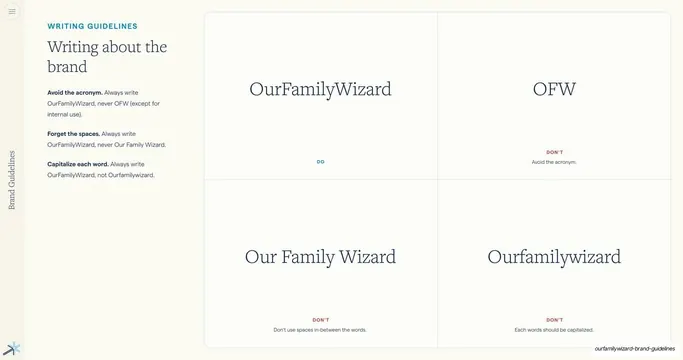

More like this





Keep what you find
A free account saves references to boards and can send you a weekly email of picks based on what you save.
To see every result, go Pro.