Preview image. Unlock full-res
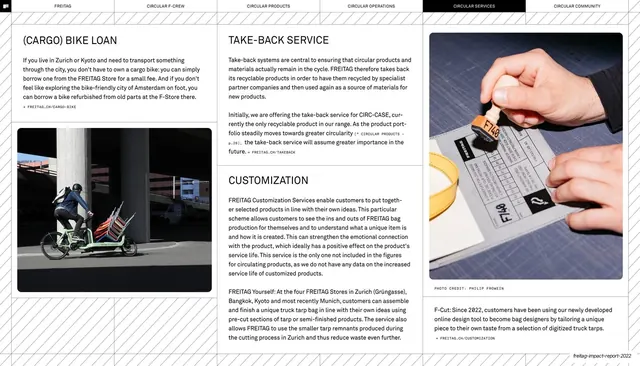
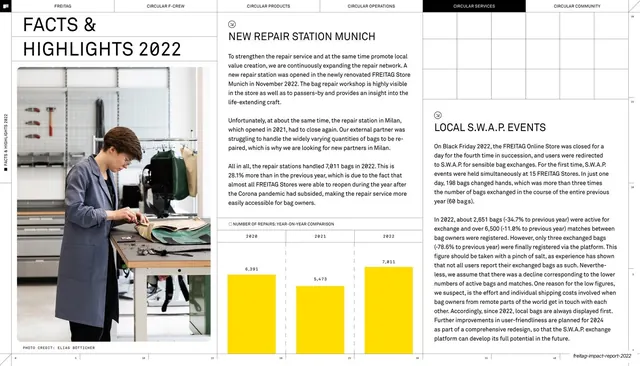
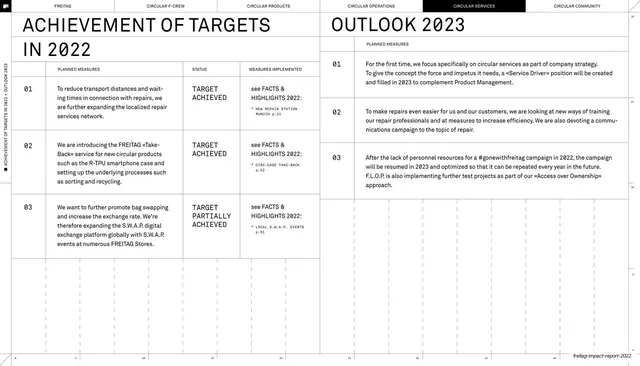
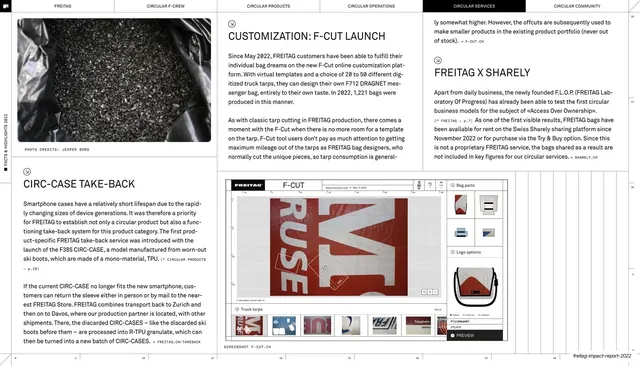
Multi-column spread on the F-Cut customization launch and CIRC-CASE take-back, with a dark product photo and a UI screenshot of the online design tool.
Summary
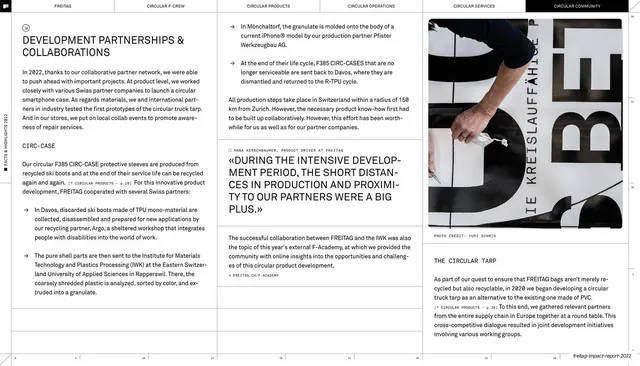
A spread on the F-Cut customization launch and CIRC-CASE take-back: a dark close-up product photo upper-left, several text columns explaining the programs, and a screenshot of the F-Cut online design tool lower-centre.
Visual description
The six-tab header runs across the top with CIRCULAR SERVICES inverted. The upper-left holds a dark, low-key product photograph with a caption. Multiple icon-marked text blocks fill the page: "CUSTOMIZATION: F-CUT LAUNCH" and "FREITAG X SHARELY" on the right, "CIRC-CASE TAKE-BACK" lower-left, all justified body text with monospace references. Lower-centre sits a screenshot of the F-Cut web app, a configurator interface showing a tarp print with cut guides, a left tool sidebar and a right options panel, captioned as a product screenshot. Hairline rules divide the columns and a faint ruler runs along the bottom; deck-slug footer bottom-right.
Key takeaway
Dropping a real product-tool screenshot directly into the report to make a digital service tangible, framed and captioned like any other figure. The mix of a moody product photo and a clean UI capture shows both the object and the experience of customizing it.
Reuse notes
Useful when a report or case study needs to demonstrate a software feature or configurator, not just describe it. Keep the screenshot legible and clearly framed so it reads as a deliberate figure. The dense multi-block text layout suits feature-launch recaps with several sub-topics.
From this deck: F-Cut customization launch screenshot spread
View deck