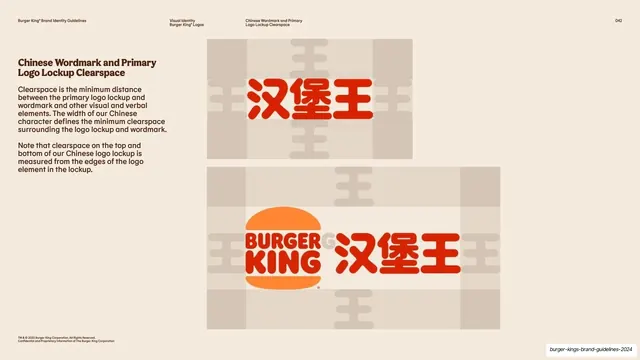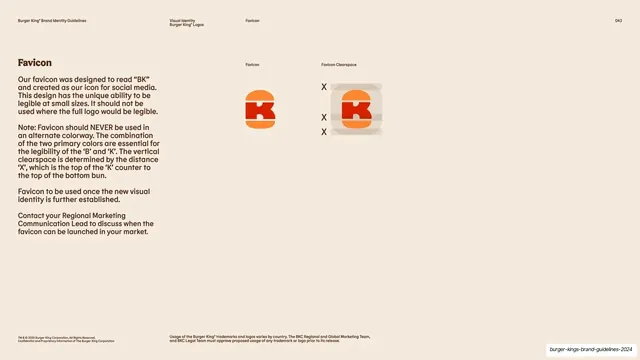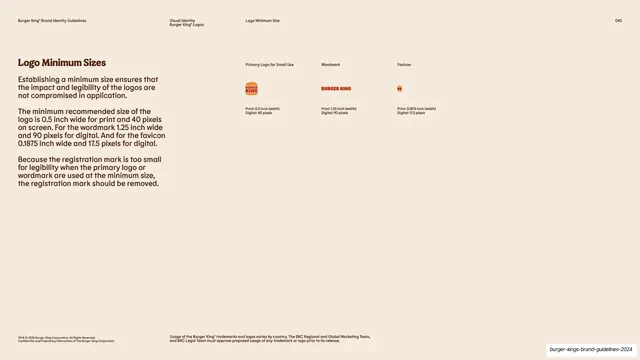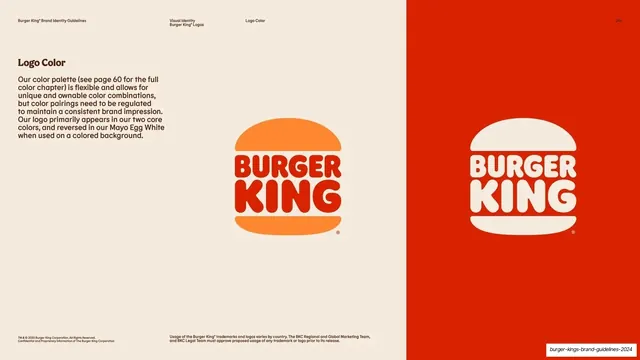
Preview image. Unlock full-res
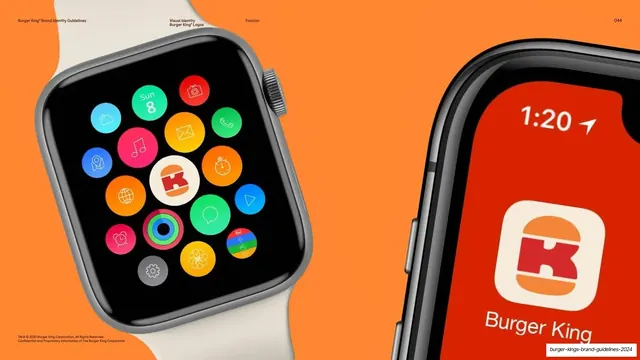
Full-bleed orange slide showing the BK favicon in context, as a watch app icon among others and as a phone app icon on a red splash screen.
Summary
A device-mockup slide that drops the BK favicon into real product surfaces: a smartwatch home screen full of colorful app circles and a phone app icon on a red Burger King splash screen.
Visual description
Saturated flaming-orange full bleed with only the faint running header at the top. On the left, a silver smartwatch with a cream band shows a grid of round app icons (weather, camera, mail, music, maps, etc.) with the white-bubble BK favicon sitting at the center. On the right, a cropped close-up of a phone shows the rounded-square Burger King app icon, the red-and-orange burger mark on a white tile, against a red lock screen reading "1:20" with the "Burger King" wordmark below.
Key takeaway
Proving a small mark works by showing it living among the platform's native icons, not in isolation. The single bright background color ties two different device mockups into one cohesive frame.
Reuse notes
A strong way to validate an app icon or favicon in a brand book: show it on the actual OS surfaces it will appear on. The full-bleed brand-color treatment works for any "in the wild" mockup slide. Needs convincing device renders to land.
From this deck: Favicon in smartwatch and app mockups
View deck