Preview image. Unlock full-res
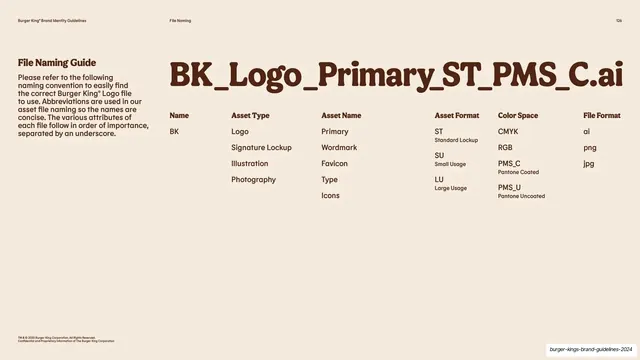
Cream slide breaking a sample asset filename into labeled columns of naming-convention components beneath an oversized example string.
Summary
A file-naming reference: an oversized sample filename headlines the slide, then breaks down into a multi-column key explaining each underscore-separated component.
Visual description
Warm cream background. The running header reads "Burger King Brand Identity Guidelines" left, "File Naming" center, "126" right. The left column carries a bold "File Naming Guide" heading and a brown paragraph explaining that abbreviations follow in order of importance, separated by underscores. The right two-thirds leads with the oversized example "BK_Logo_Primary_ST_PMS_C.ai" in the rounded display face, then a row of labeled columns underneath: "Name" (BK), "Asset Type" (Logo, Signature Lockup, Illustration, Photography), "Asset Name" (Primary, Wordmark, Favicon, Type, Icons), "Asset Format" (ST, SU, LU with definitions), "Color Space" (CMYK, RGB, PMS_C, PMS_U), and "File Format" (ai, png, jpg). A copyright line sits bottom left.
Key takeaway
Headlining the actual sample filename at display scale, then decoding it column by column directly below, so the abstract naming system is anchored to one concrete example. Each underscore segment maps to its own labeled list of allowed values.
Reuse notes
A clean, directly reusable pattern for documenting any structured naming convention or coded string (file names, SKUs, asset IDs). Show the real example big, then key out each part. Works whenever a system has a fixed set of slot values worth enumerating.
From this deck: File Naming Guide convention breakdown
View deck













































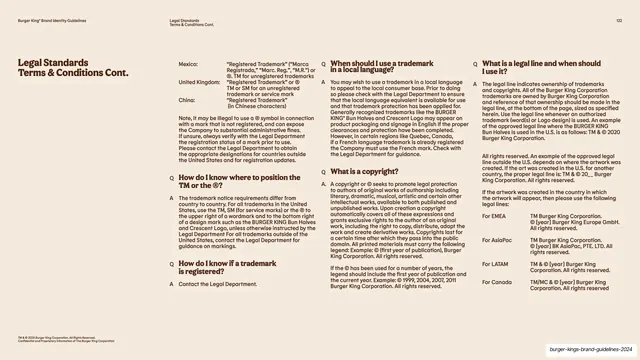

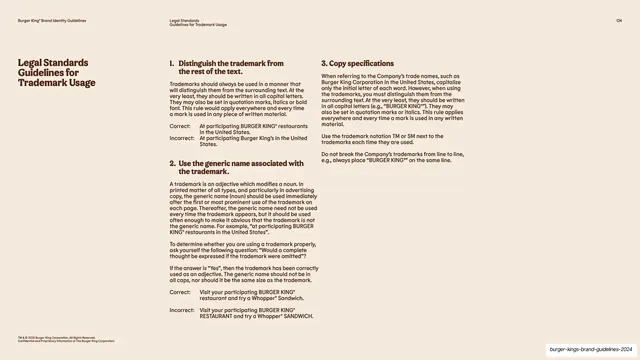




More like this

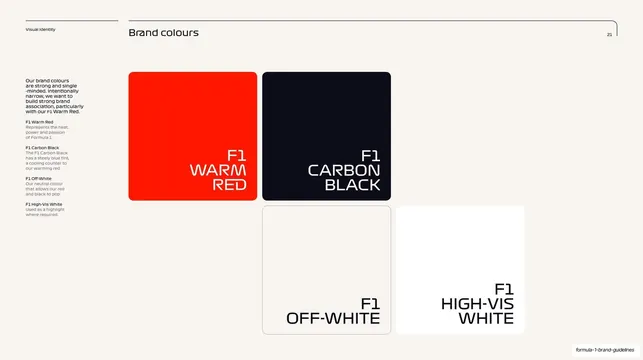
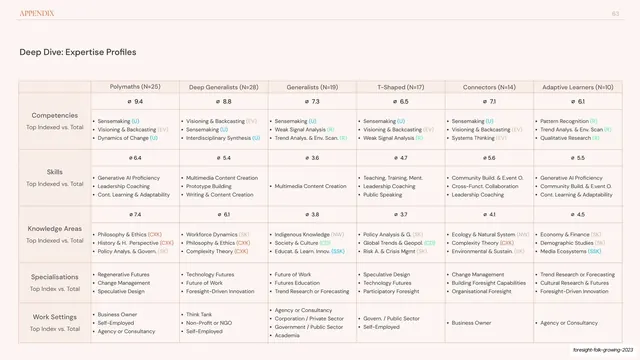




Keep what you find
A free account saves references to boards and can send you a weekly email of picks based on what you save.
To see every result, go Pro.