Preview image. Unlock full-res
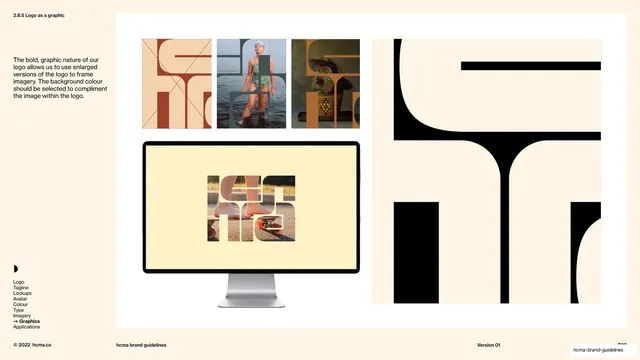
A graphics page showing the enlarged logo used as a mask to frame photography, with small example tiles, a monitor mockup and a giant cropped logo detail.
Summary
A graphics page demonstrating the enlarged logo used as a window onto imagery, with small tiled examples, a desktop-monitor mockup and a large cropped logo detail.
Visual description
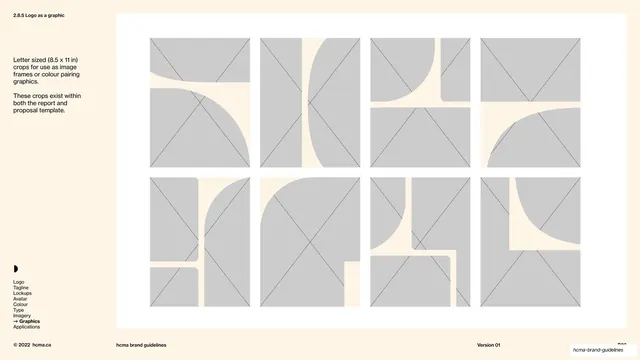
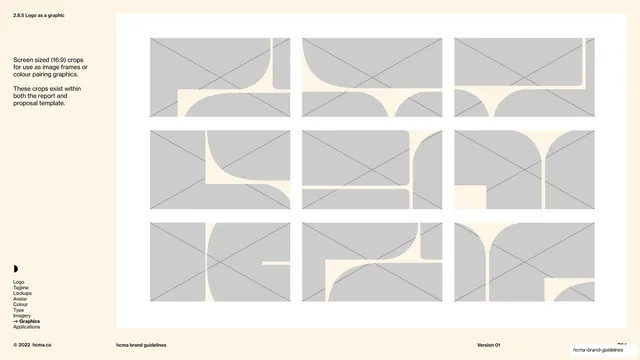
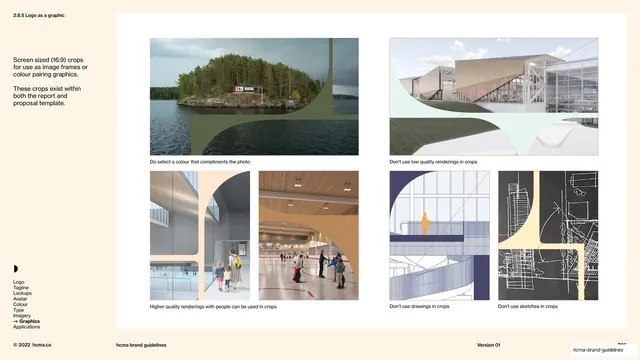
Warm cream background, section number "2.8.5 Logo as a graphic" top-left on a hairline rule. A short left text column explains that the bold graphic nature of the logo lets it be enlarged to frame imagery, with the background colour chosen to complement the masked photo. The right side shows a row of three small square tiles where the logo's counters reveal a terracotta texture, a swimmer at the shore and a woven basket; below, a large flat-panel monitor mockup displays the logo masking a skateboarding photo on a pale-yellow ground; at the far right a giant black cropped detail of the logo's strokes bleeds off the panel. The persistent left-rail section index (Graphics in bold with an arrow) and the standard footer sit on hairline rules.
Key takeaway
Using the logo's own counters and strokes as a photo mask so the mark itself becomes a framing device, with a complementary flat background colour completing the composition. Showing it both small (tiles) and at device scale (monitor) proves the technique survives across contexts.
Reuse notes
A high-impact treatment for brands with a bold, chunky logo that has enough enclosed space to hold imagery. Strongest for hero banners, screens and posters. Requires a logo with generous counters; a thin or delicate mark will not read when filled with a photo.
From this deck: Logo as a graphic framing imagery
View deck










More like this



Keep what you find
A free account saves references to boards and can send you a weekly email of picks based on what you save.
To see every result, go Pro.