Preview image. Unlock full-res
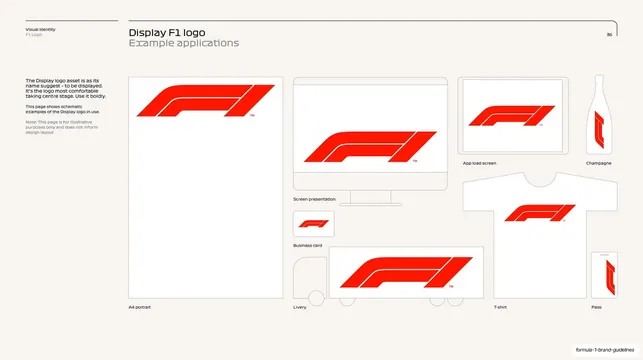
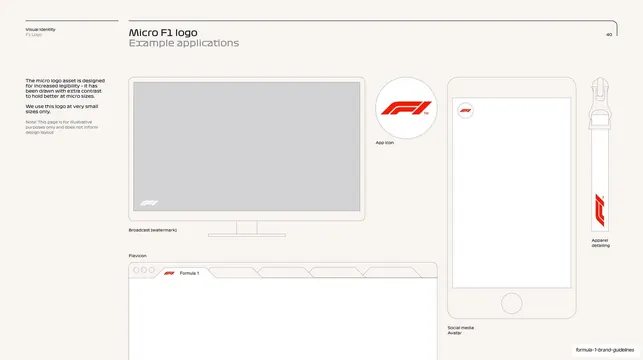
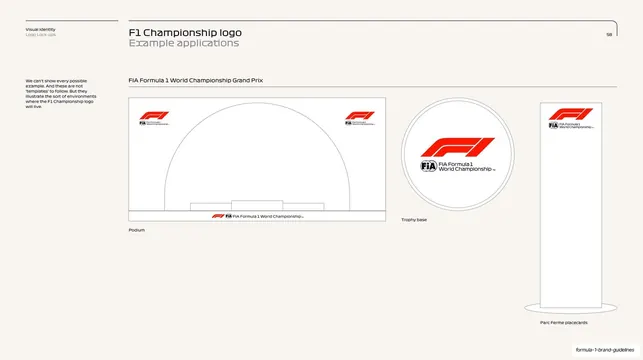
Schematic application examples on cream showing the Display logo taking centre stage across A4, screen, app load, champagne, business card, livery, T-shirt and pass mockups.
Summary
Schematic application examples for the Display logo: outline mockups (A4, screen, app load screen, champagne bottle, business card, livery, T-shirt, pass) all showing the red mark taking centre stage.
Visual description
Cream (#F7F3EC) page with the running header ("Visual Identity, F1 Logo", "Display F1 logo / Example applications", page 36). The left column notes the Display logo is "most comfortable taking centre stage. Use it boldly." The right area holds a loose grid of thin-outline object mockups, each carrying the red F1 mark large and central: a tall "A4 portrait" sheet, a "Screen presentation" monitor, an "App load screen" tablet, a "Champagne" bottle, a small "Business card", a "Livery" truck side, a "T-shirt", and a vertical "Pass". The mockups are line-drawn outlines (no greeked text bars), so the logo is the only filled element.
Key takeaway
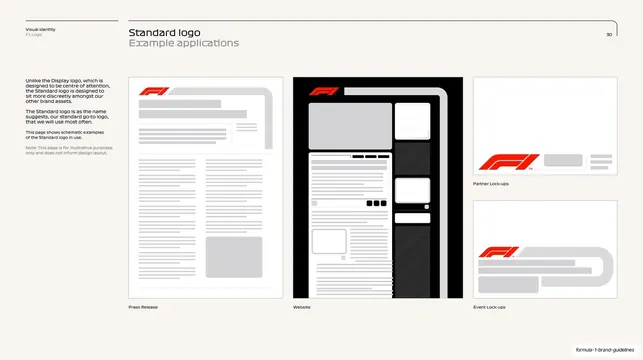
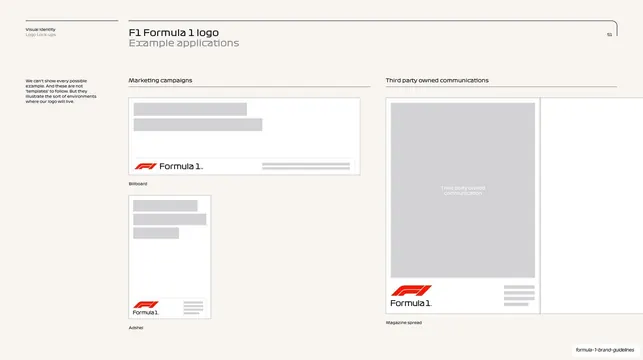
Contrasting with the Standard logo's discreet applications by showing the Display mark big and centred on every object, reinforcing the two cuts' opposite jobs. Line-outline mockups keep the focus entirely on logo placement and scale.
Reuse notes
A good "hero applications" page for a display logo variant. Outline mockups across varied media (print, screen, merch, object) communicate breadth without faking real designs. Pairs directly with the Standard logo's quieter applications page.
From this deck: Display logo example applications
View deck

More like this
Keep what you find
A free account saves references to boards and can send you a weekly email of picks based on what you save.
To see every result, go Pro.