Preview image. Unlock full-res
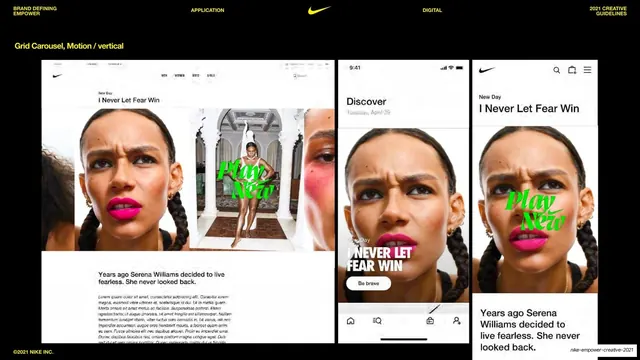
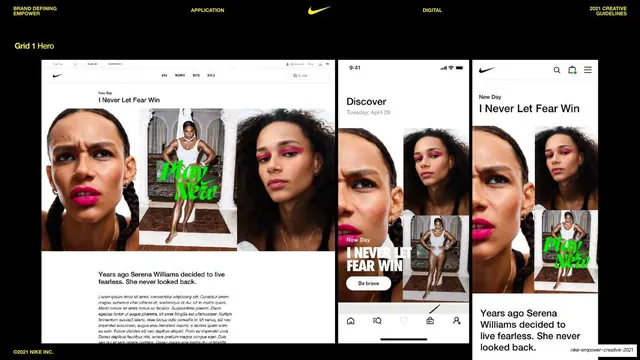
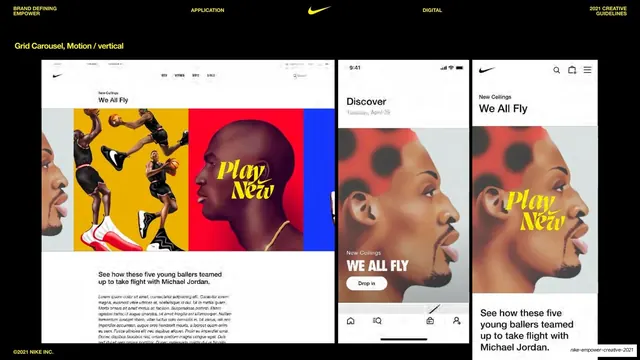
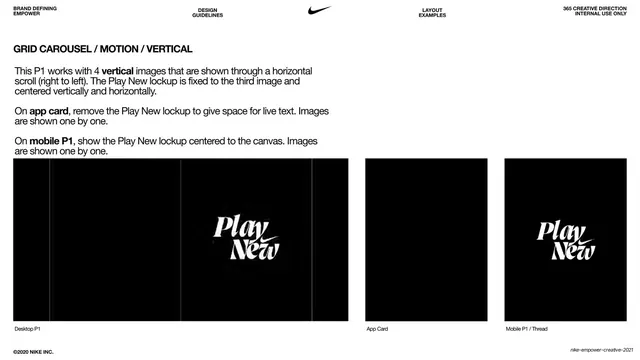
Black slide showing the vertical grid carousel across desktop and two mobile mocks, with the Serena grid imagery and a yellow vertical sub-label.
Summary
The vertical grid carousel example, showing how the multi-image grid scrolls as a carousel, demonstrated across a desktop layout and two phone screens with the Serena "I Never Let Fear Win" imagery.
Visual description
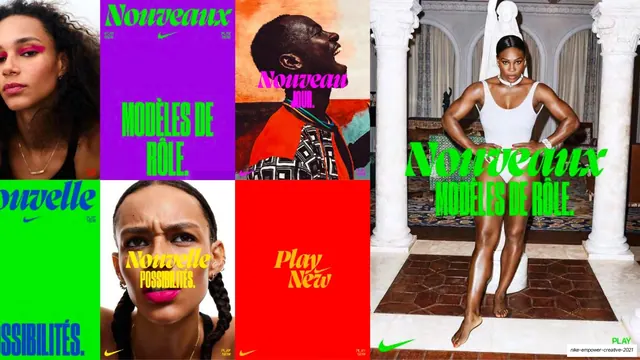
Black background, yellow "Grid Carousel, Motion / vertical" label top-left. Three device mockups in a row. The desktop mock reprises the Serena grid hero (two beauty portraits flanking a full-length figure with a green "Play New" script), with cropped peeks of adjacent cells at the edges implying the carousel slides; eyebrow "New Day / I Never Let Fear Win" and a body paragraph. The first phone shows a "Discover" card with a tight portrait, "I NEVER LET FEAR WIN" and a "Be brave" pill; the second a Nike-app article with the portrait, the green Play New lockup and copy. The partial framing of side cells is the visible cue that this is a moving carousel. Standard utility header along the top. "©2021 NIKE INC." bottom-left.
Key takeaway
Signaling motion in a still spec by letting neighboring grid cells bleed in at the frame edges, so the reader reads "this scrolls" without animation. It documents carousel behavior using the same imagery as the static grid page for an easy before/after comparison.
Reuse notes
Use to document a scrolling or swipeable grid in a static deck. The edge-peek trick is the reusable idea for implying horizontal or vertical motion on paper. Keep the source imagery identical to the static grid example so only the behavior reads as new.
From this deck: Vertical grid carousel, motion behavior
View deck

























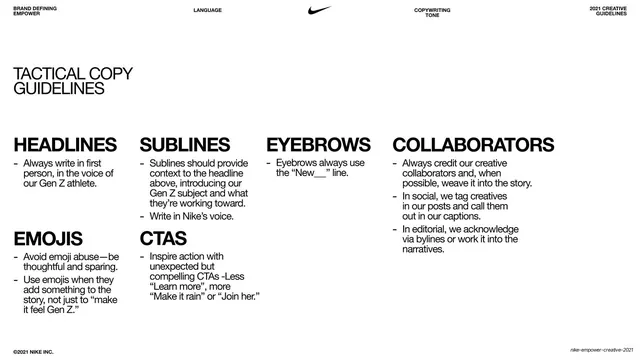
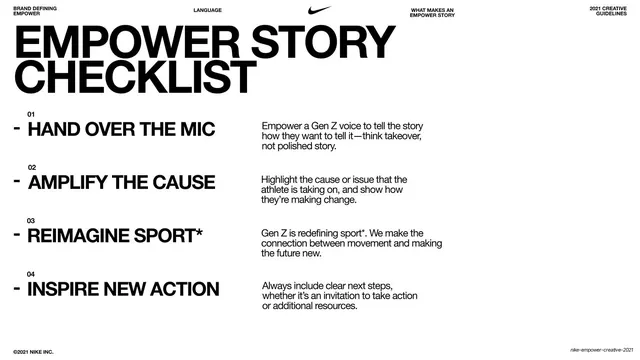
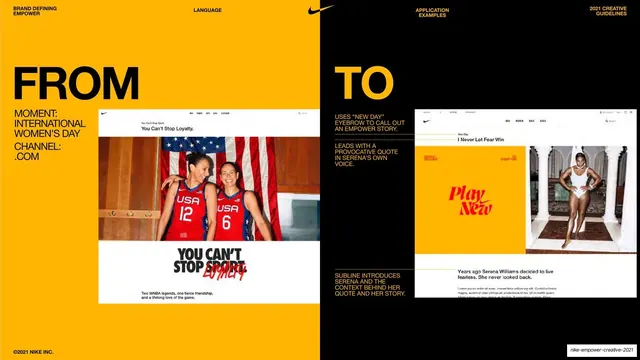














More like this







Keep what you find
A free account saves references to boards and can send you a weekly email of picks based on what you save.
To see every result, go Pro.